
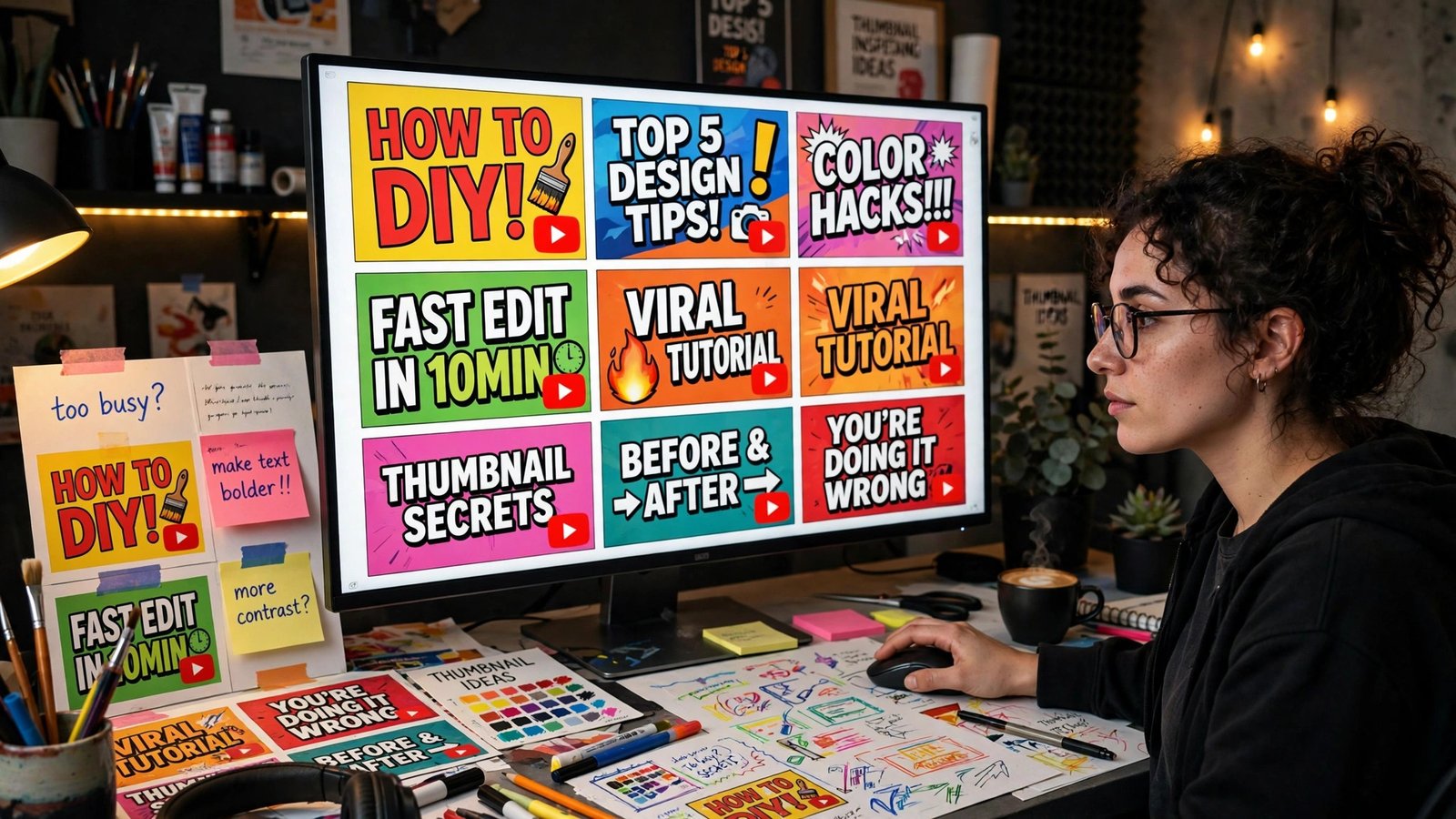
If you’re still making YouTube thumbnails by screenshotting a video frame and slapping text on it, you’re leaving views on the table. The best AI thumbnail makers for YouTube in 2026 can generate four pro-looking variations in about a minute — and we now have hard data on which design choices actually earn clicks. Here’s the short answer: Thumbmagic is the best value for creators who publish often, vidIQ is the smartest pick if you want YouTube-specific analytics baked in, Rangy is the fastest one-click polish tool at around twenty cents a generation, and AIThumbnail.so has a $49 lifetime deal that’s hard to ignore. But tools are only half the story.
What a September 2026 study of 11,223 thumbnails actually found
In September 2026, Thumbnail Bench published one of the largest thumbnail analyses ever: 11,223 long-form thumbnails from 1,043 channels across 11 niches, all with 100,000+ subscribers. The findings bust most thumbnail myths, and they’re worth internalizing before you pick any tool.
First, the shocked face is a myth. Only 11% of faces in the study were shocked. Calm faces (35% neutral, 32% happy) dominated. Second, less text wins at scale: the median thumbnail had just 4 words, 23% had no words at all, and channels over 2 million subscribers went text-free on 32% of thumbnails — nearly double the rate of smaller channels. Third, 36% of text thumbnails wasted their words repeating the title. If your title already says it, your thumbnail shouldn’t.
The single strongest signal? A face appeared more often on each channel’s best-performing thumbnail than on its others — by a small but real margin. The takeaway: use faces, keep text to a handful of words, and don’t repeat your title. Every tool below can do that, but how you brief it matters more than which one you buy.
The best AI thumbnail makers for YouTube in 2026
Thumbmagic — best for creators who publish 3+ times a week
Thumbmagic is purpose-built for YouTube volume. You feed it your video (or a description of it), and it generates multiple thumbnail variations in gaming, educational, vlog, and other niche styles. It detects and enhances faces, optimizes text overlays for your niche, and even integrates with YouTube analytics for A/B testing.
Pricing in 2026: $17/month for 100 thumbnails, or a Pro plan at $35/month for 500 generations with faster processing. The free tier gives you only 3 thumbnails a month — that’s basically a demo. If you’re uploading 3–5 videos a week, the $35 plan works out to roughly 30 cents a thumbnail, which is cheaper than any designer on the internet.
vidIQ — best for creators who want analytics + generation in one place
vidIQ is a YouTube-native tool, so its AI thumbnail maker starts from your actual video instead of a blank prompt. Upload the video, paste a YouTube URL, or just describe what you want, and it builds the thumbnail around real frames. You can drop in your own face, preview how the design looks in YouTube’s search, mobile, and TV layouts, and export at the standard 1280×720.
Its free tier includes 150 AI credits a month — one of the most generous free plans in this category. The Max plan runs $39/month (billed annually) with 6,000 AI credits. If you already use vidIQ for keyword research or competitor tracking, the thumbnail generator being inside the same dashboard is genuinely convenient.
Rangy — best one-click polish for existing images
Rangy took a different approach with its 2.6 update: instead of generating from nothing, it takes a base image you upload, your title, and optional icon placement instructions — then produces four pro-grade thumbnails in about a minute. Creators love the title-emphasis highlighting, precise icon placement (left, right, top, middle, bottom), and lighting/particle effects that add depth. You can export to Photoshop with one click for fine-tuning.
Cost is roughly 20 cents per generation. There’s no big monthly commitment, which makes Rangy ideal if you publish occasionally but want every thumbnail to look expensive. If you’ve ever handed a designer $50 for a thumbnail, the economics here are obvious.
AIThumbnail.so — best lifetime deal
AIThumbnail.so offers a $49 lifetime deal for 1,000 credits with the GPT-4o image model, magic eraser, AI avatar, and face-swap features — no subscription clock ticking. Its monthly plans run $19/month for 160 credits and $29/month for 320. A free plan exists with 10 credits a month.
The lifetime option is the standout here. For a creator making one or two videos a week, 1,000 lifetime credits could cover years. The one catch: free-plan thumbnails may be reused for showcase purposes, so upgrade if you want them private.
Thumbnail.AI and Simplified — the specialists
Thumbnail.AI is built specifically around thumbnail creation: prompt-based generation, style choices, and the ability to use an existing YouTube thumbnail as a visual reference. Good when you want the AI to handle composition and you just approve. Simplified is a broader design tool with a thumbnail mode — AI text-to-thumbnail, 1,000+ templates, and a free plan, with Pro at $19/month. If you also need social posts and presentation graphics, Simplified covers more ground.
Dedicated tools vs. Canva and Adobe Express workflows
Here’s the honest tradeoff. Dedicated AI thumbnail makers (Thumbmagic, Rangy, AIThumbnail.so) are faster: describe, generate, pick, done. But Canva and Adobe Express remain the best choice when brand consistency matters — saved brand kits, custom fonts, and reusable layouts that a pure AI generator won’t remember between sessions.
The smartest 2026 workflow is a hybrid: generate 3–4 raw concepts with an AI thumbnail maker, then finalize the winner in Canva with your brand font and colors. That takes under 15 minutes per thumbnail and keeps every upload looking like it came from the same channel. Whatever you do, don’t skip the final check: zoom out until the thumbnail is stamp-sized, because that’s how it appears in the feed — and on mobile it gets even smaller. A separate September 2026 analysis of 3,200 thumbnails found that text legible at just 168 pixels wide and strong background contrast were the deciding factors for music-channel CTRs.
How to A/B test your thumbnails properly
YouTube Studio’s built-in Test & compare feature lets you upload up to 3 thumbnail variants per video and measures watch-time share — not just clicks — to pick the winner. Don’t call a winner before each variant gets around 1,500 impressions. That’s the part most creators skip: they change a thumbnail after 200 impressions, learn nothing, and conclude “testing doesn’t work.” Give it 48–72 hours.
Do you need to disclose AI-generated thumbnails on YouTube?
YouTube’s disclosure rules for altered or synthetic content apply to realistic video and audio — the video itself, not the thumbnail file. That said, a thumbnail that promises something the video doesn’t deliver is exactly what YouTube’s deceptive-practices policies target, and viewers punish clickbait with lost watch time anyway. Use AI to make your thumbnail clearer, not more misleading. And if your AI thumbnail swaps your face onto an expression you never made, keep it honest — a slightly exaggerated real expression beats a fabricated one, both for policy safety and for repeat clicks. YouTube’s official help page walks through uploading a custom thumbnail in YouTube Studio step by step — worth a read before you hit publish.
If you’re turning your videos into income, make sure you understand how the platform actually pays — Facebook’s content monetization works very differently from YouTube’s partner program, and creators running on both should know both rulebooks.
Related: Made on YouTube 2026: New AI Tools Every Creator Gets
Frequently Asked Questions
What is the best AI thumbnail maker for YouTube in 2026?
For most creators, Thumbmagic ($17/month for 100 thumbnails) is the best balance of quality, volume, and price. If you want a generous free plan, vidIQ gives you 150 AI credits a month. For pay-as-you-go use, Rangy’s roughly $0.20-per-generation model is the cheapest per thumbnail.
Do AI thumbnails actually increase click-through rate?
The tool alone doesn’t — the design decisions do. The September 2026 Thumbnail Bench study of 11,223 thumbnails found that faces appear more often on each channel’s best-performing thumbnail, text-free designs are far more common on channels over 2 million subscribers, and repeating title words on the thumbnail is wasted space. Apply those rules to any tool’s output.
What size should a YouTube thumbnail be?
1280×720 pixels, which is the standard 16:9 export every thumbnail tool in this guide supports. Keep file size under YouTube’s 2MB limit.
Can I use AI-generated faces in my thumbnails?
Yes, and AIThumbnail.so includes a face-swap feature for this. But disclose synthetic realism where YouTube asks for it, and avoid implying real people said or did things they didn’t — that’s where misleading-content rules kick in regardless of the tool.
Is there a free AI thumbnail maker for YouTube?
vidIQ’s free tier (150 AI credits/month) is the most usable free option. AIThumbnail.so’s free plan gives 10 credits a month. For occasional use, those are enough to test before spending anything.
Should I use Canva or a dedicated AI thumbnail tool?
Use both. Generate concepts fast with a dedicated AI thumbnail maker, then finalize in Canva or Adobe Express for brand-consistent fonts and colors. The whole process takes under 15 minutes per thumbnail.