If you’re thinking about putting your music on Spotify, Apple Music, TikTok, and YouTube, you’ve probably run into DistroKid — the distributor that promises unlimited uploads for a flat yearly fee. But is it actually the right choice for you? And how does it compare to the alternatives?
This hub collects everything we’ve written about DistroKid in one place: real earnings proof, the upload mistakes that cost beginners money, head-to-head comparisons, AI music rules, and the newest features. Work through it in order and you’ll know more than most people who’ve been distributing for years.
(Disclosure: this page contains an affiliate link to DistroKid. If you sign up through it, I earn a referral credit at no extra cost to you.)
How to Use This Hub
Each section below links to a full-length guide. If you’re brand new, read them in order — earnings proof first (so your expectations are calibrated), then the upload-mistakes guide, then the comparisons. If you’re already distributing, jump straight to the sections you need: the Publishing royalties feature, the earnings-delay checklist, or the AI music rules. Every guide is written from real experience and real numbers, not rewritten press releases.
Start Here: My Real DistroKid Earnings
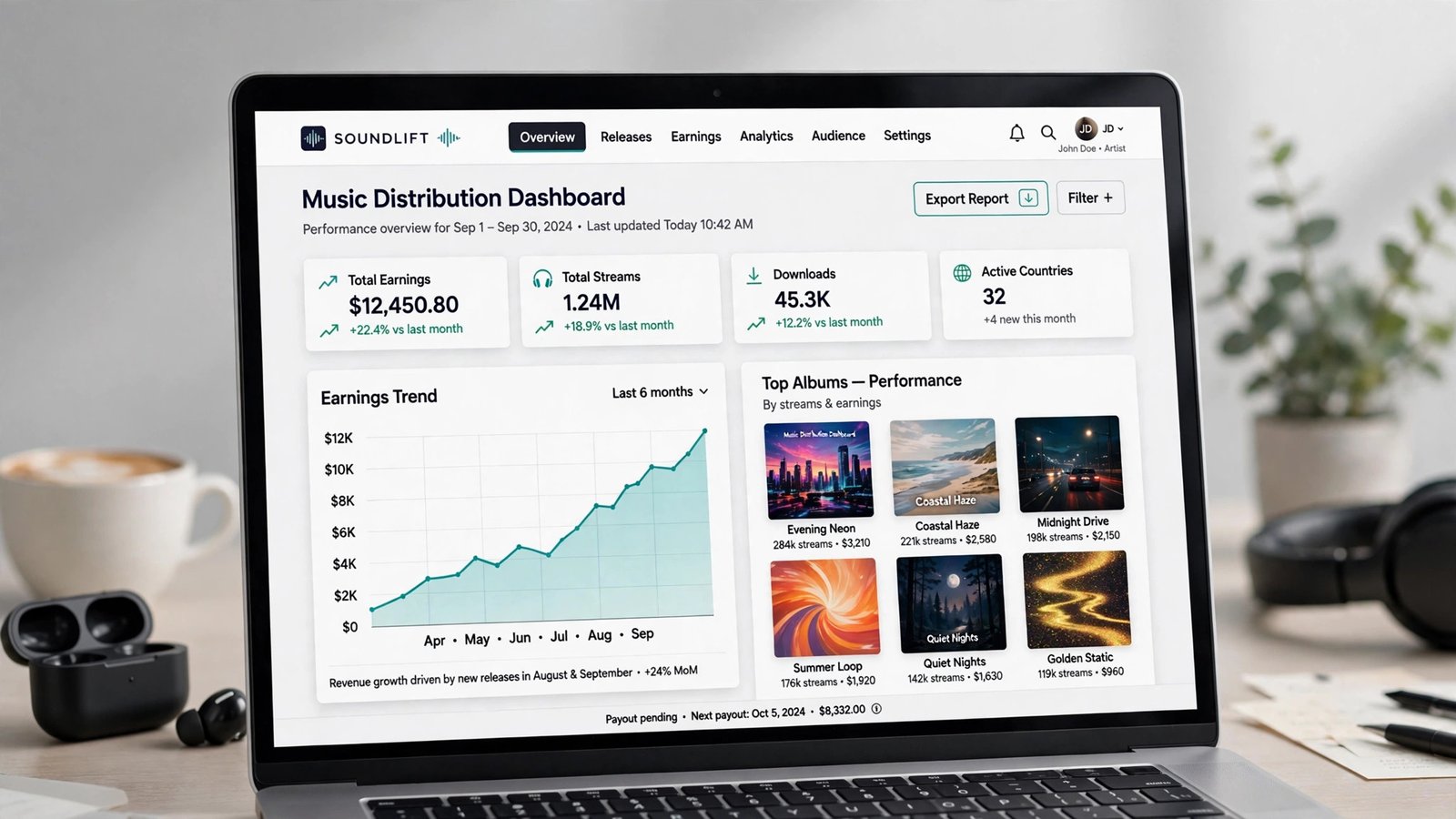
Before any theory, look at real numbers. This is my real DistroKid earnings breakdown — every dollar accounted for, with screenshots: streaming revenue broken down by platform (Facebook, Apple Music, TikTok, YouTube Red and more), plus the referral income I earned on top. You see exactly which platforms paid what, what the total came to, and what was withdrawn. No hype, no round numbers invented for clicks, no “I made six figures from one song” fantasy. If you want to know what a small independent catalog actually pays in 2026, this is the honest starting point — and it will calibrate your expectations before you spend a dollar.
The 5 DistroKid Upload Mistakes Beginners Make
Uploading is not just dragging in a WAV file. These are the DistroKid upload mistakes beginners make most often — wrong audio specs that get your track rejected or degraded, metadata errors (artist name inconsistencies, bad ISRC handling) that delay your release by weeks, and the Content ID and store-selection settings that trip up first-timers. The guide also covers the pre-upload checklist worth running every single time: artwork dimensions, explicit-lyrics tagging, and release-date timing. Fix these before your first upload and you’ll save yourself weeks of back-and-forth with support — most “DistroKid is slow” complaints are actually upload mistakes.
DistroKid vs. the Competition
DistroKid isn’t the only distributor in town, and the flat yearly fee isn’t automatically the best deal for everyone. Here’s the full DistroKid vs CD Baby vs TuneCore vs Ditto vs RouteNote comparison — plan structures, who keeps what percentage of royalties, reporting quality, payout speed, and the fine print that matters when you’re choosing where to put your catalog. The right answer depends on how many songs you release per year and where your earnings come from: high-volume releasers usually win with unlimited plans, while someone dropping one album a year may do better paying per release. This breaks the tradeoffs down plainly so you can match the distributor to your actual release pattern instead of guessing.
Making AI-assisted music? The rules get trickier, and the standard comparisons don’t cover it. Read the DistroKid vs Ditto for AI music angle specifically — disclosure requirements, each platform’s stance on AI vocals, and which distributor is friendlier to AI-assisted tracks in 2026. This matters more than most people realize: uploading AI music without understanding the rules is how tracks get taken down. And for the broader policy picture, the distributor rules for AI music and Content ID guide covers what every distributor (not just DistroKid) expects from AI-generated releases, including the exclusive-master-rights issue that keeps some AI tracks out of Content ID entirely. Read this before you upload a single AI-generated song anywhere.
New and Worth Knowing
Distributors keep adding features, and DistroKid is no exception. The company added Publishing royalty collection — see DistroKid’s new Publishing royalties for how the “eligible songs” notice works, what publishing royalties actually are (separate from the streaming royalties you already collect), and whether claiming them is worth the effort for your catalog size. For many independent artists this is found money they’ve been leaving on the table for years.
If you’ve ever watched your YouTube royalties arrive late (or not at all), the July/August 2026 earnings-delay explainer walks through a real recent incident: what actually happened, what artists reported in community threads, what turned out to be confirmed versus speculation, and the step-by-step checklist for verifying whether your payout is genuinely stuck or just moving slowly. Bookmark this one — payout anxiety is universal, and having the checklist ready beats panicking in a forum thread.
Thinking about add-ons? The Social Media Pack review (is the Social Media Pack worth it) breaks down exactly what that upsell gets you — placement in TikTok’s, Instagram’s, and Facebook’s commercial music libraries so creators can use your tracks, plus the monetization that follows. The review runs the actual math on when the add-on pays for itself and when it’s just an extra fee, so you can decide based on your release volume rather than FOMO.
Finally, if your plan is AI-generated music specifically, the making money with AI music and DistroKid playbook ties the whole strategy together: which creation tools to use and what rights you need, how distribution fits in, and the short-form reels strategy that actually drives streams to new releases. It’s the closest thing to an end-to-end operating manual for the AI music lane in 2026.
Ready to Start?
If this hub convinced you DistroKid fits your plan, you can sign up for DistroKid here (affiliate link) — the link supports this site at no extra cost to you. Upload your first track, claim your artist profiles on Spotify and Apple Music, and come back to the earnings-delay guide if anything looks off in your first payout cycle.
Frequently Asked Questions
Is DistroKid worth it for one song?
If you’re releasing a single track and stopping, the flat yearly fee is harder to justify than a pay-per-release distributor. DistroKid’s value grows with volume — the more you release, the better the math.
Does DistroKid take a cut of my royalties?
No. DistroKid keeps 100% of your royalties flowing to you on its base plan; its revenue comes from the subscription fee and optional add-ons.
Can I distribute AI-generated music through DistroKid?
Yes, with disclosure. You need commercial rights to the tools you use (for example, a paid Suno plan for commercial use), and some features like Content ID have exclusivity requirements that stock AI voices can’t meet. Details are in the AI music rules guide linked above.
How long does it take for music to go live?
Typically a few days to a couple of weeks depending on the store. Plan your release date with buffer — metadata errors are the most common cause of delays.
What is the Social Media Pack?
An add-on that gets your music into TikTok’s, Instagram’s, and Facebook’s commercial music libraries so creators can use it (and you can earn from that usage). Whether it’s worth the price depends on your release volume — the review above runs the numbers.
Why are my YouTube royalties delayed?
Royalty delays happen periodically, often around platform reporting cycles. The July/August 2026 explainer above covers a real recent case, with the checklist to verify your payout is actually stuck rather than just slow.