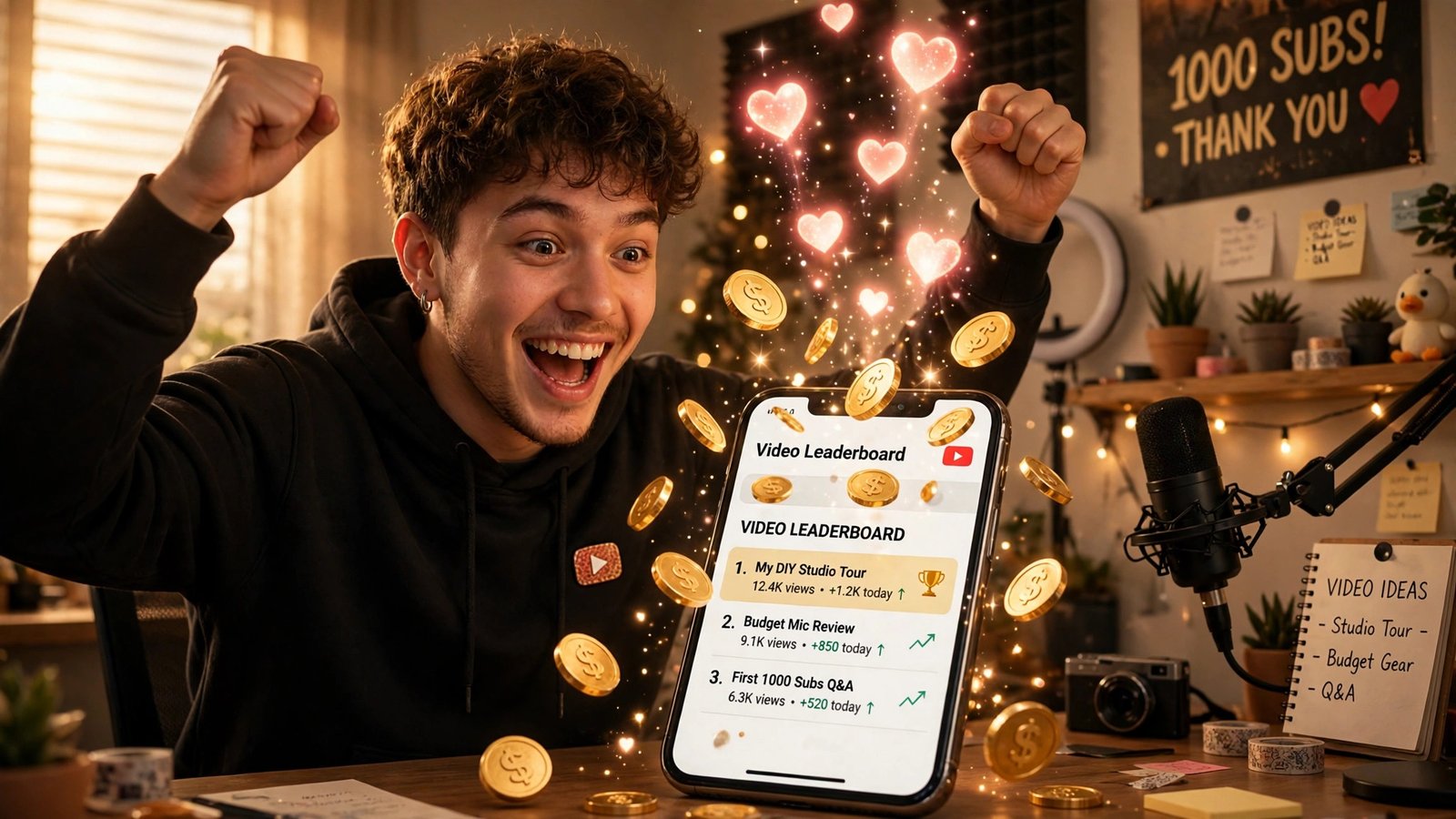
If your channel has between 500 and 500,000 subscribers, YouTube just gave your fans a way to pay you — and you don’t need a single ad view to collect it. On November 6, 2026, YouTube expanded paid hype to the United States and eight other markets, so viewers can now spend Jewels to hype your videos after their three free weekly hypes run out, and every paid hype earns you Rubies that YouTube pays out through AdSense for YouTube.
That’s the headline. Here’s the honest version: YouTube still hasn’t said what one paid hype costs, how many Rubies it earns you, or what cut it keeps. This article gives you everything that is confirmed, the exact setup steps, and the math you can actually do — with the unknowns labeled as unknowns instead of dressed up as facts.
What changed on November 6
YouTube announced the expansion in a pinned post on the YouTube Help Community, posted by JJ of TeamYouTube. Starting November 6, 2026, Hype with Jewels is available to eligible creators and viewers in the United States, Canada, Germany, Ireland, Italy, Poland, Spain, Turkey, and the United Kingdom.
That’s nine new markets. Paid hype already existed in four — Brazil, South Korea, Taiwan, and Japan, where it launched earlier in 2026 — bringing the total to 13 countries where fans can buy hypes.
The timing isn’t random. YouTube unveiled paid hype at its Made on YouTube event on September 23, 2026, and a Creator Insider video on September 25 walked through it. But at that event YouTube named neither the launch markets nor the price per hype. November 6 is the day the feature actually reached American creators.
And the scale of the free version behind it is already enormous. At Made on YouTube, YouTube said viewers had hyped more than 75 million unique videos over 1 billion times. Hype itself isn’t new — it launched on September 18, 2024, as a free way for fans to push a smaller creator’s new video up a country leaderboard. What’s new is the paid layer on top of it. We broke down the paid-boosts mechanic when YouTube unveiled it in September — see YouTube Hype With Jewels: Paid Boosts Explained.
How paid hype actually works
The mechanic is simple, and it’s worth understanding as two separate halves: what your viewer does, and what you get.
What your viewer does
Every viewer gets three free hypes per week. They spend them by tapping Like on a video, then tapping Hype. Once those three are gone, the viewer hits a wall — until now.
With paid hype, a viewer who has used up their free hypes can keep going by spending Jewels, YouTube’s in-app currency. The flow, per YouTube’s own help pages, is: tap Like, tap Hype, select a button to hype with Jewels. If they don’t have enough Jewels, YouTube prompts them to buy a bundle and check out. Viewers must be 18 or over to buy Jewels.
Each paid hype adds points toward the country leaderboard, just like a free one. There’s also a small piece of recognition built in: fans who hype with Jewels can have their username credited in the video’s description during the first seven days — a permanent-ish thank-you that costs you nothing.
What you get
When fans redeem Jewels to hype your videos, you earn Rubies. That’s YouTube’s own wording from the announcement: “Earnings appear in YouTube Analytics and are paid out through AdSense for YouTube alongside your other channel earnings.”
Three conditions gate the whole thing:
- Your channel must be in the YouTube Partner Program, in the expanded tier that opens at 500 subscribers.
- Your channel must have between 500 and 500,000 subscribers. Cross 500,000 and your videos stop being hype-eligible entirely — free or paid.
- The video must be less than 7 days old, and you must have “Hype with Jewels” turned on for it.
The points system is weighted heavily toward the smallest channels, which is the whole point of the feature. A single hype on a channel with 500 subscribers puts 7,500 points on the video. The same hype on a channel with 500,000 subscribers adds just 50 points. Your size is your multiplier — the smaller you are, the further each fan’s hype carries you.
How to turn paid hype on: the setup checklist
Paid hype doesn’t switch itself on. There are three gates, and the first two can take time, so run through them now rather than the day your next video goes live.
1. Join the YouTube Partner Program at the 500-subscriber tier. This is the expanded YPP tier YouTube added in June 2023. You need 500 subscribers, 3 valid public uploads in the last 90 days, and either 3,000 qualified watch hours in the last 12 months or 3 million qualified Shorts views in the last 90 days. You also need 2-Step Verification on and a linked, active AdSense for YouTube account. This tier opens fan funding and Shopping — not ad revenue, which still needs the full 1,000-subscriber tier.
2. Sign the Virtual Items Module and complete identity verification. This is the step most creators will trip over. In YouTube Studio, go to Earn, then the Supers & gifts tab, scroll to “Turn on gifts in live streams,” click Get Started, and accept the Virtual Items Module. On mobile it’s Studio → Earn → Gifts → Turn on. Accepting the module is what unlocks Rubies earnings — hype included.
Identity verification runs through AdSense. If you’ve never done it, YouTube prompts you when you try to enable the feature. You can check your status in AdSense under Payments, then Verification check. One warning worth knowing: once AdSense asks for documents, you have 45 days to supply them, and missing that window pauses monetization on the channel — not just the new feature.
3. Make sure “Let viewers hype” is on. This is the per-channel toggle in YouTube Studio. If it’s off, your videos can’t be hyped at all, free or paid, and your fans will never see the Hype button. Check it before your next upload, because hype only works on videos less than seven days old — a video that spends its first week with the toggle off has lost its only window.
One trade-off to know before you accept the Virtual Items Module: enabling gifts through it automatically disables Super Stickers on your channel’s vertical live streams. If Super Stickers are a meaningful income line for you, weigh that before you flip the switch. (Super Stickers on horizontal streams are unaffected.)
What you actually earn — and what YouTube hasn’t told us
Here’s where I need to be straight with you, because most coverage of this launch glosses over the gap.
YouTube has not published what one paid hype costs in Jewels, how many Rubies one hype earns, or what revenue share it keeps. The November 6 announcement says none of it. The Creator Insider video from September says none of it. The help pages say none of it. Any article that quotes you a per-hype dollar figure today is guessing.
What we do know is the conversion rate for YouTube’s other Jewel product — live-stream gifts. For gifts, every 2 Jewels a viewer redeems earns the creator 1 Ruby, and YouTube pays $0.01 per Ruby. That’s documented in YouTube’s Virtual Items program policies.
So is a paid hype worth the same as a gift? Nobody outside YouTube knows yet. The hype conversion could match the gift conversion, or it could be completely different — a hype is a leaderboard vote, not a gift, and YouTube may price it differently. Treat any “one hype = $X” claim you see this week as speculation until YouTube publishes the rate or creators start reporting real Analytics numbers.
That said, the gift rate gives you a useful ceiling for thinking about it. If hype followed the same 2-Jewels-to-1-Ruby math, a fan spending a small Jewel bundle on your video would put pennies, not dollars, in your pocket per hype. That sounds trivial — until you remember the volume. A video that gets hyped 500 times by an engaged community is a different story from a video hyped twice. And unlike ad revenue, which depends on watch time, CPMs, and the advertiser market, this money doesn’t depend on watch time, CPMs, or the advertiser market. It depends on how much your most loyal viewers care.
There’s a second number worth knowing: the spending caps. YouTube caps combined spending on Jewels, Super Chats, Super Stickers, and Super Thanks at $500 a day and $2,000 a week per account, and an account can hold at most 30,000 Jewels. No single fan can bankroll your month, but a hundred fans spending a little each absolutely can move the needle.
The honest summary: paid hype is real money, paid through a real payout rail (AdSense for YouTube, alongside your other earnings), at a rate YouTube hasn’t disclosed yet. Turn it on, watch your Analytics over the first two weeks, and judge it on your own numbers — not on anyone’s launch-week guess.
Why the 500-subscriber band matters more than ever
Paid hype lands at a moment when the 500-subscriber tier is becoming the most important rung on the YouTube ladder — and, from February 2027, the only easy one.
YouTube announced on August 10, 2026 that from February 1, 2027, new creators will need 8,000 qualified watch hours (up from 4,000) or 20 million qualified Shorts views (up from 10 million) to share in ad revenue. Channels already in YPP keep their status. But the thresholds for fan funding and Shopping stay exactly where they are: 500 subscribers, 3,000 watch hours or 3 million Shorts views.
Read that together and the strategy writes itself. Ad revenue is getting harder to reach. Fan-funded income — memberships, Supers, gifts, Shopping, and now paid hype — is not. A channel at 500 subscribers can earn from its fans a full year or more before it ever sees a cent of ad money, and paid hype is now the lowest-friction item on that list: your fans don’t need to join a membership or sit through a live stream. They tap a button on a video they already liked.
The points math reinforces it. At 500 subscribers, each hype is worth 7,500 leaderboard points — 150 times what the same hype is worth at 500,000 subscribers. YouTube is deliberately pointing the leaderboard at the smallest channels. A video that climbs the country leaderboard gets discovered by viewers who have never heard of you, which is the one thing money usually can’t buy at this size: new eyeballs.
That’s the real value proposition here, and it’s bigger than the Rubies. Paid hype is a discovery feature that happens to pay. The Rubies are the bonus; the leaderboard is the prize.
Paid hype vs your other fan-funding options
Paid hype doesn’t replace your other income lines — it sits next to them, and it has a different shape from each one. Here’s how the fan-funding menu at the 500-subscriber tier actually compares:
| Income line | What the fan does | What you keep | Best for |
|---|---|---|---|
| Channel memberships | Pays monthly | 70% of net revenue | Recurring income from your core fans |
| Super Chat / Super Thanks | Pays per message or video | 70% of net revenue | Live streams and standout videos |
| Gifts (live, via Jewels) | Buys Jewels, sends animated gifts | 1 Ruby per 2 Jewels; $0.01 per Ruby | Live-stream energy and spontaneity |
| Paid hype | Spends Jewels to hype a video | Rubies — rate not published | Discovery + small payments on any new video |
| YouTube Shopping | Buys a product you tagged | Commission set by the brand | Product-led channels |
Two things stand out. First, memberships and Supers publish a clean 70% rate; paid hype publishes nothing, which is exactly why you should track your own first-month numbers before you promote it hard. Second, hype is the only item on the list that works on any new video, with no live stream, no membership pitch, and no product to tag. It’s the lowest-ask way for a casual viewer to put money behind you — they already liked the video; the Hype button is right there.
That low friction is also the risk. A feature this easy to use is easy to ignore. If you turn it on and never mention it, your fans won’t find it. The creators who earn from this in the first month will be the ones who tell their audience it exists.
The catches — read these before you celebrate
Paid hype is a genuine new income line, but it comes with edges. Five of them:
1. The 7-day window is brutal. Only videos uploaded within the last seven days can be hyped. Your back catalog earns nothing from this, ever. If you post once a month, you get one seven-day window a month. Consistency is the price of admission.
2. The 500,000-subscriber ceiling cuts both ways. The feature is designed for up-and-coming creators, and it switches off the moment you cross half a million subscribers. That’s a good problem to have — but if you’re at 480,000 and growing fast, don’t build your income plan around a feature with a built-in expiry date.
3. YouTube’s own help pages disagree with each other. The viewer-facing policy page still lists only Brazil, Japan, South Korea, and Taiwan for Hype with Jewels — the November 6 expansion to nine more markets hasn’t been reflected there yet. That’s a documentation lag, not a reason to doubt the launch (the announcement is on YouTube’s own community forum), but it tells you to verify your own eligibility in YouTube Studio rather than trusting any published country list, including this article’s. Rollouts are staged, and your channel’s Earn tab is the source of truth.
4. The Super Stickers trade-off is real. Accepting the Virtual Items Module disables Super Stickers on vertical live streams. If you run vertical streams and your audience uses Stickers, check what that line earns you before you accept. You can turn gifts off again in Studio, but don’t flip the switch blind.
5. Leaderboards mix free enthusiasm with paid support now. Until November, the hype leaderboard was purely a measure of how many fans cared enough to tap a free button. Now a fan with a wallet can out-hype a fan with only enthusiasm. That doesn’t make the leaderboard fake — paid hypes still require a real viewer who liked the video — but it changes what “most hyped” means, and it’s worth remembering when you see a video rocket up the rankings.
How to actually climb the leaderboard: a 7-day plan for each upload
Because hype only counts for seven days, every upload is a sprint, not a marathon. Here’s how to use the window instead of wasting it:
Day 1 — launch with the ask built in. Mention the Hype button in the video itself, not just the description. One sentence near the end works: “If this helped you, hitting Hype under the video supports the channel directly now.” Viewers who hear the ask while they’re still watching are far more likely to act than viewers who stumble on it later.
Days 1–2 — your core audience does the heavy lifting. Your subscribers are the ones who see the video first, and their hypes count the most at your size — remember, at 500 subscribers each hype is worth 7,500 points. Pin a comment reminding people to hype, and reply to early comments while the video is fresh. Engagement in the first 48 hours is what pushes a video onto the leaderboard in the first place.
Days 3–5 — the leaderboard does your marketing. If the video cracks your country’s hype leaderboard, new viewers start finding it through the leaderboard itself. This is the compounding part: discovery brings viewers who hype, and hypes bring more discovery. A community post or a Short pointing back at the video mid-week can restart the cycle if it stalls.
Days 6–7 — the last push. Remind your community the window is closing. A short community post — “last day to hype this week’s video” — costs you nothing and catches the viewers who meant to do it and forgot. After day 7, the video’s hype life is over, no matter how good it is.
Then repeat. The channels that will win at this are the ones that post on a rhythm their audience can predict. If your viewers know a new video lands every Tuesday, they’ll know when to come back and hype it. A channel posting twice a week gets two fresh seven-day windows every week, each one a new shot at the leaderboard. Frequency is the multiplier here: more uploads mean more hype windows, and each window is a new chance for a small channel to be discovered.
Should you turn it on? A decision framework
For most channels in the 500–500,000 band, the answer is yes — with your eyes open. Here’s the quick test:
- Turn it on now if: you’re in YPP at the 500 tier, you post at least weekly, and your audience is engaged enough to like and comment. The setup costs you ten minutes, the downside is near zero, and the leaderboard exposure alone is worth the toggle.
- Wait a week if: you’re close to 500,000 subscribers (the feature will switch off soon anyway), or Super Stickers are a real income line on your vertical streams and you want to compare the numbers first.
- Don’t build a budget around it yet if: you’re planning spending against expected hype income. Until YouTube publishes the Ruby rate — or creators report real Analytics figures — nobody can forecast this line. Treat the first month as an experiment.
And if you do turn it on, don’t keep it a secret. The launch-week playbook is simple:
- Tell your audience in your next video. Not a begging segment — one line: “If you liked this, the Hype button under the video now actually supports the channel.” Most viewers have never noticed the button.
- Pin a comment on each new video for its first seven days reminding viewers they can hype it. The window is short; the reminder has to be visible.
- Watch Analytics, not headlines. Your Rubies show up in YouTube Analytics and pay out through AdSense for YouTube. After two weeks you’ll know your real per-video number, and that’s the only rate that matters for your channel.
- Don’t buy your own hypes. Beyond the obvious policy risk, Jewels spending is capped and tracked — and a leaderboard position you bought tells you nothing about your audience.
The bottom line
YouTube paid hype is not going to replace ad revenue, and anyone telling you it will is selling something. What it is: the first fan-funding tool that works on every new video you post, pays through AdSense, and — thanks to the points weighting — gives the smallest channels the biggest boost. For a channel at 500 subscribers staring at the February 2027 ad-revenue bar doubling to 8,000 hours, that matters.
Turn it on, tell your viewers it exists, and judge it on your own Analytics. The feature is live in the US today. The only question is whether your next upload is ready for it.
Frequently Asked Questions
Is YouTube paid hype available in the US now?
Yes. Starting November 6, 2026, Hype with Jewels expanded to the United States, Canada, Germany, Ireland, Italy, Poland, Spain, Turkey, and the United Kingdom. It was previously available in Brazil, South Korea, Taiwan, and Japan, bringing the total to 13 markets.
How many subscribers do you need for paid hype?
Your channel must be in the YouTube Partner Program with between 500 and 500,000 subscribers. Below 500 you can’t join the expanded YPP tier that unlocks it; above 500,000 your videos stop being eligible for hype entirely.
How much does one paid hype pay the creator?
YouTube hasn’t said. The announcement confirms creators earn Rubies paid out through AdSense for YouTube, but publishes no price per hype in Jewels, no Rubies-per-hype rate, and no revenue share. For live-stream gifts, the published rate is 1 Ruby per 2 Jewels redeemed, with each Ruby worth $0.01 — but YouTube has not confirmed that hype uses the same conversion, so don’t assume it does.
How do I turn on paid hype on my channel?
Join YPP at the 500-subscriber tier, then in YouTube Studio go to Earn, open the Supers & gifts tab, and accept the Virtual Items Module — which also requires completing AdSense identity verification. Then make sure “Let viewers hype” is turned on. Only videos uploaded within the last 7 days can be hyped.
Do free hypes still exist?
Yes. Every viewer still gets three free hypes per week. Paid hype with Jewels only kicks in after those three are used up, letting fans keep hyping the same week’s videos.
Will paid hype affect my ad revenue or my YPP status?
No. Paid hype is a fan-funding feature, separate from ad revenue. And the February 1, 2027 YPP changes — which raise the ad-revenue bar to 8,000 watch hours or 20 million Shorts views — explicitly leave the fan-funding thresholds at 500 subscribers unchanged.