
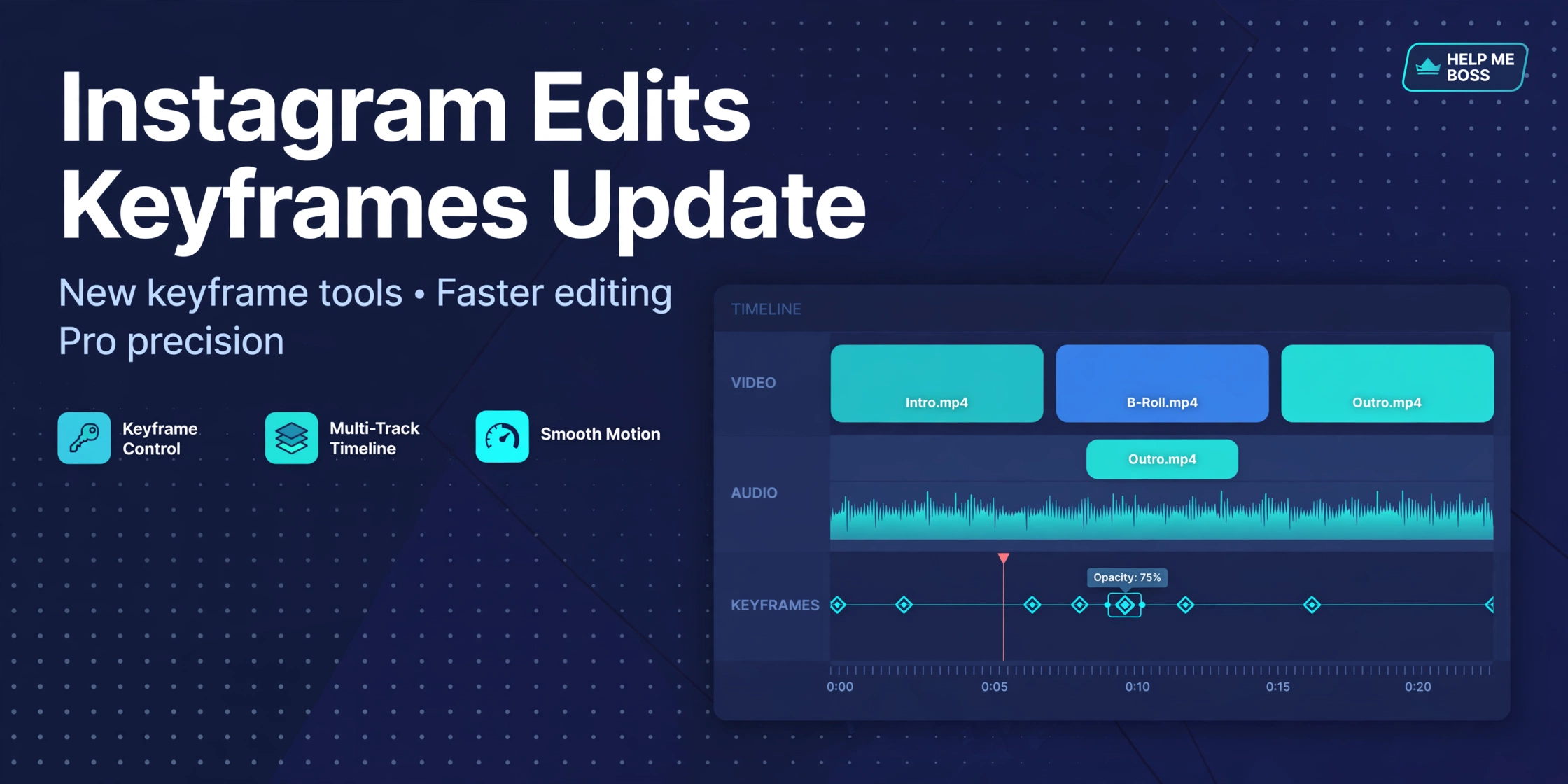
Keyframes Have Arrived in Instagram Edits
Instagram’s standalone video editing app, Edits, keeps getting more capable. In its latest update — documented in the app’s changelog at the end of September 2026 — two of the most requested pro features landed: keyframes extended to text, stickers, overlays, and cutouts, and audio, voiceover, and overlay tracks that can now extend beyond the main video track.
If you’ve been editing reels in Edits and hitting walls that sent you back to CapCut, this update removes two of the biggest ones. Here’s what changed and how to actually use it.
What Keyframes Do (and Why Creators Asked for Them)
A keyframe marks an exact moment on the timeline where a property has a specific value. Set one keyframe with your text small at the start of a clip and another with it large two seconds later, and the app animates the smooth transition between them. It’s the fundamental technique behind every zoom, pan, rotation, and animated graphic you’ve seen in professional video.
When Edits first added keyframes, they applied to clips — animate a clip’s position, rotation, and scale with precise control. The Instagram Creators account announced it with the line creators had been waiting for: keyframes were “finally here.” The app also hinted that text, stickers, overlays, and cutouts would follow.
They’ve now followed. Per the current changelog, keyframes work on:
- Text — animate titles and captions: slide-ins, scale pops, rotations, fade-linked movement.
- Stickers — make stickers bounce, drift, or spin on cue with the beat.
- Overlays — animate picture-in-picture elements and graphic layers.
- Cutouts — move isolated subjects around the frame over time.
Three Keyframe Moves Worth Learning First
1. The punch-in zoom. Put a keyframe at the start of a talking-head clip at 100% scale and another a second later at 115%. Instant energy on a key line, no cut needed. This single technique makes talking videos dramatically more watchable.
2. Animated captions. Keyframe your caption text to slide up from below the frame as each point lands, then slide out. It looks like motion graphics; it takes thirty seconds.
3. The follow-the-subject overlay. Place a cutout or sticker and keyframe its position to track a moving subject across the frame. This is the effect that used to require After Effects, now doable on your phone.
The learning curve is real but short: keyframes click once you think in terms of “value here, different value there, app fills the middle.” Start with scale and position before touching rotation.
Longer Audio Tracks: The Quietly Bigger Update
The same update added the ability for audio, voiceover, and overlay tracks to extend beyond the main video track. That sounds minor. It isn’t.
Previously, your audio was effectively chained to your video’s length. Now you can:
- Run music under a montage without awkwardly cutting the track to match each clip. Lay a full song down and cut video to it — the way music videos are actually made.
- Extend voiceovers past the visuals. Record a voiceover that keeps explaining while B-roll changes underneath it. This is the foundation of every tutorial and commentary format.
- Layer ambient audio and effects across transitions without gaps. A continuous room tone or music bed under jump cuts makes edits feel professional instead of choppy.
If you make talking-head content, the voiceover extension alone is worth updating for. Record your narration in one pass, then arrange visuals underneath it, instead of the old painful workflow of matching narration fragments to individual clips.
The Rest of the Recent Edits Toolkit
Keyframes and audio are the headlines, but the app has been stacking features:
- 30+ text effects — styles like Fisheye, Arch, Cube, and Whirl for eye-catching captions.
- Ideas tab upgrades — save audio tracks, leave sticky notes on audio you want to create with, and a full-screen editor for planning.
- Voice enhance — remove background noise from voiceovers, a lifesaver for anyone recording outside a treated room.
- No-watermark export — finished videos export clean and can be shared to any platform, not just Instagram.
Taken together, Edits is now a legitimate free alternative to CapCut for most short-form workflows, with the obvious advantage of direct publishing to Instagram and a insights dashboard for tracking reel performance.
Edits vs. CapCut in Late 2026: A Quick Take
CapCut still leads on templates, effects library depth, and desktop editing. Edits leads on Instagram integration, simplicity, and — for US creators watching the regulatory situation around TikTok’s parent company — being a Meta product.
The honest answer: most creators don’t need to pick one. Edit where the features you need live. The keyframe update means Edits now covers the motion-graphics basics that used to force a round-trip to CapCut. Try your next three reels start-to-finish in Edits and see what you miss. You might miss nothing.
Getting the Update
Update Edits through the App Store or Google Play — the keyframe expansion and extended audio tracks are in the current release. If a feature doesn’t appear, you’re likely on an older build; the app has been updating fast, so check for updates manually rather than waiting for auto-update.
Source: Edits app changelog (current release notes, late September 2026) via TechSpot’s Edits listing, which tracks the app’s version history. Feature availability can vary by build — update to the latest version.
Related: Instagram Reels Monetization Requirements (2026)
Official source: Meta
Related: Why Unlabeled AI Reels Lose Reach on Instagram
Frequently Asked Questions
What are keyframes in Instagram Edits?
Keyframes mark exact moments on the timeline where a property (position, rotation, scale) has a set value. Edits animates the transition between keyframes, letting you create zooms, pans, animated text, and moving stickers without manual frame-by-frame work.
What can I use keyframes on in Edits?
Clips plus — as of the latest update — text, stickers, overlays, and cutouts. You can animate the position, rotation, and scale of each.
Can audio be longer than the video in Edits now?
Yes. The latest update lets audio, voiceover, and overlay tracks extend beyond the main video track, so you can run a full music bed under a montage or extend narration across multiple clips.
Is Instagram Edits free?
Yes, Edits is free, and videos export without a watermark. It’s Meta’s standalone video creation app, positioned as a CapCut competitor with direct Instagram publishing.
Do I still need CapCut if I use Edits?
For most short-form workflows, Edits now covers the essentials including keyframe animation. CapCut still leads on templates and effects depth. Many creators use both depending on the project.
How do I get the keyframe update?
Update the Edits app to the latest version from the App Store or Google Play. If keyframes on text/stickers/overlays/cutouts don’t appear, check for updates manually.