
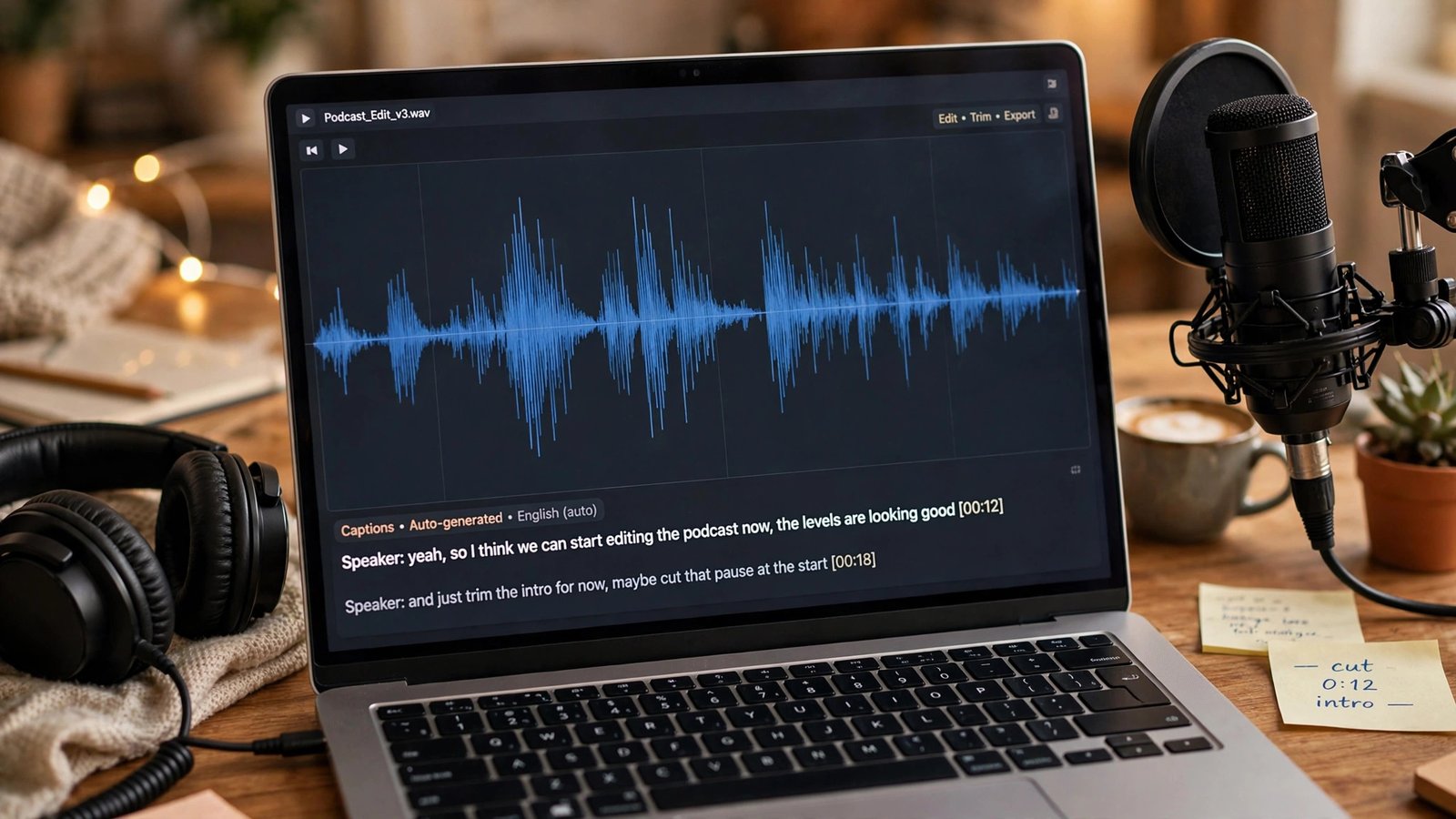
You don’t need the “best” AI transcription tool. You need the right one for your job — because a tool built for Zoom meetings and a tool built for editing podcasts are solving completely different problems. Here’s the quick answer for 2026: Otter.ai for team meetings (free 300 minutes a month), Fireflies.ai for sales teams and CRM workflows (free plan with unlimited transcription), Descript for editing podcasts and video by editing text, Rev when accuracy is legally important, and OpenAI’s Whisper if you want a genuinely free, no-subscription option. The pricing and accuracy numbers below come from an October 2026 head-to-head test of six tools — not marketing pages.
The October 2026 test that matters
A fresh October 2026 comparison ran the same three recordings through six transcription tools: a clean two-speaker interview, a noisy café recording, and a 45-minute four-person video call. Then it priced out what 20 hours of audio a month actually costs on each platform. Real-world accuracy landed at 85–92% for meeting bots like Otter and Fireflies on ordinary meeting audio, and around 95% (advertised) for Descript’s file-based transcription. Nothing hits 100% on messy audio — if someone promises that, they’re selling.
The single biggest takeaway: meeting assistants and editing suites are different categories. Otter and Fireflies auto-join your calls, take live notes, and push summaries into your tools. Descript treats the transcript as the starting point for producing finished media. Pick based on whether your job is capturing meetings or producing content.
Meeting-first tools: Otter.ai vs Fireflies.ai
Otter.ai — best for team meetings with real follow-up
Otter joins your Zoom, Google Meet, or Teams calls (or records in person), transcribes live, then produces summaries, action items, and searchable records you can query with its AI Chat across your whole meeting history. Its free plan is generous: 300 minutes a month, with a 30-minute cap per meeting, three lifetime file imports, and 20 AI chat queries.
Paid pricing as of October 2026: Pro at $16.99/month monthly or $8.33/month billed annually (1,200 minutes/month, 90-minute meetings), Business at $19.99/month annually (6,000 minutes). If your team lives in recurring standups and client calls, Otter’s strength is the after-meeting experience — the AI chat that answers “what did we decide about pricing last Tuesday” is the feature people actually keep paying for.
Fireflies.ai — best for sales teams and CRM workflows
Fireflies takes a different approach to pricing: unlimited transcription on every plan, including the free one — what you’re capped on is storage and AI credits, not minutes. It sends its bot into meetings (or captures audio through a Chrome extension), then pushes structured summaries into CRMs like Salesforce and task tools, with an AskFred search across your whole meeting library.
Paid pricing: Pro at $18/month monthly or $10/seat/month annually, Business at $19/seat annually, Enterprise at $39/seat (annual only). Fireflies supports 100+ languages, making it the stronger pick for multilingual teams. If you run a sales org that needs every call logged, summarized, and searchable in the CRM, Fireflies is purpose-built for exactly that.
The editor: Descript — best for podcasts, YouTube, and content repurposing
Descript doesn’t just transcribe — it lets you edit audio and video by editing the text. Delete a sentence from the transcript and it’s gone from the recording. It removes filler words (“um,” “uh”), applies AI noise removal, and even fixes eye contact in video. For creators, this is a different universe from a meeting bot.
The free plan gives you 1 media hour a month (watermarked exports). Hobbyist runs $16/person/month billed annually (10 hours + 400 AI credits), Creator at $24/month (30 hours), Business at $50/month (40 hours). Descript advertises ~95% accuracy across 25 languages. If your use case is “record once, publish everywhere,” Descript replaces a transcription tool and an editor.
The precision option: Rev — when accuracy has legal weight
Rev offers two paths: AI transcription starting around $1.99/minute, and human transcription when the document has to be right — depositions, legal, compliance, medical. Its Essentials plan sits at $25.49/seat/month billed annually, with a 45-minute AI monthly allowance on some tiers.
Honest framing: if you’re a podcaster or student, Rev’s per-minute AI pricing is expensive compared to Otter or Descript. You pay Rev when the cost of a wrong word exceeds the cost of the transcript — legal filings, official interviews, accessibility captions where precision matters. Check Rev’s official site for current AI and human transcription rates before you commit.
The free path: Whisper — genuinely free, no subscription
OpenAI’s Whisper is open-source, free, and runs locally on your machine — no monthly plan, no minute meter, no account. It handles 99 languages and is remarkably good for a free tool. The catch is workflow: there’s no auto-join bot, no dashboard, no CRM integration. You feed it audio files and get transcripts back.
This makes Whisper ideal for creators and freelancers who transcribe files in batches — podcast episodes, interview recordings, lecture audio — and don’t mind a small technical setup. It’s the only option on this list where 20 hours a month costs exactly $0. For repurposing content into clips and shorts for platforms that pay creators directly, a free Whisper pipeline keeps your production costs near zero.
Which tool for which job
- Team meetings on Zoom/Teams/Meet: Otter.ai. Free 300 min/month covers light use; Pro at $8.33/month annually covers heavy users.
- Sales calls tied to a CRM: Fireflies.ai. Unlimited transcription, $10/seat/month annually, 100+ languages.
- Podcast or YouTube editing: Descript. Edit media by editing text; Hobbyist at $16/month.
- Legal-grade accuracy: Rev. AI from ~$1.99/min or human transcription when it has to be perfect.
- Multilingual file transcription on a budget: Notta (120 free minutes/month, Pro around $8.17/month) or Happy Scribe ($8.50/month annually with subtitles and translation).
- Zero budget, batch files: Whisper. Free, open-source, runs locally.
One more practical note: if you’re capturing meetings in the EU or California, remember consent laws for recording vary by state and country. The tools will transcribe whoever’s in the call — it’s your job to make sure everyone’s okay with that.
Frequently Asked Questions
What is the best AI transcription tool in 2026?
There’s no single winner — it depends on the job. Otter.ai leads for team meetings, Fireflies.ai for sales/CRM workflows, Descript for podcast and video editing, Rev for legal-grade accuracy, and Whisper is the best free option. An October 2026 head-to-head test found real-world accuracy of 85–92% for meeting bots and ~95% for Descript’s file-based transcription.
Is Otter.ai or Fireflies.ai better for meetings?
Otter meters minutes (free: 300 min/month; Pro $8.33/month annually) and excels at AI chat across meeting history. Fireflies offers unlimited transcription on every plan but meters AI credits and storage (Pro $10/seat/month annually), and pushes deeper CRM integrations. Choose Otter for general team use, Fireflies for sales orgs.
Is there a completely free AI transcription tool?
Yes — OpenAI’s Whisper is open-source and free, running locally with no minute limits. Notta also offers 120 free minutes a month, and Otter gives 300 free minutes a month for meetings. Free tiers cover light use; regular professional volume needs a paid plan.
Can AI transcription replace human transcription?
For meeting notes, captions, and content repurposing — yes, with a quick review pass. For legal, medical, or compliance documents where one wrong word is expensive, no: Rev and similar services still offer human review, which is what you pay the premium for.
Which transcription tool is best for podcasts?
Descript, by a wide margin — it transcribes your recording and lets you edit the audio by editing the transcript, remove filler words, and clean up noise. Hobbyist is $16/person/month billed annually. Pair it with a free Whisper batch pipeline if you want backup transcripts at zero cost.
How accurate is AI transcription in 2026?
On clean two-speaker audio, top tools reach 90–95%. On noisy, multi-speaker calls with accents and jargon, expect 85–90% with errors concentrated on names, technical terms, and crosstalk. Custom dictionaries (Sonix, some Descript tiers) help with industry vocabulary.