
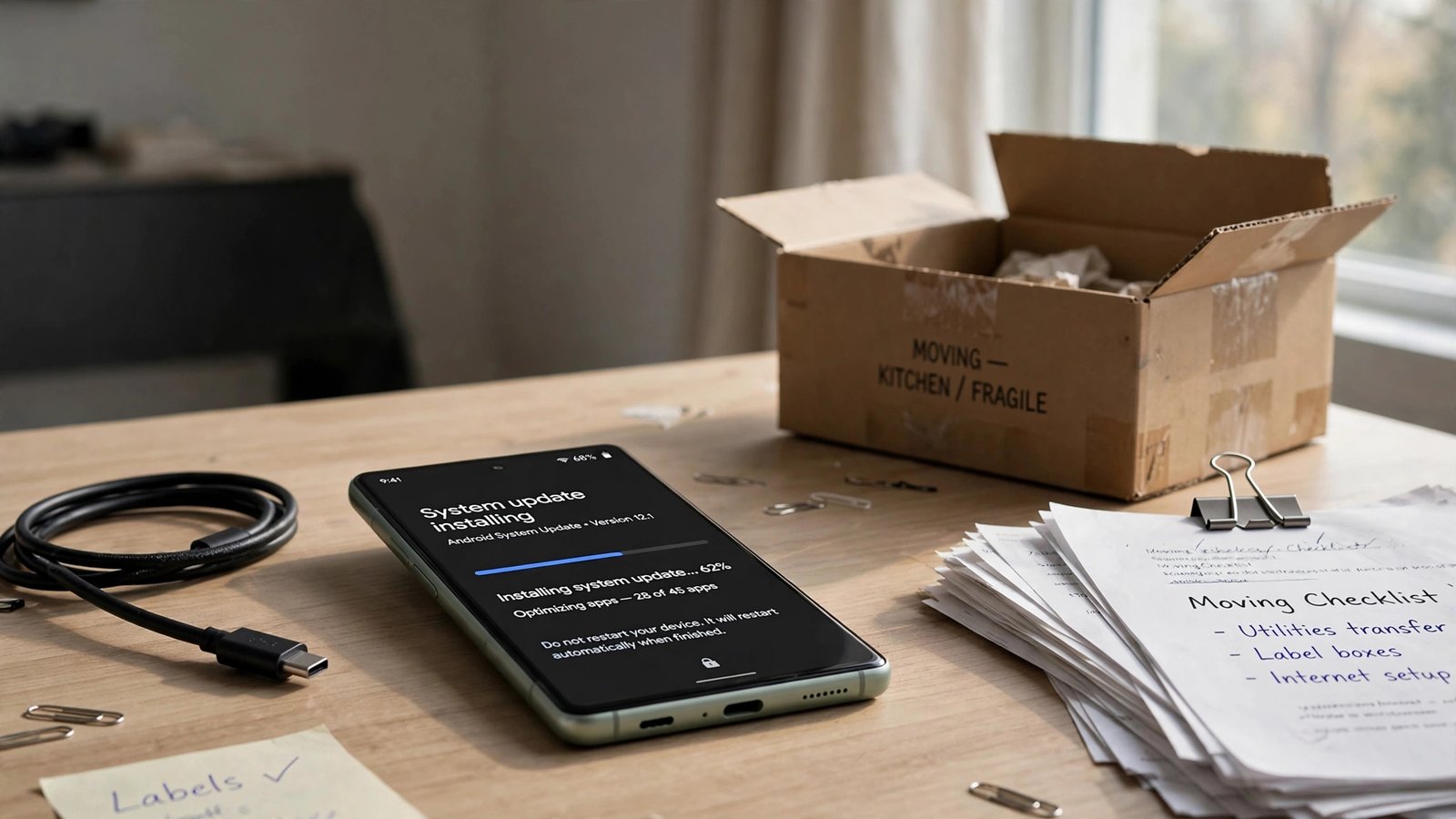
If you’re still carrying a Pixel 6 or Pixel 6 Pro, this month is the end of an era. Google began rolling out its October 2026 software update on October 6, and for the Pixel 6 and 6 Pro — released five years ago in October 2021 — this is almost certainly the final update they’ll ever receive. The phones reached the end of Google’s guaranteed five-year support window, and Google has already dropped them from the Android 17 QPR2 beta program.
Your phone won’t stop working. But from here on, no more security patches are coming. Here’s what that means, what’s actually in this last update, and the six steps you should take now.
Is the October 2026 update really the last one?
Almost certainly, yes. Google promised five years of security updates when the Pixel 6 series launched, which runs out this month. The phones were also quietly dropped from the Android 17 QPR2 beta list back in July — Google’s way of signaling that the road ends here — and Android 17 QPR1 was their final feature update.
One honest nuance: Google hasn’t formally announced “this is the last patch.” Android Authority expects one more update could arrive after the cutoff in November, per Notebookcheck’s coverage of the rollout. So treat the October update as the last guaranteed one, and anything after as a bonus you shouldn’t count on.
Also worth knowing: this only affects the Pixel 6 and 6 Pro. The Pixel 6a launched in 2022, so its five-year window runs into 2027 — it’s still covered.
What’s actually in the October 2026 update
Google is pushing the update out in phases over roughly a week, depending on your carrier — older Pixels (6 through 7a) get build CP3A.261005.002.A1 (rollout details here). It raises the phones to the October 5, 2026 security patch level, which matters: the October Android Security Bulletin lists several critical vulnerabilities, including one in the System component that allows local privilege escalation without user interaction. Install this patch — it’s the last free security refresh your Pixel 6 will ever get.
What you won’t get: any of the new features. The three bug fixes Google lists this month — a virtual keyboard that sometimes refuses to appear in search fields, audio distortion on certain VoIP calls, and photos/videos saving upside down — apply only to the Pixel 8 through Pixel 11 series. The Pixel 6, 6 Pro, 6a, 7, 7 Pro, and 7a are explicitly excluded from the fixes. For older Pixels, this update is security only.
What “end of support” means in plain English
Your phone keeps working normally — calls, apps, camera, everything. What stops is protection:
- No new security patches. Every month from now on, newly discovered Android vulnerabilities go unfixed on your device.
- No OS or feature upgrades. Android 17 is the end of the line; whatever you have is what you keep.
- Slow app decay. Banking apps and payment apps are usually the first to drop support for unpatched OS versions, since they carry the most risk.
That’s why the security angle matters most: if you use your Pixel 6 for online banking, work email, or password storage, running it without patches is a growing risk. The hardware is fine — five-year-old Tensor silicon still runs daily life well. It’s the software that expired.
6 steps to take before support ends
1. Install the October update immediately
Don’t let this one sit. Go to Settings → System → Software updates and check manually — the phased rollout means your phone may not have received it yet. This is the last security patch level your phone will get, so everything after it is on you.
2. Back up the entire phone now
Before you change anything, make sure a full backup exists: Settings → System → Backup, and confirm Google One backup is on. Double-check your photos are synced to Google Photos, and — this is the one people forget — make sure your authenticator app’s cloud backup is enabled or your 2FA codes are exported somewhere safe. Moving phones with a dead authenticator is miserable.
3. Audit what lives on this phone
Open your app drawer and look for anything that handles money or identity: banking apps, payment apps, password managers, work VPN, crypto wallets. These are the apps most sensitive to running on an unpatched device. You’re not deleting them today — you’re making the list so step 6 makes sense.
4. Check trade-in and carrier deals while they last
Phone makers and carriers routinely run trade-in promotions when support windows close, because they know millions of owners are deciding what to do. Check Google’s trade-in values, your carrier’s upgrade offers, and any lingering holiday-season promotions before they expire. A Pixel 6 in decent condition still has trade-in value — that value only falls from here.
5. Decide: upgrade, or demote the phone
You have two honest options:
- Upgrade to a newer Pixel (8, 9, 10, or 11 series), which all carry Google’s extended 7-year update guarantee — a completely different ownership proposition than the 5 years your Pixel 6 got. If you’re buying, you’re buying half a decade of not thinking about this again.
- Keep the Pixel 6 as a secondary device — media player, alarm clock, kid’s phone, smart-home remote. It works perfectly fine for that. This is the budget-friendly answer, and for a lot of people it’s the right one.
There’s no wrong choice, but “keep using it as my only phone with banking apps installed” is the one choice with a growing downside.
6. If you keep it as your daily driver, lock it down
If upgrading isn’t in the cards right now, reduce the attack surface: stop installing apps from outside the Play Store, keep Play Protect on, remove the banking and password-manager apps from step 3 (use a newer device or your laptop for those), and stick to trusted Wi-Fi. An unpatched phone used carefully for calls, texts, and media is a very different risk profile from one holding your bank logins.
What you’ll miss on newer Pixels
Beyond the security story, the gap between the Pixel 6 and current models has widened in ways worth knowing. Newer Pixels get deeper Gemini integration — voice controls, live translation through earbuds, and even free AI video generation tools like Google Vids and the current crop of AI video generators for beginners — plus the seven-year support promise. If you’ve been waiting for a reason to upgrade, the convergence of “no more patches” and “genuinely useful new AI features” is the strongest one yet.
Frequently Asked Questions
When did the Pixel 6 reach end of support?
October 2026 — five years after its October 2021 launch, matching Google’s promised five-year security update window.
Is the October 2026 update the last one for the Pixel 6?
Almost certainly. Google hasn’t formally named a final date, but the phone was dropped from the Android 17 QPR2 beta, and Android Authority expects at most one more update after the cutoff. Treat October as the last guaranteed patch.
Will my Pixel 6 stop working after end of support?
No. Calls, apps, and the camera all keep working. What stops is security patches and OS upgrades — and eventually, some apps (especially banking apps) may drop support.
Does the Pixel 6a also lose support in October 2026?
No. The Pixel 6a launched in 2022, so its five-year window runs into 2027. Only the Pixel 6 and 6 Pro hit the cutoff this month.
Is it safe to keep using a Pixel 6 after support ends?
For basic use — calls, texts, media, alarm clock — yes. For banking, work email, and password management, the risk grows with every unfixed vulnerability. If you keep it, move sensitive apps to a supported device.
How do I check for the October update on my Pixel 6?
Go to Settings → System → Software updates and tap to check manually. The rollout runs in phases over about a week, so it may not appear on day one. Older Pixels receive build CP3A.261005.002.A1.