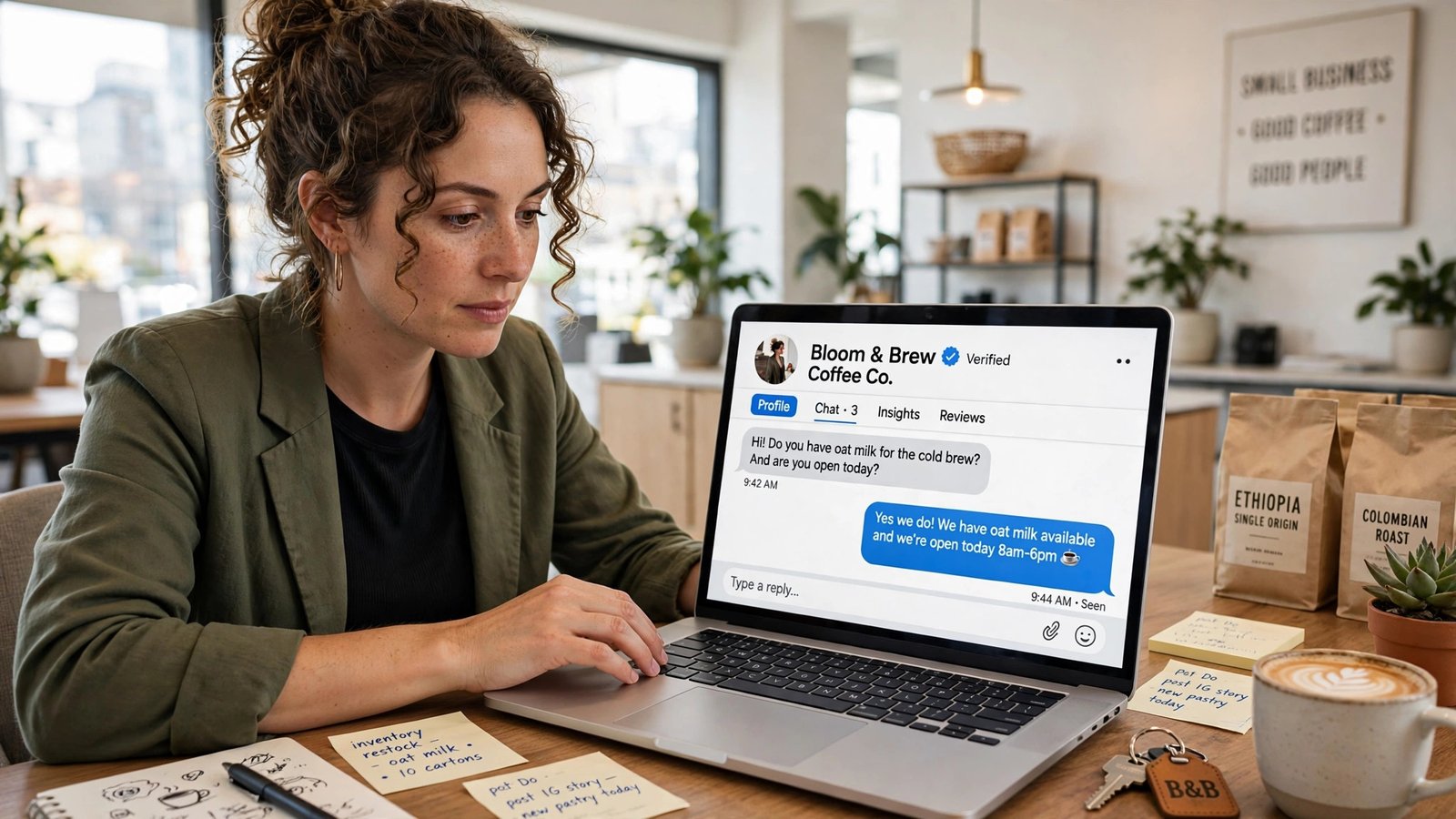
On November 10, 2026, OpenAI opened a door small businesses have been waiting for: you can now claim your own business profile inside ChatGPT. The new beta, called Businesses in ChatGPT, gives you a free listing you control — your description, logo, prices, and policies — plus a dashboard showing how often ChatGPT mentions you, and, if you’re a US e-commerce or online-service business, a free AI agent that answers shoppers’ questions for you. The catch, stated plainly by OpenAI itself: claiming your profile does not guarantee higher placement or more sales. This guide walks through what launched, who can claim right now, the exact steps, and the honest limits.
What Businesses in ChatGPT actually is
Three things launched together, and the names are easy to mix up. Here’s the plain version.
Businesses in ChatGPT is the program itself — OpenAI’s beta, announced November 10, 2026, that lets companies claim and manage how they appear inside the chatbot.
Business Hub is the dashboard where it all happens. You’ll find it at chatgpt.com/business-hub and in the ChatGPT sidebar. This is where you search for your business, prove you own it, and manage everything afterward.
Your profile is the listing. When ChatGPT mentions your business in an answer, people can click through to it. Once verified, you can edit the website, description, category, logo, cover photo, delivery policy, and return policy.
Business Agent is the optional extra: a conversational agent that answers customer questions about your products and services inside ChatGPT. It’s clearly labeled as your business’s agent and kept separate from ChatGPT’s own answers.
One more distinction worth making early, because it trips people up: this is not “ChatGPT Business.” That’s OpenAI’s paid workplace plan for teams. Businesses in ChatGPT is a free, public-facing listing program — a different product with a confusingly similar name.
Why this matters for a small business
ChatGPT reaches about 1.2 billion people a week, according to OpenAI. That’s the number that makes this launch hard to ignore. For years, the closest comparison was the Google Business Profile: a free listing you claim, correct, and watch, because that’s where customers find you. ChatGPT just became the second place that logic applies — except the discovery now happens inside a conversation, not a search results page.
Think about how a customer actually uses it. Someone asks ChatGPT for “a gift for a 6-year-old who loves drawing, under $30.” If your toy shop is the one ChatGPT names, that recommendation is worth real money. Before November 10, you had no say in what ChatGPT said about your shop. You couldn’t correct a wrong address, a dead link, an outdated price, or a description written from stale web data. Now you can — at least for the fields OpenAI lets you control. Reuters reported the launch the same day, noting the beta is aimed first at eligible US e-commerce and online-service businesses.
That’s the real value here, and it’s worth saying plainly: this is control over your facts, not a ranking boost. OpenAI’s own wording is that claiming a profile “doesn’t change its visibility in ChatGPT.” If you treat the claim as a Google Business Profile moment — a free, five-minute job that protects your brand — you’ll get the value out of it. If you treat it as a shortcut to the top of every AI answer, you’ll be disappointed.
The timing helps, too. The launch was foreshadowed in public: on November 6, Marketplace Pulse founder Juozas Kaziukėnas described a “Claim your business in ChatGPT” page with click charts, and app strings spotted in October named Shopify and Persona as the verification routes. The beta landed four days later. Early movers get the obvious benefit — your listing is correct while competitors’ listings are still whatever ChatGPT scraped.
Who can claim a profile right now
Eligibility depends on what kind of business you run and where it is. Here’s the split as OpenAI set it out at launch.
| Your business | What you can do today |
|---|---|
| Any eligible business located where ChatGPT is available, with a website | Claim your profile in Business Hub and, once verified, edit it and add a product feed |
| Local store or restaurant (US) | Claim only a listing ChatGPT already has — you can’t add a new one yet |
| US e-commerce or online-service business with a website | All of the above, plus publish a Business Agent |
| Business outside the US, or outside e-commerce and online services | Claim your listing if eligible, but no Business Agent yet |
| Business in a region where ChatGPT isn’t available | Nothing yet — wait for expansion |
A few practical notes on that table. First, you need a website to claim at launch — OpenAI’s setup guide is explicit about that. Second, you don’t need a ChatGPT Enterprise plan or an ads account; the claim is free and open to any eligible business. Third, existing OpenAI Enterprise customers and advertisers have a separate route: they can claim through their OpenAI representative instead of the self-serve Hub. And fourth, OpenAI says it plans to expand to more markets and business categories, but it has given no dates for that or for the end of the beta.
How to claim your business profile, step by step
The claim itself takes minutes if your details are in order. The identity check is the part that takes longer, so start the claim before you need it.
Step 1: Open Business Hub and find your business
Go to chatgpt.com/business-hub (or open Business Hub from the ChatGPT sidebar) and search for your business. If ChatGPT already has a listing for you, you’ll claim that one. If you’re an eligible online business, you may be able to add a new listing.
Step 2: Prove you control the business
OpenAI offers four routes, and you pick the one that fits your setup:
- A code sent by text message or automated call to your listed business phone number
- A code sent to a business email address
- A DNS TXT record added to your website’s domain
- A connection to your Shopify store
The DNS route is the most reliable if your phone number or email on file is out of date — and it’s the one worth using if you’re claiming on behalf of a client, since you don’t need access to their phone. Shopify merchants have the easiest path of all, which I’ll come back to below.
Step 3: Pass the Persona identity check
This is the step most guides skip, and it’s the one that decides whether you get the blue check. After OpenAI approves the claim, you verify your identity through Persona, a verification firm. It can ask for a government-issued ID, business registration details, and proof that you’re allowed to represent the company. You need this check before you can publish profile changes, connect a product feed, see insights, or create an agent.
Budget real time for this. Persona checks are usually quick, but if your business registration name doesn’t match the name on your ID or your listing, expect a round of back-and-forth. Get the names consistent before you start.
Step 4: Edit your profile
Once verified, you can update the fields OpenAI documents: website, description, category, logo, cover photo, delivery policy, and return policy. Two honest limits here. First, every change goes through OpenAI review before it appears — edits aren’t instant. Second, ChatGPT may still draw on other sources alongside your profile, so your listing is the authoritative version of your facts, not the only source ChatGPT consults.
Step 5: Connect your products
If you sell things, add a product feed with current prices and availability. You can upload a CSV, point OpenAI at a hosted feed URL, or connect a Shopify store. This is the step that turns a static listing into a shopping surface: when someone asks ChatGPT for a product you sell, your price and availability come from your feed, not from a stale crawl.
Step 6: Check what ChatGPT says about you
Before you publish anything, ask ChatGPT about your own business — your name, your products, your prices — and write down what it gets wrong. That list is your first edit queue. Most small businesses find at least one error: an old price, a discontinued product, a wrong opening-hours summary. Fix those first, because they’re the errors already reaching your customers.
Business Agents: the free AI employee
The agent is the part of the launch that gets the headlines, and it’s worth understanding exactly what it is — and what it isn’t.
A Business Agent is a chat a customer can open from your business’s ChatGPT profile to ask about your offerings. It answers in a separate, labeled conversation, clearly marked as your business’s agent rather than ChatGPT itself. In OpenAI’s demo video, a fictional toy shop called Colorful Clatter fills in its hours and product list, writes instructions for its agent, and clicks Publish. A shopper then asks for a gift for a 6-year-old niece who loves drawing, with a budget under $30. The agent suggests an $18 travel drawing kit and a $24 watercolor set.
That’s a good picture of the use case: pre-sales questions, product matching, and the kind of “which one should I buy” conversation that otherwise eats your inbox. For a one-person shop, an agent that handles those questions at 2 a.m. is genuinely useful — if the answers are right.
Three things to decide deliberately before you publish one:
First, the agent only knows what you feed it. Its answers come from your profile, your product feed, and the instructions you write. A thin feed means thin answers. Before publishing, write the instructions the way you’d brief a new hire: what you sell, what you don’t, your return policy in one line, and what to say when it doesn’t know.
Second, your agent can become an ad slot. OpenAI says a business can sponsor its agent and use it as the destination for ChatGPT Ads placements. That’s a real choice, not a default — decide whether you want your customer-service agent doubling as a paid placement, and don’t sleepwalk into it.
Third, it’s free for now. Press reports say claiming a profile and publishing a Business Agent cost nothing at launch, and OpenAI hasn’t ruled out charging later. That “for now” matters for planning: build your agent on the assumption that pricing could arrive, and keep your product feed in a format you can take elsewhere.
The insights dashboard: your ChatGPT Search Console
The quietest part of the launch may end up the most valuable. Business Hub reports how often ChatGPT mentions your business and how many website clicks those mentions send, charted over the past 28 days, along with “discovery topics” — the themes in answers that cited your business.
If you run a website, this is the closest thing to a Search Console for AI answers, and it’s the first first-party visibility report from a major AI platform that includes clicks. Google Search Console tells you what people searched and clicked on Google. Business Hub tells you what ChatGPT said and whether anyone followed through.
Two limits to know. OpenAI shows insights only once interaction volumes pass set thresholds, so a small business with a handful of mentions may see nothing at first — that’s normal, not a bug. And OpenAI says it does not share users’ conversations or Business Agent chats with businesses, so you get aggregated numbers, never the actual questions people asked. You can see that people found you through “gifts under $30” topics; you can’t read the conversation that got them there.
Check the dashboard weekly for the first month. The number to watch isn’t total mentions — it’s the click-through: mentions that turn into visits. If mentions climb and clicks don’t, your profile is probably showing up in answers where you’re a poor match, and your description or category needs tightening.
What claiming does NOT do
This section matters more than the how-to, because the launch coverage has been breathless and the fine print is where small businesses get hurt.
It doesn’t guarantee higher placement or sales. OpenAI says this directly, and every guide that implies otherwise is guessing. Your profile is one input among many. ChatGPT keeps making its own independent recommendations using other sources alongside your profile.
The blue check doesn’t mean OpenAI verified everything you wrote. The check marks a claimed, identity-verified profile. OpenAI’s own profile policy says it does not verify every business-supplied detail or resolve every factual dispute, and businesses remain responsible for their submissions. The check proves you are who you say you are. It doesn’t prove your prices are current.
It doesn’t replace your website or your Google Business Profile. ChatGPT is one discovery channel among several, and for local businesses it’s still a minor one — local shops can only claim existing US listings for now, which tells you where OpenAI’s priorities sit. Claim the ChatGPT profile, keep your Google listing current, and don’t let the new thing eat the budget for the thing that already sends you customers.
It’s a beta. Features, eligibility, and pricing can all move. OpenAI has given no end date for the beta and no timeline for expanding agents beyond US e-commerce and online services. Build on it, but don’t rebuild your whole customer-service flow around it this week.
The Shopify fast path
If you sell on Shopify, you’re the launch’s best-served customer, and it’s worth saying why. Shopify products are already integrated into ChatGPT through Shopify Catalog, so your products may already be visible before you claim anything. Connecting your store through Business Hub or Shopify admin does three things at once: it verifies your claim, shares your current product details, pricing, and availability automatically, and lets you preview and publish a draft agent in a few steps.
The practical sequence for a Shopify merchant: connect the store first, check that the catalog details it shares match what’s actually in stock, then claim, then publish the agent. If your Shopify catalog has stale variants or old prices, fix those in Shopify before you connect — ChatGPT will show what Shopify sends it.
Businesses without a Shopify store can claim directly through Business Hub, so Shopify is a fast path, not a requirement. But if you’re choosing between the four verification routes and you run Shopify, the store connection is the one to pick.
Should you claim it this week?
For most small businesses, yes — with the right expectations. Here’s the decision in plain terms.
Claim it this week if: you have a website, you sell online or offer an online service, and you can pass an identity check. The claim is free, the edit queue is yours to control, and every day you wait is a day ChatGPT describes your business from whatever it scraped. If you’re still deciding which AI tools are worth a small business’s time at all, our roundup of AI tools for small business owners in 2026 puts this launch in context.
Claim it and publish an agent if: you’re a US e-commerce or online-service business, your product feed is current, and you can write clear agent instructions. Test the agent yourself with the ten questions customers actually ask before you let real shoppers use it.
Claim the listing but skip the agent for now if: you’re outside the US, you’re a local shop or restaurant, or your catalog is a mess. The listing still protects your facts. The agent can wait until your feed is clean.
Wait if: you have no website yet — claiming requires one at launch — or your business details are in flux (a rebrand, a move, a name change). Claim once the details are settled, so you’re not verifying a listing you’re about to rewrite.
One more practical note: if you manage profiles for clients, claim theirs this week too, with their authorization. The first claim on a business wins the verification path, and you don’t want a competitor or a stranger claiming your client’s listing before you do. OpenAI requires the person managing the profile to own the business or be authorized to represent it — get that authorization in writing before you start.
What to watch next
Three dates — or rather, three missing dates — define what happens next. OpenAI hasn’t said when Business Agents expand beyond the US or beyond e-commerce and online services. It hasn’t said when the beta ends. And it hasn’t said whether claiming or agents will stay free. The launch also landed on the same day OpenAI put ChatGPT Enterprise on AWS Marketplace, which tells you the company is pushing into business buyers from two directions at once: self-serve profiles for small businesses, and procurement-channel sales for large ones.
Watch for the expansion announcement the way you’d watch any platform change: check Business Hub once a month, and check whether your category or country has been added. November 30 brings another AI deadline in the same cycle: Google’s Gemini 4 Argon pricing doubles that day, as covered in our Gemini 4 Argon pricing breakdown. And keep an eye on the sponsored-agent question — the moment your agent can be a paid placement, the economics of the whole program change, and the businesses that set their agent up carefully will be the ones that benefit.
The bottom line is simple. ChatGPT is now a place where customers meet your business, and for the first time you get a say in what it tells them. The claim is free, it takes less than an hour, and the blue check costs you an identity check, not a subscription. Do it this week — and do it for the control over your facts, not for a ranking boost nobody promised.
Frequently Asked Questions
Is claiming a Business Profile in ChatGPT really free?
Yes, at launch. Press reports say claiming a profile and publishing a Business Agent cost nothing, and OpenAI lists no fee for either. OpenAI has not ruled out charging later, so treat “free” as the launch position, not a permanent promise.
Do I need a ChatGPT Enterprise plan or an ads account to claim my business?
No. Any eligible business can claim through Business Hub without an Enterprise agreement or an ads account. Existing Enterprise customers and advertisers can also claim through their OpenAI representative, but that’s an alternative route, not a requirement.
What is the difference between a Business Profile and a Business Agent?
The profile is your listing — the description, logo, prices, and policies people see when ChatGPT mentions you. The agent is an optional chat customers can open from your profile to ask questions about your products. Agents are currently limited to eligible US e-commerce and online-service businesses; profiles are open to any eligible business where ChatGPT is available.
Will claiming my profile make ChatGPT recommend my business more?
No — OpenAI says claiming does not guarantee higher placement or increased sales, and ChatGPT keeps making independent recommendations using other sources. Think of the claim as controlling your facts, the way a Google Business Profile controls your listing, not as a ranking tool.
Can a local shop or restaurant claim a ChatGPT profile?
Yes, with a limit: for now, local stores and restaurants can only claim a listing ChatGPT already has, and only in the US. You can’t add a brand-new local listing yet. Check Business Hub to see whether your business already has one.
What do I need to verify my business?
First, proof you control it: a code to your business phone or email, a DNS TXT record on your domain, or a Shopify store connection. Then an identity check through Persona, which can ask for a government ID, business registration details, and proof you’re authorized to represent the company. You need both before you can edit the profile or publish an agent.