
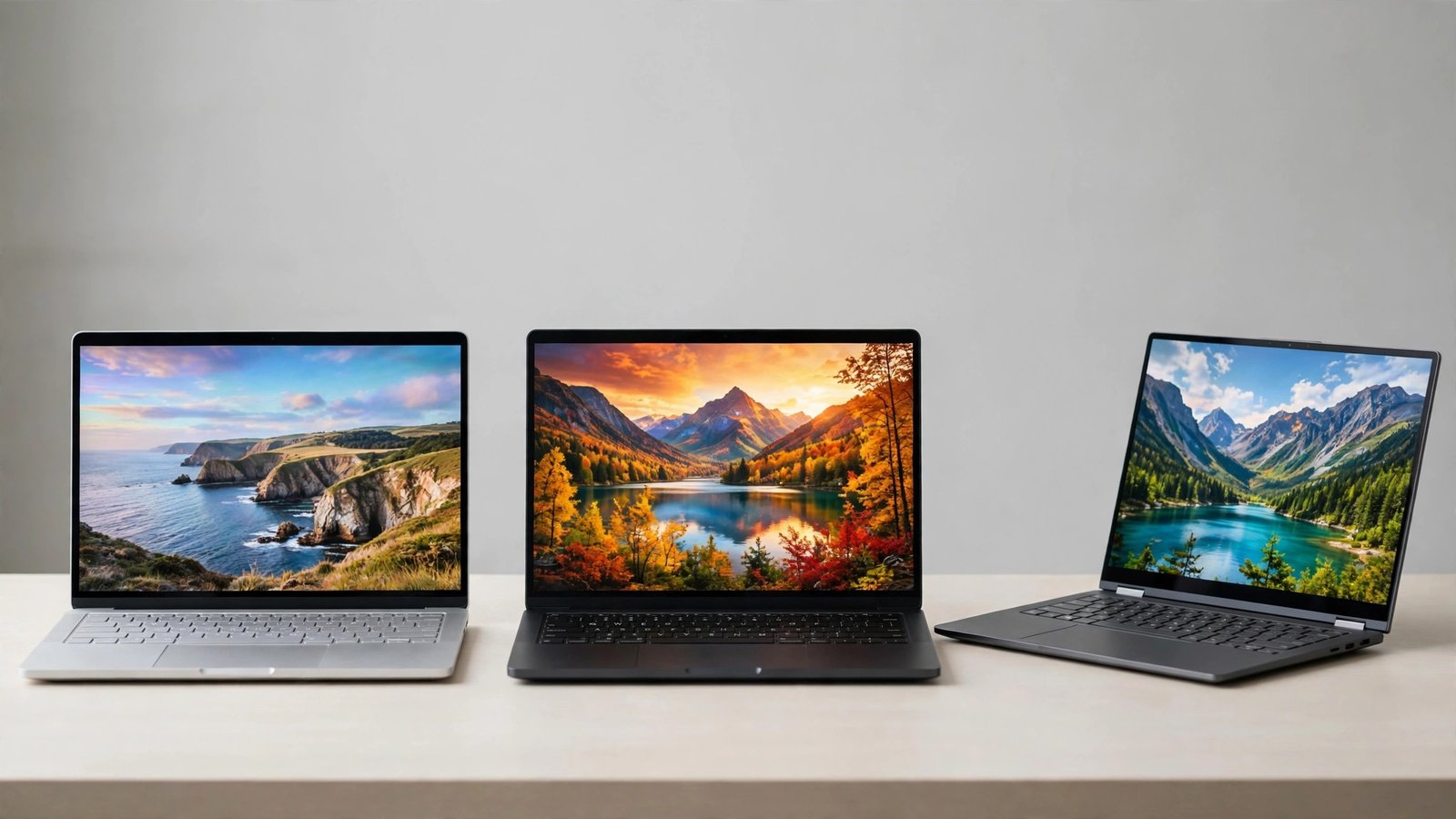
Apple did something genuinely confusing this week, and it is worth untangling before you spend a dollar. In two days, the company announced two different MacBook Pros, and retailers are still clearing out a third. The result is three 14-inch MacBook Pros you can buy right now, at three very different prices, with three different answers to the question “is this the new one?” The short answer: the $1,999 M6 model is the right buy for most people, the $2,899 touchscreen OLED model is for a specific kind of creative pro, and the discounted previous-generation M5 Pro is the quiet bargain hiding underneath both launches — if you can still find your configuration in stock.
All three arrive the same week. The new models opened for pre-order on October 28, 2026, and reach stores on November 6. The older models are not arriving at all — they are being cleared out, which is exactly why their prices are moving.
The three MacBook Pros, side by side
First, the lineup without the marketing fog. Apple announced the 14-inch MacBook Pro with M6 on October 27, and the MacBook Pro with PROLED XDR Display — the touchscreen OLED model — on October 28. The previous-generation 14-inch MacBook Pro with M5 Pro, which uses a Liquid Retina XDR mini-LED display, is still available from retailers at a discount while stock lasts.
| M6 MacBook Pro (14-inch) | PROLED touchscreen MacBook Pro (14-inch) | Previous-gen M5 Pro (14-inch, retail deals) | |
|---|---|---|---|
| Starting price | $1,999 | $2,899 | $2,069.10 at Amazon for the 24GB/1TB model (was $2,499) |
| Chip | M6: 12-core CPU, 12-core GPU | M5 Pro or M5 Max | M5 Pro: 15-core CPU, 16-core GPU |
| Display | 14-inch Liquid Retina XDR, up to 1,600 nits HDR, 1,000,000:1 contrast | 14-inch PROLED XDR tandem OLED, up to 2,000 nits, 10,000,000:1 contrast | 14.2-inch Liquid Retina XDR with ProMotion |
| Touchscreen | No | Yes — first Mac with touch | No |
| Memory | 16GB–32GB | 24GB–128GB | 24GB in the discounted configuration |
| Storage | 1TB–4TB | 1TB–16TB | 1TB in the discounted configuration |
| Ports | 3x Thunderbolt 4, HDMI, SDXC, MagSafe 3 | 3x Thunderbolt 5, HDMI, SDXC, MagSafe | 3x Thunderbolt 5 on the M5 Pro model |
| External displays | Up to 2 | Up to 4 (M5 Max; 3 on M5 Pro in most reports) | Up to 2–3 depending on chip |
| Battery life (Apple’s rating) | Up to 24 hours | Up to 24 hours | Up to 22 hours video streaming |
| Weight | 3.4 pounds | 3.0 pounds | About 3.4 pounds |
| Arrives | November 6, 2026 | November 6, 2026 | In stock now at retailers |
The single most important line in that table is the price gap: $2,899 minus $1,999 is $900. That is the headline difference between the new M6 laptop and the new touchscreen OLED laptop, and Apple is counting on you not doing that subtraction too carefully. The $900 does not buy touch alone. It buys touch plus the OLED display plus a step up from the M6 chip to the M5 Pro plus more base memory plus Thunderbolt 5 plus a lighter body. Whether that bundle is worth $900 depends entirely on what you do with the machine — which is the whole point of this article.
What the $2,899 touchscreen model actually changes
This is Apple’s first Mac with a touchscreen, and that sentence alone would have sounded impossible a few years ago. Apple spent years arguing that touch belonged on the iPad, not the Mac. The PROLED model reverses that position: you can swipe to scroll, pinch to zoom, and drag and drop on the screen while still using the keyboard and trackpad. The touch sensor is built into the display panel itself, and the machine also brings the Dynamic Island from the iPhone to the Mac.
The display itself is the bigger upgrade, even if touch gets the headlines. PROLED XDR is a tandem OLED panel rated at up to 2,000 nits of peak brightness in both HDR and SDR, with a 10,000,000:1 contrast ratio. Compare that with the M6 model’s Liquid Retina XDR at up to 1,600 nits HDR and a 1,000,000:1 contrast ratio. In practice, OLED’s advantage shows up in dark scenes and color-critical work: true blacks instead of very dark gray, and more precise contrast in photos and video. If you grade video, retouch photos, or spend your day staring at color-accurate work, you will see the difference. If you mostly write documents and browse the web, you probably will not — and that is fine.
The machine is also physically different: the 14-inch PROLED model weighs 3.0 pounds, half a pound lighter than the M6 model, and slightly thinner. Half a pound does not sound like much until you carry a laptop in a bag every day for a year. Apple also rates battery life at up to 24 hours for both new models, though real-world results will differ — a brighter OLED panel and a more powerful chip rarely deliver identical battery life to a less powerful machine in identical use, and independent testing has not landed yet.
One more price fact before we move on: the touchscreen line does not stop at $2,899. The 16-inch M5 Pro model starts at $3,399, and M5 Max versions start at $4,499 (14-inch) and $4,799 (16-inch). Education pricing takes $150 off the 14-inch M5 Pro model ($2,749) and $200 off the 16-inch ($3,199). If you are a student, teacher, or buying for a school, check the education store before you check anywhere else — it is the one discount Apple itself guarantees.
Who actually benefits from touch on a Mac?
This is the question that decides the $900, so let us be specific instead of hand-waving about “creatives.”
You benefit from touch if you already reach for an iPad to do part of your work. Apple’s own pro apps — Final Cut Pro, Logic Pro, and Pixelmator Pro — are getting touch controls on this machine, which means one device can cover the timeline scrubbing, timeline navigation, or brush work you currently split across two devices. Photo editors who dodge, burn, and mask by hand, video editors who scrub timelines, and musicians who work with on-screen controls are the natural first audience.
You do not benefit much yet if your work lives in Microsoft Word, Excel, Zoom, or Canva. Apple says touch versions of those apps arrive later this year, not at launch. Buying a first-generation touchscreen Mac to use with apps that do not support touch yet is paying early-adopter money for a feature you cannot use on day one. By the time those apps arrive, the second-generation hardware — with the rough edges fixed — may be closer than you think.
There is also a habit question nobody in the launch coverage asks: do you actually touch laptop screens? Plenty of people who love touch on a tablet never touch a laptop screen, because the keyboard is in the way and the screen is farther from their hands. If you have used a touchscreen Windows laptop and found yourself ignoring the touchscreen after week two, believe that evidence about yourself. The PROLED display is still excellent without touch. But $900 is a lot to pay for a display upgrade plus a feature you may ignore.
The $1,999 M6 model: the one most people should buy
The M6 MacBook Pro is easy to overlook because Apple announced it quietly — a press release on October 27, no keynote drama — and then spent the next day showing off the touchscreen model. Do not mistake quiet for weak.
The M6 chip tops out at 12 CPU cores and 12 GPU cores, two more CPU/GPU cores than the M5, with a doubled 16-core Neural Engine for AI workloads. It ships with macOS 27 and Siri AI, plus Bluetooth 6 and Wi-Fi 7. The 14-inch M6 model replaces the 14-inch M5 MacBook Pro in Apple’s lineup, and Apple calls its battery life the longest ever in a Mac at up to 24 hours.
For writing, coding, photo editing, and cutting the occasional video, this machine is more than enough — and it costs $900 less than the touchscreen model on the same day, in the same size, arriving on the same date. If you keep lots of apps open, the one upgrade worth considering is memory: reviewers consistently suggest bumping to 24GB if your budget stretches, because memory is the thing you cannot add later on an Apple silicon Mac. Storage is the same story — buy the storage you will need in three years, not the storage you need today, because you cannot upgrade it afterward.
The M6 model’s honest limitation is ceiling, not floor. Its memory tops out at 32GB, its storage at 4TB, and it drives up to two external displays. If you render 3D scenes daily, run local AI models, or grade high-resolution video for a living, you will hit those ceilings. That is what the M5 Max models are for — and their $4,499 starting price tells you exactly how niche that work is.
The discounted previous generation: the deal hiding in plain sight
Here is the part of the story that disappears if you only read Apple’s announcements. Retailers are clearing out previous-generation M5 Pro MacBook Pros, and the discounts are large enough to change the decision.
As of late October 2026, Amazon listed the 14-inch M5 Pro (15-core CPU, 16-core GPU, 24GB RAM, 1TB SSD, Space Black) at $2,069.10 — $430 off Apple’s $2,499 list price for that configuration. B&H listed the same configuration at $2,099, a $400 discount. Adorama cut up to $500 off higher configurations, with a 24GB/2TB model at $2,649 (down from $2,999) and an 18-core model at $2,699 (down from $3,199). The 16-inch M5 Pro dropped as low as $2,429 at Amazon, $570 off. Separately, B&H offered a 14-inch M5 model with 32GB RAM and 1TB storage at $1,999, $420 off, explicitly as a clearance special ahead of the M6 models.
Read those numbers against the new lineup and the deal gets clear. The discounted 14-inch M5 Pro at $2,069 costs just $70 more than the new M6 MacBook Pro at $1,999 — and for that $70 you get the Pro-class chip, 24GB of memory instead of 16GB, and Thunderbolt 5 ports. Against the touchscreen model, the same discounted machine saves you $830 while giving up OLED and touch. That is a serious trade, and for many buyers it is the right one.
The risks are also real, and they are the usual clearance risks. Prices are SKU-specific and finish-specific — the Space Black configuration may be discounted while Silver is not — and listings sell out or change fast. Retailer prices are not Apple’s prices, and they can move without notice. If you want a discounted previous-generation model, check the exact configuration (chip cores, memory, storage, finish) rather than trusting a headline price, and buy while your configuration is actually in stock. Waiting for Black Friday may save another $50, or it may cost you the configuration entirely. With clearance stock, “wait” is a gamble, not a strategy.
The decision, in plain language
Use this table as a shortcut, then read the row that matches you:
| Buy this | If this sounds like you |
|---|---|
| $1,999 M6 MacBook Pro | You want a new Pro laptop, you mostly write, code, browse, and edit photos or occasional video, and you do not need touch. Save the $900. |
| $2,899 PROLED touchscreen MacBook Pro | You edit photos or video, draw, or make music, you already reach for an iPad for part of that work, and you want one machine to do it all — with the best display Apple has ever put in a laptop. |
| Discounted M5 Pro (around $2,069) | You want Pro-class performance and 24GB of memory, you do not care about OLED or touch, and you can buy a specific configuration while it is still in stock. |
| $4,499+ M5 Max models | You render 3D, run local AI models, or grade high-resolution video every day. If you have to ask whether this is you, it is not. |
| Wait | You mostly type, browse, and join video calls, and you are tempted by touch mainly because it is new. Wait for touch support in the apps you actually use, and for second-generation hardware. |
Two final practical notes. First, if you buy any of these machines, budget for the things Apple does not include in the headline price: AppleCare+ if you want it, a USB-C hub or adapter if your peripherals need one, and any software subscriptions you actually use. The laptop price is the floor, not the total. Second, confirm the final price at checkout. Apple can change its prices without notice, retailer deals expire, and education pricing requires eligibility. The prices in this article were checked against Apple’s announcements and retailer listings on October 28, 2026 — they are a snapshot, not a promise.
Apple’s three-MacBook week is confusing on purpose, in the sense that every option looks like the flagship if you only read its own announcement. Step back, and the choice is simpler than the marketing suggests. Most people should buy the $1,999 M6 model and keep $900. Creative pros who will genuinely use touch and OLED should buy the $2,899 model without guilt. And bargain hunters who act fast should check the discounted M5 Pro first — because the best MacBook Pro deal of the year may be the one Apple just replaced.
Frequently Asked Questions
What is the difference between the $1,999 and $2,899 MacBook Pro?
The $1,999 model is the 14-inch MacBook Pro with the M6 chip and a Liquid Retina XDR display, without touch. The $2,899 model is the 14-inch MacBook Pro with PROLED XDR Display — a tandem OLED touchscreen — powered by the M5 Pro chip, with more base memory, Thunderbolt 5 ports, and a lighter body. The $900 gap buys the whole bundle, not touch alone.
When do the new MacBook Pros go on sale?
Both new models opened for pre-order on October 28, 2026, and reach stores on November 6, 2026. The 16-inch touchscreen model starts at $3,399, and M5 Max versions start at $4,499 (14-inch) and $4,799 (16-inch).
Is the touchscreen MacBook Pro worth $900 more?
It depends on your work. If you edit photos or video, draw, or make music and already use an iPad for part of that work, touch plus OLED is a real upgrade. If you mostly type, browse, and use Word, Excel, Zoom, or Canva — whose touch versions arrive later this year — the M6 model saves you $900 for the same everyday performance.
Should I buy the discounted older M5 Pro instead?
Often, yes. Retailers listed the 14-inch M5 Pro (24GB/1TB) at $2,069.10 at Amazon and $2,099 at B&H in late October 2026, versus $2,499 list. That is only about $70 more than the new M6 model for a Pro chip and 24GB of memory, and $830 less than the touchscreen model — but stock is configuration-specific and can sell out.
Does the M6 MacBook Pro have a touchscreen or OLED display?
No. The M6 model keeps the Liquid Retina XDR display and has no touch input. Only the PROLED XDR models announced October 28, 2026, have a touchscreen and tandem OLED display.
Which MacBook Pro should a student buy?
Check Apple’s education store first: the 14-inch touchscreen M5 Pro model drops to $2,749 for eligible buyers. For most students, though, the $1,999 M6 model — or a discounted previous-generation model if the configuration fits — leaves more budget for software, accessories, and AppleCare+.
Sources: Apple’s official M6 announcement, the Stuff comparison of the M6 and PROLED models and MacPrices’ B&H discount report. For Apple’s other big hardware decision this month, see iPhone Duo: Apple’s $1,999 Foldable — Buy or Wait?, and for another Apple policy shift affecting creators, see Apple’s App Store AI nudify rules.