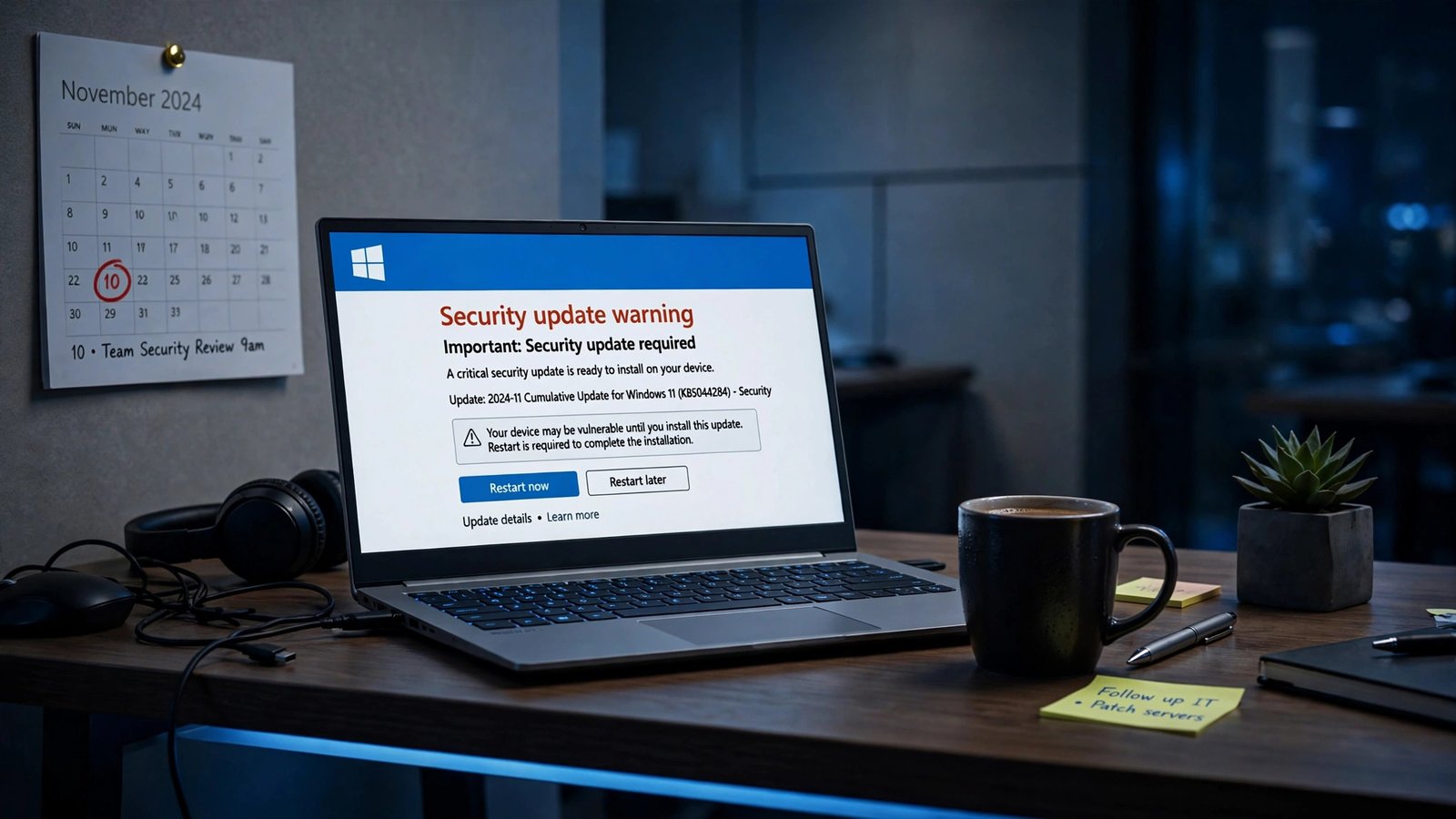
If your business still runs Windows 10, Tuesday, November 10, 2026 is the day the safety net snaps. That is the first Patch Tuesday your PCs will not get unless you paid for Year 2 of Microsoft’s Extended Security Updates (ESU) program — $122 per device, or $183 per device if you skipped Year 1. The free consumer extension that made headlines in June does not cover business PCs, and there is no grace period. Here is exactly what changes on November 10, what each option costs, and how to decide per PC before the deadline hits.
What Happens on November 10, 2026
Microsoft ended support for Windows 10 on October 14, 2025. Since then, the only way a Windows 10 PC has received security patches is through the Extended Security Updates program — a paid, year-by-year bridge that Microsoft sells to organizations for up to three years.
Year 1 of that program ran from October 15, 2025 through October 13, 2026, and it came with the October 13 updates. Year 2 started the next day, October 14, 2026. But here is the detail that catches people off guard: the first monthly security update inside Year 2’s coverage window lands on Patch Tuesday, November 10. Any business PC that is not enrolled in Year 2 simply will not receive it — or any monthly update after it.
That matters because Patch Tuesday is not a minor maintenance event. It is the day Microsoft ships fixes for the vulnerabilities its security teams and outside researchers found over the previous month, including flaws that are already being exploited in the wild. A PC that misses November 10 keeps working — Microsoft says so plainly — but every flaw discovered from that point on stays open on that machine, permanently.
I have seen small businesses treat end-of-support dates as soft deadlines. This one is not. October 14, 2025 was the soft deadline, the one with a year’s warning and a paid bridge. November 10 is the day the bridge toll comes due for the second year, and the price has doubled.
The ESU Price Ladder: $61, Then $122, Then $244
Microsoft’s commercial ESU pricing is deliberately simple, and deliberately punishing. The price doubles every year. There is no discount for volume in the published list price, no partial-year option, and no way to buy Year 2 without Year 1.
| ESU year | Coverage period | Price per device | What a new enrollee pays |
|---|---|---|---|
| Year 1 | Oct 15, 2025 – Oct 13, 2026 | $61 | $61 |
| Year 2 | Oct 14, 2026 – Oct 12, 2027 | $122 | $183 (Year 1 + Year 2) |
| Year 3 | Oct 13, 2027 – Oct 10, 2028 | $244 | $427 (all three years) |
| Total, all three years | Oct 2025 – Oct 2028 | $427 | $427 |
Those dates and the doubling rule come straight from Microsoft’s own documentation, and reseller listings for the Year 2 commercial SKU match the $122 figure. Your licensing reseller’s quote is the number to budget against — list prices are the ceiling, not always the invoice — but do not plan on a meaningful discount. The program is designed to get more expensive the longer you stay, because Microsoft wants you on Windows 11.
The minimum purchase is one license, so the program scales down as well as up: a ten-PC office can cover ten devices, and a 300-device fleet faces the same per-device math. For a 300-device fleet with no ESU purchased yet, enrolling in Year 2 costs $54,900 (300 × $183). If Year 1 was already licensed, the additional Year 2 cost is $36,600 (300 × $122). Those are the numbers to put in front of whoever signs the check.
The $183 Catch-Up Trap: ESU Is Cumulative
This is the rule that generates the most surprise invoices, so let me spell it out. ESU is cumulative. If a PC was not covered in Year 1 and you want it covered now, you must pay for Year 1 too — $61 plus $122, or $183 per PC. You cannot skip a year and pick up coverage mid-stream.
That means the “we’ll just buy it when we need it” strategy has already cost you $61 per device. And the trap compounds: a PC that sits uncovered through Year 2 and needs Year 3 will owe $61 + $122 + $244, the full $427, for a single year of remaining coverage. Every month you delay, the math gets worse, because the price only moves in one direction.
There is one more date to respect. Commercial ESU enrollment ends October 13, 2028. There is no fourth year at any price. After that, Windows 10 is permanently unsupported no matter what you pay.
A worked example makes the stakes concrete. A small dental practice with four imaging PCs that cannot move to Windows 11 yet — because the imaging software vendor has not certified Windows 11 — pays 4 × ($61 + $122) = $732 at list price to cover those four machines through Year 2. That is real money, but it is also a rounding error next to a single ransomware incident on an unpatched machine holding patient records.
What ESU Actually Covers — and What It Never Will
Before you pay, be clear about what you are buying. ESU delivers critical and important security updates only. That is the whole product. It does not bring new features, non-security bug fixes, design changes, driver updates, or general technical support. Microsoft supports only ESU activation, installation, and regressions caused by the updates themselves.
In practice, that means an ESU-covered PC still runs Windows 10 version 22H2 — the final version of Windows 10 — forever. Nothing about the experience improves. The machine simply keeps receiving the security patches that keep newly discovered flaws from becoming open doors.
The prerequisites are specific, so check them before you buy. Devices must run Windows 10, version 22H2, with the October 2025 cumulative update (KB5066791) or later installed, plus the ESU licensing preparation package (KB5072653). ESU is switched on with a separate key — either the traditional “5-by-5” activation key method or cloud-based activation — so you cannot tell from the Windows version number alone whether a PC is covered. If you are auditing a fleet, check enrollment, not the version string.
Two related lifelines are worth knowing about. First, Microsoft 365 Apps security updates on Windows 10 continue for three years after end of support, ending October 10, 2028 — so your Office apps stay patched even if the OS does not. Second, if your Windows 10 endpoints are used to access Windows 11 Cloud PCs through Windows 365, the ESU license is included at no additional cost. If either of those applies to you, factor it into the decision before you spend.
The Free Consumer Extension Does Not Cover Your Business PCs
This is the confusion I expect to cause the most damage this month. In late June 2026, Microsoft quietly gave home Windows 10 PCs another year of free security updates, through October 12, 2027. The headlines were everywhere, and plenty of small-business owners read them as “Windows 10 is supported for another year.”
It is not — not for business PCs. The consumer program is a separate, one-year-only offer: free if the PC syncs its settings to a Microsoft account, or 1,000 Microsoft Rewards points, or a one-time $30 purchase. And Microsoft’s own page states plainly that the consumer program “can’t be used in commercial scenarios.” It is not offered to domain-joined, Entra-joined, or MDM-enrolled devices — which describes essentially every business PC in a managed environment.
Here is the split, side by side:
| Consumer ESU | Business (commercial) ESU | |
|---|---|---|
| Cost | Free (settings sync), 1,000 Rewards points, or $30 one-time | $61 / $122 / $244 per device per year |
| Coverage through | October 12, 2027 | October 10, 2028 (Year 3) |
| Years available | One year only | Up to three years |
| Commercial use | Explicitly not allowed | Designed for it |
| Domain / Entra / MDM devices | Not eligible | Eligible |
If your business PCs are domain-joined, do not waste time on the consumer enrollment page. It will not cover them, and assuming otherwise leaves the whole fleet unpatched after November 10. For the full consumer-side story, including the free enrollment options for home PCs, see our earlier guide: Windows 10 ESU Extended to October 2027: How Home Users Enroll Free.
The uncomfortable truth is that Microsoft built two programs with two prices because it wants two outcomes: home users get a gentle nudge toward Windows 11, and businesses get a bill that grows every year until upgrading becomes the cheaper option. That is not a conspiracy theory; it is the stated design of the pricing.
Your Three Options, With Real Math Per PC
Every Windows 10 PC in your business falls into one of three buckets. The right answer depends on the machine, not on a company-wide policy, so work through this PC by PC.
Option 1: Upgrade to Windows 11 — free, if the hardware qualifies
For most PCs bought in the last five or six years, this is the correct answer, and it costs nothing in licensing. The upgrade from Windows 10 to Windows 11 is free for PCs running Windows 10 version 22H2 that meet Microsoft’s minimum hardware requirements: a supported processor, TPM 2.0, UEFI with Secure Boot enabled, and at least 64GB of storage. As of October 2026, Microsoft has not announced an end date for the free upgrade offer.
Run Microsoft’s free PC Health Check app first — download it from aka.ms/GetPCHealthCheckApp, open it, and click “Check now.” It tells you in seconds whether the PC qualifies and, if not, exactly which requirement fails. That one check replaces an afternoon of guessing about TPM chips and CPU generations.
If the PC qualifies, the upgrade itself is straightforward: Settings > Update & Security > Windows Update, check for updates, and select “Download and install” under the Windows 11 offer. The Installation Assistant from Microsoft’s Download Windows 11 page does the same thing on demand, and an ISO file works too. Back up first — always — and note that you have 10 days to roll back to Windows 10 if something goes wrong.
The current release is Windows 11 version 26H2, released September 29, 2026, so a PC upgraded today lands on a current, supported build rather than an old one.
Option 2: Pay for ESU Year 2 — $122, or $183 with the catch-up
Paying makes sense for exactly two kinds of PC: one that runs software that does not work on Windows 11 yet, and one you plan to replace within a few months anyway. In both cases, ESU is a bridge with a known end date, not a parking spot.
Do the math honestly. A PC that needs all three years costs $427 in ESU alone. A new business-class Windows 11 desktop or laptop starts in the $500–$700 range and comes with years of supported life ahead of it. If the PC is more than six or seven years old, the $122 for Year 2 — let alone $183 with the catch-up — usually goes further toward a replacement than toward another year of an operating system Microsoft has already abandoned.
That is the calculation Microsoft is counting on you making. The doubling price is not an accident; it is a countdown timer with a dollar sign on it.
Option 3: Replace the PC
For older machines that fail PC Health Check — no TPM 2.0, an unsupported CPU, too little storage — replacement is the honest answer. These machines were often bought before 2018, and no amount of ESU money makes them modern. Budget the replacement against the $427 three-year ESU total and the security risk of running an unpatched machine that touches customer data, and the replacement usually wins.
One caution on replacements: buy Windows 11 Pro, not Home, for any machine that will join a domain or be managed. And check that your line-of-business software vendor has certified Windows 11 before you migrate the machine that runs it — the whole reason some PCs are still on Windows 10 is that a vendor has not caught up, and a new PC does not fix that.
How to Check Your Fleet Before November 10
If you are responsible for more than a handful of PCs, do this in the next few days, in this order:
- Inventory every Windows 10 PC. Pull the list from your management tool, or walk the office with a spreadsheet. Note the Windows version (must be 22H2), the install date, and what software each machine runs.
- Run PC Health Check on each one. Sort the fleet into three piles: upgrades cleanly, needs ESU, must be replaced. The app names the failing requirement, so the sorting is fast.
- Check ESU enrollment, not the version number. A PC on 22H2 with the October 2025 update may or may not be enrolled. Confirm the Year 2 key or cloud activation is actually in place.
- Confirm the prerequisites. Any PC you intend to cover needs the October 2025 cumulative update (KB5066791) or later and the ESU preparation package (KB5072653) installed first. An unpatched prerequisite blocks enrollment.
- Talk to your licensing reseller this week. Get the Year 2 quote in writing, confirm whether your Year 1 licenses are on file (that is the difference between $122 and $183 per PC), and ask about the 5-by-5 key versus cloud-based activation for your environment.
- Isolate what you cannot cover. Any PC that will be unpatched after November 10 should not have the same network access as your patched machines. Segment it, restrict its internet access, and treat it as untrusted until it is upgraded or replaced. This is the step most small businesses skip, and it is the one that matters most if a machine has to stay behind.
For home users reading this with a single PC, the same logic applies at a smaller scale: run PC Health Check, upgrade if you can, and use the free consumer ESU enrollment if you cannot — but do not confuse the two programs.
Watch: Upgrading From Windows 10 to Windows 11
If the upgrade path is new to you, this walkthrough covers the full move from Windows 10 to Windows 11, including the PC Health Check step and the official methods Microsoft supports:
The video is a useful companion to the steps above, especially if you have never enabled TPM 2.0 or Secure Boot in a BIOS screen before. Watch it once before you touch a production machine.
What I Would Do With a 20-PC Office
Let me make this concrete, because abstract advice is what gets ignored. Suppose you run a 20-PC office and twelve of the machines are still on Windows 10. Here is how the week plays out:
Run PC Health Check on all twelve. In a typical office, eight or nine will pass — machines bought since 2019 or so. Upgrade those eight or nine this week, in batches of two or three a day, with backups first. That costs nothing but your time.
Of the remaining three or four, check what they run. One probably hosts an old application the vendor has not certified for Windows 11. That machine gets ESU Year 2 — $122 if Year 1 was bought, $183 if not — and a calendar reminder to revisit the vendor in January. The last one or two are old enough that replacement wins: $427 of ESU over three years buys a large fraction of a new machine, and the new machine does not carry the risk.
Total cash outlay: somewhere between $122 and $732, plus one or two replacement PCs you were going to buy within the year anyway. Total risk removed: twelve machines that would otherwise have stopped receiving security patches on November 10. That is the whole job.
The alternative — doing nothing and hoping — is the most expensive option on the table. Unpatched machines are the first thing attackers scan for after a Patch Tuesday, because the patches themselves announce exactly which flaws were fixed and which machines are now exposed. November 10 does not just end your coverage; it publishes a list of what is wrong with every PC that misses it.
Frequently Asked Questions
How much does Windows 10 ESU cost a business in Year 2?
$122 per device for the Year 2 coverage period, October 14, 2026 to October 12, 2027. The price follows Microsoft’s rule that the $61 Year 1 price doubles every consecutive year. Because the program is cumulative, a device enrolling in Year 2 with no Year 1 license pays $183 ($61 + $122). Year 3 is $244 per device, and all three years together cost $427 per device.
What happens to a business PC on November 10, 2026 if it has no ESU?
Nothing visible changes — the PC keeps working. But November 10 is the first Patch Tuesday whose security updates will not be delivered to it. From that day on, every newly discovered Windows 10 vulnerability stays unpatched on that machine. Over months, the list of known, unpatched flaws grows, and attackers actively target machines in exactly that state.
Can my business use the free consumer ESU extension instead?
No. Microsoft’s consumer ESU program — free with settings sync, 1,000 Microsoft Rewards points, or a one-time $30 purchase, through October 12, 2027 — explicitly cannot be used in commercial scenarios, and it is not offered to domain-joined, Entra-joined, or MDM-enrolled devices. Business PCs need the commercial ESU program at $122 per device for Year 2.
Is the Windows 11 upgrade really free?
Yes, for eligible PCs. Microsoft’s upgrade FAQ states that upgrades from Windows 10 to Windows 11 are free, and as of October 2026 Microsoft has not announced an end date for the offer. The PC must run Windows 10 version 22H2 and meet the minimum hardware requirements, including TPM 2.0, UEFI with Secure Boot, and a supported processor. Run the free PC Health Check app to confirm eligibility.
What does ESU cover, and what doesn’t it cover?
ESU delivers critical and important security updates only. It does not add Windows features, non-security fixes, driver updates, or general technical support. Devices must run Windows 10 version 22H2 with the October 2025 cumulative update (KB5066791) or later, plus the ESU licensing preparation package (KB5072653). Coverage ends for good on October 13, 2028 — there is no Year 4.
Should I pay $122 for ESU or just replace the PC?
Pay for ESU only if the PC runs software that does not work on Windows 11 yet, or you plan to replace it within a few months. For an older machine that fails PC Health Check, replacement usually wins: $427 of ESU over three years buys a large fraction of a new business PC, and the new machine comes with years of supported life instead of a countdown to October 2028.