
The Short Answer
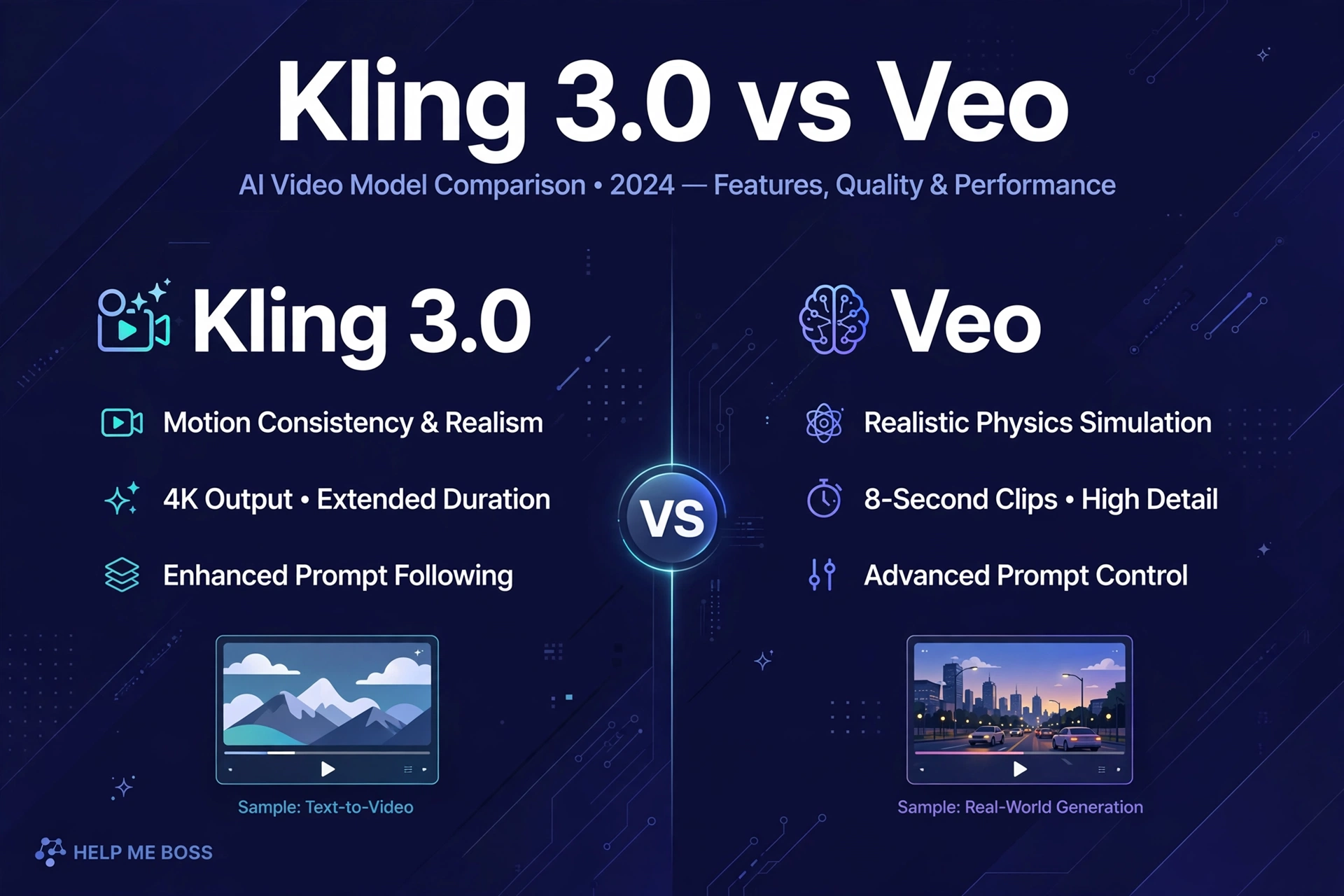
Kling 3.0 gets you close to Veo 3.1’s quality on lighting and tricky motion at a fraction of the per-second cost. If you’re producing high-volume short-form content — Reels, Shorts, TikToks — Kling is the value pick. Veo 3.1 keeps the edge on dialogue quality, lip sync, and ecosystem integration, and it’s the better choice when a client is paying for polish.
Here’s the full breakdown so you can decide based on your actual use case, not hype.
What Kling 3.0 Brings
Kling 3.0, from Kuaishou, launched February 5, 2026. It’s a unified multimodal model — text-to-video, image-to-video, and video-to-video in one system — with specs that matter for creators:
- Up to 15-second clips at native 4K resolution (not an upscale) and up to 60fps
- Native multilingual audio — dialogue, sound effects, and background music generated with the video, with lip sync across multiple languages and accents
- AI Director — automatically sequences up to six spatially consistent shots inside a single clip, so one generation gives you a mini-scene with shot transitions instead of a single static take
- Character consistency — holds subject, props, and lighting across angles in multi-shot sequences
- Director-level camera controls — pan, tilt, zoom, dolly, rack focus
- Professional outputs — including 16-bit HDR and EXR sequences that drop into After Effects and DaVinci Resolve
The free tier gives 66 daily credits at 720p with a watermark, explicitly non-commercial. Paid plans start around $10/month.
What Veo 3.1 Brings
Google’s Veo 3.1 is the quality benchmark most creators compare against:
- Native audio in one pass — dialogue, sound effects, and ambient audio from a single prompt, with the best lip sync in the category
- Reference-image direction — 1-3 reference images keep subjects consistent (R2V mode), plus start/end frame interpolation for controlled transitions
- Flexible aspect ratios — native 16:9 and 9:16 portrait for Shorts and TikTok
- Longer generations — up to 60 seconds, with best quality in the 10-20 second range
- Ecosystem — Google Drive, YouTube Studio, Vertex AI, and direct YouTube publishing
- SynthID watermarking — Google’s invisible watermark embedded in every frame, which is actually useful for disclosure compliance
Access runs through Google AI Pro ($19.99/month, includes the faster Veo 3.1 Fast model) and Google AI Ultra ($249.99/month, full quality). Developers pay per second through the API.
The Price Comparison That Matters
API pricing, based on published rate cards as of late September 2026:
| Model | Per-second cost |
|---|---|
| Kling 3.0 (standard, no audio) | ~$0.084 |
| Kling 3.0 (standard, with audio) | ~$0.126 |
| Kling 3.0 (pro, with audio) | ~$0.168 |
| Veo 3.1 Lite | $0.03–$0.08 |
| Veo 3.1 Fast | $0.08–$0.30 |
| Veo 3.1 (standard) | $0.20–$0.60 |
Translated into creator math: a 5-second clip with audio costs roughly $0.35–$0.50 on Kling 3.0 standard versus $0.75–$1.00+ on Veo 3.1 standard. A 60-second short-form video (twelve 5-second clips) runs about $4–$6 on Kling versus $9–$12+ on Veo at standard quality. If you’re publishing daily, that gap compounds fast — Kling can cut your generation budget roughly in half.
Note the nuance: Veo 3.1 Lite at $0.03–$0.08/second is actually cheaper than Kling for draft-quality iterations. Smart workflow: iterate on Lite, render finals on Kling or Veo standard depending on the client.
Quality: Where Each One Wins
Independent comparisons put Kling 3.0 and Veo 3.1 close on overall visual fidelity, with different strengths:
- Lighting and motion: Kling 3.0 holds its own — strong on expressions, scene transitions, and natural movement. This is where the “close to Veo” claim comes from.
- Dialogue and lip sync: Veo 3.1 is the clear leader. If your content has talking characters, Veo’s audio pipeline is meaningfully better.
- Photorealism: Veo 3.1 edges ahead on fine detail. Kling is strong but can’t quite match Veo’s photorealistic fidelity in complex scenes.
- Multi-shot storytelling: Kling’s AI Director (up to 6 auto-sequenced shots per clip) is a genuine differentiator — Veo requires you to chain clips manually for the same effect.
- Editing workflow: Kling is generate-and-download; refinement happens in external tools. Veo’s Flow ecosystem and YouTube integration are smoother for Google-centric creators.
Which Should You Pick?
Pick Kling 3.0 if: you publish high-volume short-form content, your budget is tight, you need multi-shot sequences without manual stitching, or you want native 4K output without the Ultra-tier price.
Pick Veo 3.1 if: dialogue and lip sync are central, you’re already in Google’s ecosystem, a client is paying for maximum polish, or you need the SynthID watermark trail for compliance.
Pick both if: you’re serious about AI video as a business. Use Veo 3.1 Lite for cheap iteration, Kling 3.0 for volume production, and Veo 3.1 standard for hero pieces. The tools are cheap enough now that the subscription stack costs less than one stock footage license used to.
For the broader landscape, see our best AI video generators for beginners, and for turning clips into monetizable content, our faceless YouTube with AI guide.
Cost Per Finished Minute: The Real Comparison
Rate cards don’t tell you what a finished minute of video costs, because generation is iterative. A realistic multiplier: expect 3-5 generations per keeper clip while you’re learning a tool, dropping to 1.5-2x once your prompting is dialed in.
At API rates with audio, one finished minute (twelve 5-second clips, 2x iteration factor = 24 generations):
- Kling 3.0 standard: 24 × 5s × $0.126 ≈ $15
- Veo 3.1 standard: 24 × 5s × $0.40+ ≈ $48+
- Veo 3.1 Fast: 24 × 5s × $0.12 ≈ $14
That last line is the sleeper insight: Veo 3.1 Fast at API rates is price-competitive with Kling for finished output. The practical stack for a working creator: subscribe to Google AI Pro ($19.99/month) for Fast generations inside the Google apps, and keep a Kling subscription (~$10/month) for native-4K finals and multi-shot sequences. Total stack under $35/month — less than a single hour of freelance motion-design work.
Official source: Kling AI · Google DeepMind Veo
Frequently Asked Questions
Is Kling 3.0 really cheaper than Veo 3.1?
At standard quality with audio, yes — roughly half the per-second cost ($0.126/s vs $0.20+/s). Veo 3.1 Lite can be cheaper for drafts, but for finished clips Kling wins on price.
Can I use Kling 3.0 commercially?
Only on paid plans. The free tier is 720p, watermarked, and explicitly barred from commercial use. Check Kling’s current terms before using output in monetized content.
Does Kling 3.0 do portrait video for TikTok and Reels?
Yes — it supports 16:9, 9:16, and 1:1 aspect ratios.
What’s the catch with Kling’s lower price?
No built-in editing suite (generate and download, then refine externally), weaker ecosystem integrations than Google, and slightly lower photorealistic fidelity. For social content and marketing, most creators find the trade-off worth it.
Which is better for AI short dramas?
Kling’s AI Director multi-shot sequences give it an edge for serialized content — one generation produces a connected mini-scene. Pair it with a production workflow like CapCut Director Mode for continuity management.
Do prices change often?
Yes — AI video pricing moves fast. The figures here are from published rate cards in late September 2026. Always check the official pricing pages before committing to a plan.