
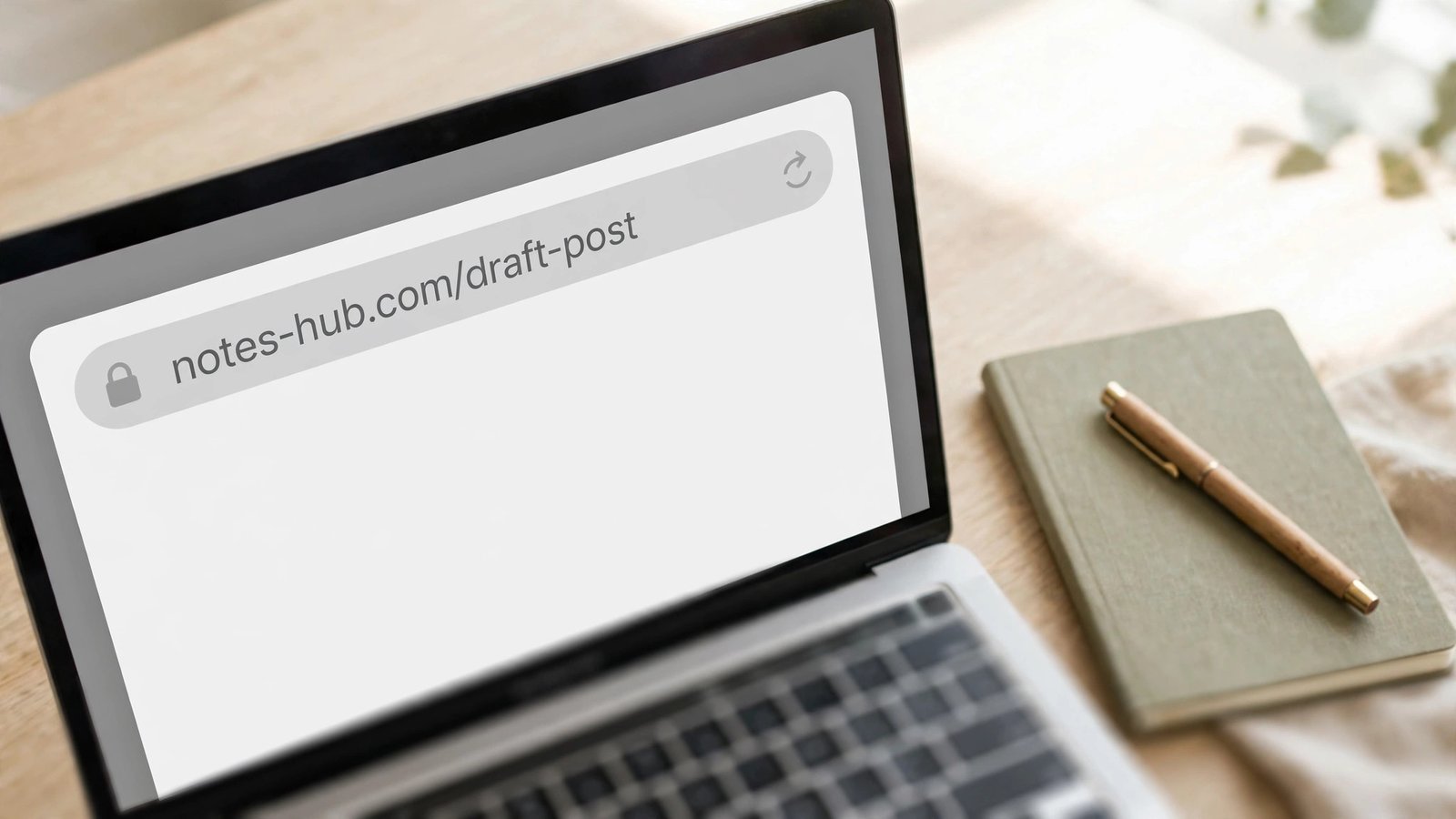
Google clarified its URL advice on October 23, 2026, and the internet promptly did what it always does with Google documentation: turned a small clarification into a big to-do list. If you run a blog or a small business site, here is the short version before anything else: use short, readable, hyphenated words for every new page you create, and leave your existing URLs alone unless you have a real reason to move them. That is the whole story. The rest of this article explains why, with the worked examples and the decision rules that keep you from turning a documentation note into a self-inflicted traffic dip.
What Google actually changed on October 23
Google’s Search Central documentation log recorded an update to its URL structure guidance on October 23, 2026. The clarified guidance says, in plain terms:
- Use simple, descriptive words in URL paths — words a reader would recognize.
- Separate words with hyphens in new paths, not underscores.
- Keep parameters purposeful — trim the ones that do not change the content of the page.
- Remember that URLs are case-sensitive, so pick one case convention and stick to it.
That is it. This was a documentation clarification, not a ranking system launch, not a core update, and not a new signal you need to chase. Google’s own URL structure documentation has recommended hyphens over underscores for years; the October update states the preference more explicitly and tidies the surrounding guidance. Nothing in the update says existing underscore URLs are broken, penalized, or in need of rescue.
Why does this distinction matter? Because the cost of acting on a misunderstanding is real, while the benefit of acting correctly is modest and mostly future-facing. A good URL helps a human understand where a link goes before they click it, and it helps a crawler cleanly identify one page as distinct from another. A good URL does not, by itself, rank a thin page above a strong one. Google has said repeatedly that keywords in a URL path are a very small signal, useful mainly when Google knows almost nothing else about a page. If your page already has a clear title, real content, and internal links, the slug is doing support work, not carrying the ranking.
The five rules for every new URL you create
Apply these to new posts only. Think of them as a naming convention for your site going forward, not a repair job for your archive.
1. Words a reader would recognize
A path like /guides/local-seo-audit tells a visitor what waits at the other end of the click. A path like /guides/p-9873 or /guides/lsa-v2-final tells them nothing. The same logic applies when someone pastes your link into a message or sees it in a search result: the readable version earns the click because it sets an expectation the page can meet.
Pick the words from the topic itself, not from your internal shorthand. Your readers do not know what “LSA” means, and they should not have to. If the article is about fixing a slow WordPress site, /fix-slow-wordpress-site beats /wp-opt-07 every time — for humans first, and for search engines as a side effect.
2. Hyphens between words, never underscores
This is the one rule the October clarification states most plainly. Google’s documentation recommends hyphens (-) instead of underscores (_) because hyphens clearly signal word boundaries, while underscores have historically been used to join concepts that should stay together — think of function names in programming, like format_date. In practice, that means:
- Good:
https://example.com/summer-clothing/filter?color-profile=dark-grey - Not recommended:
https://example.com/summer_clothing/filter?color_profile=dark_grey - Also avoid:
https://example.com/greendress— joined words with no separator at all
One honest caveat: this is a convention for new URLs, not a repair order. An existing underscore URL that already ranks and earns clicks is not suddenly broken because Google restated a preference. We will get to the rename math below, and it is the part most coverage skips.
3. Short, but not at the cost of clarity
Keep the path short enough to read at a glance, but do not strip out words that make the topic clear. A good rule of thumb is three to five meaningful words. /best-wordpress-hosting-small-business is fine. /best-cheap-affordable-wordpress-web-hosting-providers-small-business-2026-review is keyword stuffing wearing a URL costume, and Google’s systems recognize keyword stuffing in URLs. One primary keyword phrase in the slug is plenty; the title tag and the content itself carry the rest.
Strip stop words only when removing them leaves the meaning intact. /how-to-price-freelance-design reads fine without “how-to” if you prefer /price-freelance-design, but never mangle a phrase into ambiguity just to save a word.
4. Lowercase, always
URLs are case-sensitive. /Apple and /apple are distinct URLs as far as a crawler is concerned. If your server treats them as the same page, you can end up with two versions of one page floating around, splitting signals and confusing everyone. Standardize on lowercase for every new URL, and if your site already has mixed-case paths, fix them with a single canonical version and redirects — that is one of the rare cases where touching an existing URL is worth it, because it removes genuine duplication rather than chasing a cosmetic preference.
5. No dates, IDs, or session junk in evergreen slugs
A URL with /2020/03/article ages visibly and tells readers (and Google) the content is stale even after you have updated it. The same goes for session IDs, tracking parameters, and sort parameters that do not change what the page actually says. If a parameter does not change the content, trim it. If two URLs show the same content, pick one preferred version and point a canonical tag at it, so signals consolidate instead of splitting.
This is also why you should never bake a year into an evergreen slug unless the year is the point of the article. A guide titled “Best Budget Laptops” should live at /best-budget-laptops, not /best-budget-laptops-2026 — the year in the title can be refreshed, while the URL stays put and keeps its history.
Before and after: naming real post types
Here is where the guidance turns into something you can actually use. The table below takes common post types on a small site and shows the old habit versus the October-clarified habit. Notice that in every row, the new version is shorter, more readable, or both — and none of them require touching a live URL.
| Post type | Old habit | Better new-post name |
|---|---|---|
| How-to guide | /blog/post?id=482 |
/fix-slow-wordpress-site |
| Product comparison | /best_cheap_hosting_providers |
/best-wordpress-hosting-small-business |
| Local service page | /services/SPage1 |
/emergency-plumber-austin |
| News reaction | /news/2026/10/26/meta-terms-update-final-v2 |
/meta-terms-delay-november-20 |
| Category hub | /cat.php?c=7&sort=new |
/freelancer-tax-guides |
| Evergreen tutorial | /how-to-start-a-blog-2023 |
/start-a-blog |
Two patterns worth noticing. First, the better version in each row is something a reader could guess before clicking — that is the test. Second, none of these improvements come from adding more keywords. They come from removing noise: IDs, dates, underscores, and internal codes. If your new slug reads like a sentence fragment a person might say out loud, you are done.
The rename math: why you should not rename live URLs
This is the part that matters most, and it is the part most quick-take coverage leaves out. Renaming a live URL is not free, and the bill has several line items:
- A permanent 301 redirect from the old URL to the new one, kept in place indefinitely — not for a month, not until you forget about it, but for as long as anyone might still hold the old link.
- Updated internal links pointing at the new URL, so your own site stops sending crawlers through a redirect on every pass.
- A sitemap update so the new URL is the one you present as canonical.
- Reprocessing time while search engines discover the change, follow the redirect, and transfer signals to the new address. During that window, rankings and traffic for the page can wobble.
- External link loss in practice — a redirect preserves most link value, but not all of it, and any link you cannot update (a mention on someone else’s site, a PDF, a printed QR code) now depends on your redirect working forever.
Now put numbers on it for a small blog. Say you have 40 posts with underscore slugs and you decide to “fix” them all. At a careful 15 minutes per post — redirect, internal link updates, sitemap check, spot-check in Search Console — that is 10 hours of work. What do you get for it? A separator preference that Google describes as a small, long-standing recommendation, applied to pages that were already indexed and ranking. The honest expected return is close to zero, and the honest risk is a traffic dip during reprocessing on pages that were fine.
There is a simple decision rule that covers almost every case:
| Situation | Decision |
|---|---|
| Creating a new page | Use short, readable, hyphenated, lowercase words. |
| An existing URL works and points at the right page | Leave it alone. Write down your new convention for future posts. |
| The URL changes anyway during a rebuild or consolidation | Adopt hyphens as part of that planned migration, with a full redirect plan. |
| Several URL versions show the same content | Pick one preferred destination; align redirects, canonical tags, and internal links. |
| The URL is unreadable, misleading, or tied to retired site architecture | Weigh a change on usability and maintenance grounds — not on the separator alone. |
The only rename that clearly pays is the one that fixes a real problem: a URL that misleads readers, a slug that promises a topic the page no longer covers, duplicate versions splitting one page’s signals, or a site rebuild where URLs move regardless. “Google restated its hyphen preference” is not, on its own, a real problem.
If you must rename: the safe migration checklist
Sometimes a rename is genuinely justified — a rebrand, a site rebuild, a slug that is actively wrong. If that is your situation, do it properly rather than quickly:
- Map every old URL to its new destination in a spreadsheet before touching anything. No old URL should redirect to the homepage; a redirect to the homepage reads as a soft 404 and throws away the page’s value.
- Use 301 permanent redirects, one hop, old URL straight to new URL. Redirect chains — old to intermediate to final — slow crawlers and leak value with every hop.
- Update your internal links to point directly at the new URLs. Internal links that pass through redirects are a standing tax on your crawl budget.
- Update your sitemap the same day, and keep the old URLs out of it. A sitemap that lists a redirected URL is telling search engines two different things at once.
- Set the canonical tag on the new page to itself, and make sure no other page still canonicals to the old address.
- Watch Search Console for two to four weeks: index coverage for the new URLs, redirect errors, and any traffic change on the moved pages. Keep the redirects live permanently — removing them later breaks every external link you could not update.
- Do not rename in bulk during a traffic-sensitive season. If your site earns during the holidays, a November URL migration is a gamble you do not need. Wait for a quiet window.
One more warning from hard experience across the industry: never rename a URL just because you refreshed the article. Updating the content, the title, and the publish date is normal maintenance. Changing the address turns maintenance into a migration, and migrations are where traffic goes to hide for a month.
Three traps the October coverage invites
Trap 1: Treating a documentation note as a ranking launch. Google updates its Search Central documentation regularly. Most updates clarify wording; almost none of them announce a new ranking behavior. When you see a headline claiming Google “changed URL SEO,” check whether the source is a documentation changelog or an actual ranking announcement. This one is the changelog kind.
Trap 2: Keyword-stuffing the slug to compensate. If keywords in URLs are a small signal, stuffing more of them in does not multiply the signal — it makes the URL harder to read and easier for spam systems to flag. One clear phrase, then stop.
Trap 3: Renaming during a redesign without a redirect map. Redesigns are the most common cause of accidental mass URL changes: a new theme, a new category structure, and suddenly every address shifts. The redesign is not the problem; the missing redirect map is. Build the map before launch, not after the traffic report arrives.
A note on my own workflow
I write about this stuff because I run into it constantly while publishing: every new article needs a slug, and the temptation to “optimize” old slugs never fully goes away. The rule I settled on is boring, and that is the point. New posts get a short, hyphenated, lowercase slug that a reader could guess. Old posts keep their addresses unless something is genuinely broken. Since adopting that rule, I have never once regretted leaving an old URL alone — and I have regretted every bulk rename I watched a site owner attempt in a busy season. Boring is a feature here. Your URLs are infrastructure, not a lever you pull for quick wins.
For more on reading Google’s announcements without overreacting, see our guide to Google’s AI search source links — the same discipline applies: check what actually changed, then act only on the part that affects your next post. And if you are still working toward monetization, our AdSense approval requirements guide covers the fundamentals that matter far more than any slug tweak.
Frequently Asked Questions
Did Google’s October 2026 update change how URLs rank?
No. It clarified documentation on crawlable URL structures — readable words, hyphens as separators, purposeful parameters. It was not announced as a ranking launch, and it does not justify renaming existing URLs on its own.
Should I change my existing underscore URLs to hyphens?
Almost always, no. An existing underscore URL that ranks and receives traffic is not broken. Changing it costs redirect work, internal-link updates, sitemap changes, and reprocessing time, for a small, long-standing preference. Change an existing URL only when it is misleading, duplicated, or moving anyway as part of a rebuild.
Do keywords in a URL help rankings?
Only slightly. Google treats URL keywords as a very small signal, most useful when it knows little else about a page. A clear, readable slug supports the page; it does not carry it. Title, content quality, and links matter far more.
What makes a good new URL in 2026?
Three to five lowercase words a reader would recognize, separated by hyphens, with no dates, IDs, session parameters, or file extensions. Match the slug to the topic, keep it stable, and never change it just because you refreshed the article.
What happens if I rename a URL without a redirect?
Visitors and crawlers hitting the old address get a 404, external links pointing at it break, and the page effectively starts over at the new address with none of its history. Always use a permanent 301 redirect from the old URL to the new one, and keep it in place.
Are parameters in URLs always bad?
No. Parameters that change the content — like a genuine filter or a language version — are fine. The problem is parameters that do not change anything: tracking codes, session IDs, and sort orders that produce duplicate copies of the same page. Trim those, and use canonical tags where duplicates remain.