
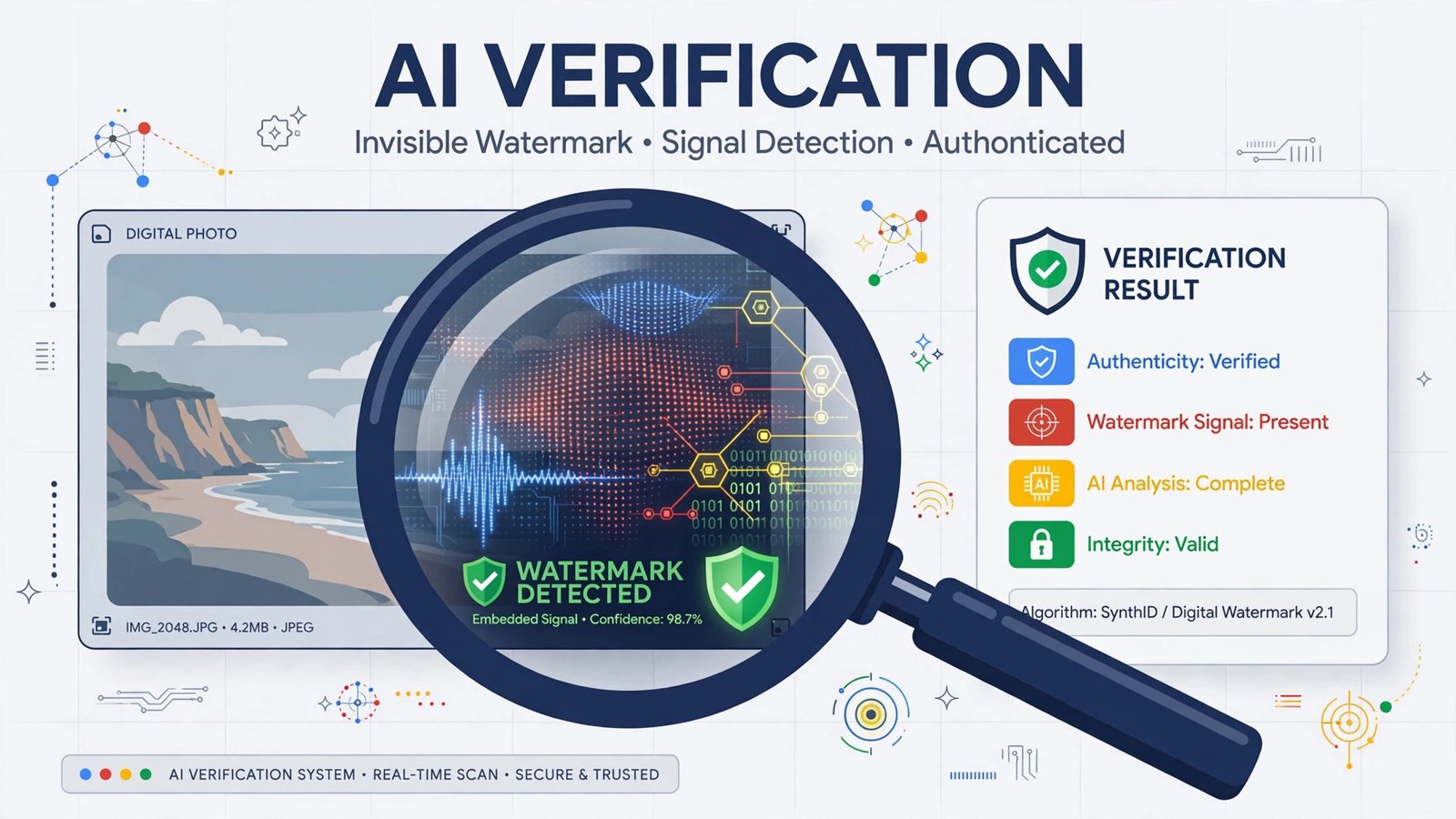
That viral image in your feed — was it photographed or generated? As of this week, you can actually check. Google has opened its SynthID Detector to everyone globally, turning what was once a journalists-only tool into a free public utility for spotting AI-generated media.
Here’s what it does, how to use it, and — critically — what it can’t tell you.
What is SynthID Detector?
SynthID is Google’s invisible watermarking technology, launched in 2023. When participating AI models generate an image, video, or audio clip, SynthID embeds an imperceptible statistical signal directly into the pixels or sound waves at the moment of creation. It’s not a visible logo, and it’s not metadata you can strip — the signal is woven into the media itself, designed to survive cropping, filters, and compression.
The Detector is the verification portal: you upload a file to synthid.com, and it scans for that hidden signal.
The scale is staggering. Since 2023, Google says it has watermarked more than 180 billion images and videos plus 240,000 years of audio. Built-in verification features in Search, the Gemini app, and Chrome already handle over a million verification requests a day.
What’s new: open to everyone, plus partners
Until now, the Detector was limited to a test group of journalists, media professionals, and researchers who got access after Google I/O last year. On October 7, 2026, Google — via DeepMind VP Pushmeet Kohli — announced global public access in English.
The bigger news is the partner list. The portal now detects watermarks from:
- Google (Gemini, Imagen, Veo, and friends)
- OpenAI — meaning ChatGPT-generated images can finally be checked in Google’s portal
- NVIDIA
- Kakao
- Apple — coming soon, which would cover Apple Intelligence features like Image Playground
This matters because previously, even though ChatGPT images carried SynthID watermarks, Google’s detector wouldn’t flag them. One portal, multiple AI systems — that’s the point.
How to use it
- Go to synthid.com.
- Sign in with a Google, OpenAI, or Apple account.
- Upload an image (JPG, PNG, HEIC, GIF), video (MP4, MOV, WEBM), or audio file (MP3, WAV, FLAC).
- The portal scans for a SynthID watermark and reports whether one was found — and from which company’s model.
Usage is free, with a limit of roughly 10 checks per day per account.
Pro tip: upload the highest-quality version of the file you can find. Watermarks are designed to survive edits, but every re-encode and re-upload degrades the signal. A screenshot-of-a-screenshot is harder to verify than the original file.
What you’ll get back isn’t a percentage or a confidence score — it’s a direct answer about whether a participating model’s watermark was detected, and which company it points to. That simplicity is deliberate: the portal isn’t guessing at authenticity, it’s reading a signature. If you’re checking something for a newsroom, a legal dispute, or a brand-safety review, that distinction is exactly what makes the result usable.
What it can’t do — the critical limitation
The Detector’s own FAQ is explicit: “This is not a general AI detector.” It can only identify media from companies that have adopted SynthID. A missing watermark does not prove a file is authentic — it simply means no recognized watermark was found.
This is the part most people will misunderstand. An obviously AI-generated image from a model that doesn’t watermark (or one whose watermark was deliberately attacked) will come back clean. The tool answers a narrow question — “does this file carry a participating generator’s mark?” — not “is this real?”
That distinction matters enormously in the current environment. Just this week we covered how distributors’ AI screening is falsely flagging human-made music — automated detection cuts both ways, and no system is the final word on authenticity.
Three years in the making
SynthID didn’t appear overnight. Google introduced the watermarking technology in 2023, quietly embedding it across its generative products — Imagen images, Veo videos, AI-generated audio. In 2025, a first version of the Detector went to a small group of media professionals as a pilot. The October 2026 announcement is the graduation: from specialist tool to public utility, and from Google-only detection to a multi-company standard.
The partner strategy is the real story. Watermarking only works as a trust system if enough generators participate — a watermark nobody checks is just overhead. By bringing OpenAI, NVIDIA, and Kakao into the same detection portal (with Apple on the way), Google is betting that a shared, checkable standard beats a dozen incompatible ones. Microsoft and Meta still run their own approaches, so the industry isn’t unified yet — but the momentum is clearly toward consolidation.
Why this matters for creators
If you create content with AI tools — and disclose it, as you should — SynthID is quietly working in your favor. Your AI-assisted work carries a verifiable provenance trail. In a landscape where platforms are tightening rules around AI content and likeness rights, being able to prove which AI made your media (and that you’re not hiding it) is an asset.
For everyone else, the Detector is now the fastest way to sanity-check suspicious media: the too-perfect product photo, the viral “leaked” audio clip, the video that looks almost — but not quite — right. Ten free checks a day is plenty for the stuff that actually matters.
The watermarking wars are still early — Microsoft and Meta run their own standards, and plenty of generators watermark nothing at all. But with OpenAI, NVIDIA, Kakao, and soon Apple in one detection portal, SynthID just became the closest thing the industry has to a shared truth layer for AI media.
Frequently asked questions
Is SynthID Detector free?
Yes. Anyone can use it at synthid.com by signing in with a Google, OpenAI, or Apple account, with roughly 10 media checks per day.
What file types does SynthID Detector accept?
Images (JPG, PNG, HEIC, GIF), video (MP4, MOV, WEBM), and audio (MP3, WAV, FLAC).
Does a “no watermark found” result mean the file is real?
No. It only means no SynthID watermark from a participating company was detected. Media from non-participating AI generators — or with removed watermarks — will also come back clean.
Which AI companies’ content can it detect?
Google, OpenAI, NVIDIA, and Kakao, with Apple support announced as coming soon.
Can the watermark survive screenshots and compression?
It’s designed to survive common transformations like cropping, filters, and compression, but heavily degraded copies (screenshots of screenshots, aggressive re-encoding) are harder to verify. Always check the highest-quality version available.