
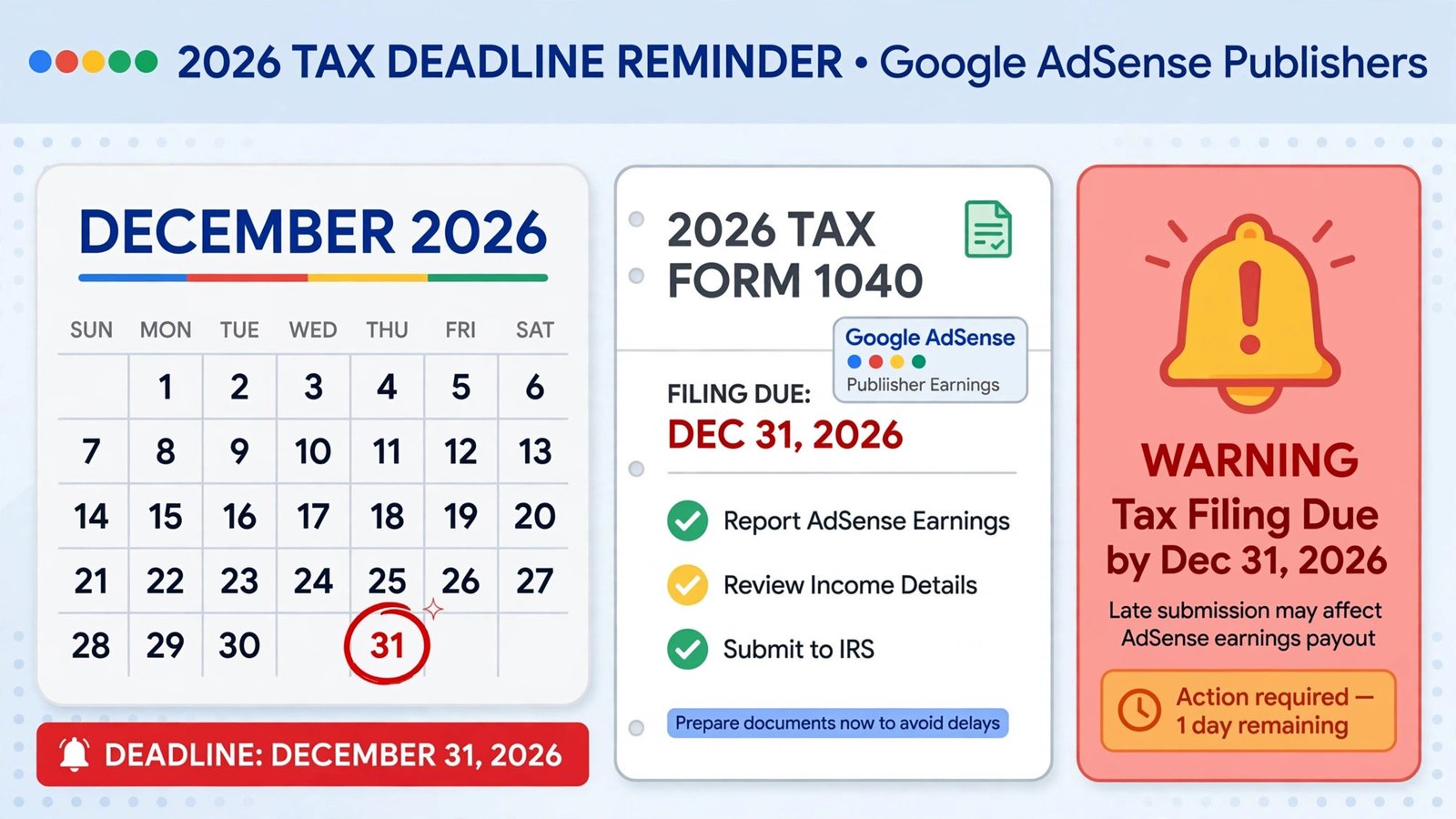
If an email from Google Payments about your tax information landed in your inbox recently, don’t file it away. Google is notifying AdSense publishers that their tax information expires on December 31, 2026 — and letting it lapse can cost you real money.
Here’s what the email means, what happens if you ignore it, and how to resubmit in about ten minutes.
Why you’re getting this email
US tax forms like the W-8BEN (used by non-US publishers) are generally valid for three calendar years. On December 31 of the third year, the form expires and you must recertify your tax status by submitting a new one. Google is proactively emailing publishers whose forms are hitting that expiration.
This isn’t a scam or a mistake — it’s routine tax compliance. But routine doesn’t mean optional.
What happens if your tax info expires
Google’s warning is blunt: after your current tax form expires, Google may need to withhold up to 30% of your payouts or hold your payouts completely until a new tax form is submitted and approved.
For context on the stakes: the default withholding rate for foreign publishers without a valid form is 30%. A valid W-8BEN with a tax treaty claim can reduce that to 15%, 10%, or even 0% depending on your country — which is exactly why keeping the form current matters. An expired form doesn’t just risk a hold; it can silently reset you to the worst withholding rate.
And timing matters twice: Google applies tax-info changes to a given month’s payment only if submitted before the 20th of the month. Miss that cutoff and the fix takes effect the following month instead.
How to check if you’re affected
- Sign in to your AdSense account.
- Go to Payments → Manage settings (or look for the alert banner at the top of your account).
- Check your tax information status and the “Expires on” date.
- YouTube creators should also check YouTube Studio for the same alert — it uses the same Google Payments tax profile.
If you see “expires on December 31, 2026” — or any expiration warning — you need to act.
How to resubmit your tax form
The resubmission is a guided wizard, roughly 7 steps:
- In AdSense, go to Payments and click Manage tax info, then Submit new form. (Note: starting a new form deletes your old information — that’s expected.)
- Answer the three setup questions: account type (individual or business), whether you’re a US citizen/resident, and your form type (most non-US individuals select W-8BEN).
- Fill in your basic details — legal name, address, and tax identification number.
- Claim any tax treaty benefits in the treaty section. This is the step that can cut your withholding from 30% to a lower treaty rate — don’t skip it if your country has a treaty with the US.
- Certify and sign the form electronically.
- Wait for approval. Google reviews the submission; once approved, your status updates in Payments.
The whole process typically takes under 15 minutes if you have your tax details handy.
Common reasons resubmissions get rejected
- Name mismatch. The legal name on the form must match your tax documents exactly.
- Wrong form type. Individuals use W-8BEN; businesses generally use W-8BEN-E. Picking the wrong one gets bounced.
- Missing treaty claim. Not claiming a treaty you qualify for doesn’t reject the form, but it leaves money on the table every payout.
- Expired supporting details. If you’ve moved or changed legal entities since your last form, update everything — Google explicitly puts the responsibility for accurate tax info on you and doesn’t proactively correct it.
For step-by-step screenshots of the W-8BEN flow, Google’s own AdSense tax form guide and resubmission notice are the authoritative references.
Who gets this email — and why now
Not every publisher gets this email at once. It goes to accounts whose current tax form reaches the end of its validity period on December 31, 2026 — typically publishers who last submitted or recertified in 2023, since W-8BEN forms run on three-calendar-year cycles. If you submitted yours more recently, your expiration date will be a future December 31, and you’ll get your own email when the time comes.
One important nuance: the email goes to the Google Payments profile owner, which isn’t always the person running the site day to day. If you manage AdSense for a client, a partner, or a family member’s site, make sure the actual account holder sees it — a form only the payments admin can submit is useless sitting in someone else’s inbox.
Don’t wait until December
Two reasons to do this now rather than in late December:
Processing time. Approval isn’t instant. Submitting in October or November gives you buffer if anything gets rejected and needs a second pass.
The December rush. Every publisher with a December 31 expiration will be hitting the same wizard in the same weeks. If Google’s review queue slows down, early submitters are safe and late ones aren’t.
This is also a good moment to sanity-check the rest of your AdSense setup — payment thresholds, payout method, and holds. If you’re still working toward your first AdSense approval, get the tax profile right from day one so there’s nothing to fix later. And if you’re expanding revenue with Reader Revenue Manager, remember those payouts flow through the same Payments profile — an expired tax form affects everything, not just display ads.
Frequently asked questions
Is the “tax information expires” email from Google real?
Yes. Google Payments is emailing AdSense publishers whose tax forms expire on December 31, 2026. Verify by checking for the alert inside your AdSense account under Payments — never trust the email alone.
What happens if I don’t resubmit before December 31, 2026?
Google may withhold up to 30% of your payouts or hold payouts entirely until a new tax form is submitted and approved.
How long does AdSense tax form approval take?
It varies — often days, sometimes longer during busy periods. Submit well before the deadline so a rejection doesn’t push you past December 31.
I’m a US citizen. Does this apply to me?
US publishers file a W-9 instead of a W-8BEN, but the same principle applies: if Google flags your tax info as expiring, resubmit before the deadline regardless of form type.
Does resubmitting delete my old tax information?
Yes — starting a new form deletes the old one. That’s by design; just complete the wizard in one session if possible.