
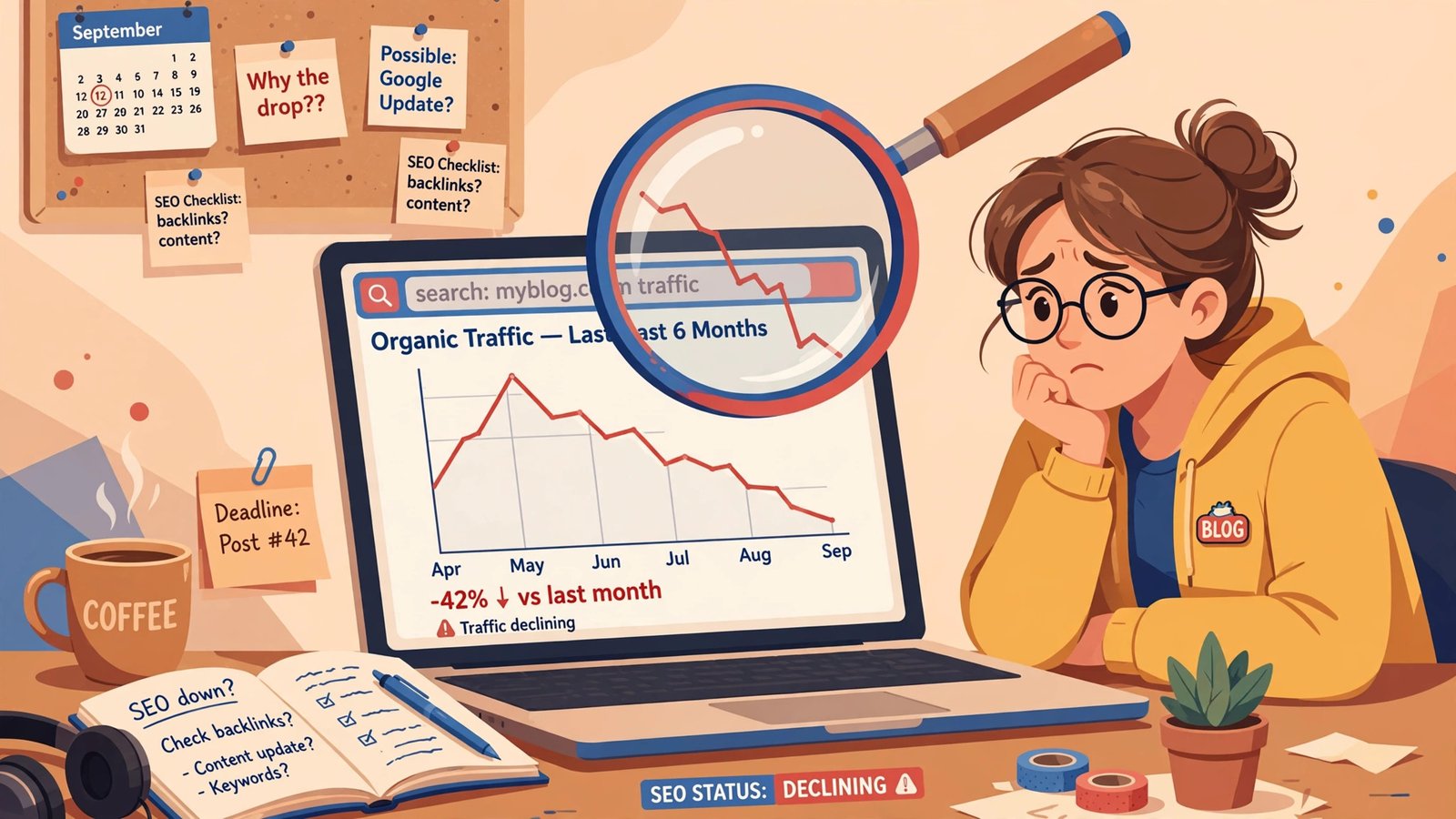
Google’s September 2026 spam update started rolling out on September 24, 2026 at 9:15 a.m. PDT, and if your blog’s traffic shifted after that date, this update is the first suspect. Short version: it’s a spam-system update (not a core update), Google hasn’t said what it targets, and the rollout is likely still settling. Don’t panic-rewrite anything yet. This checklist walks you through exactly what to check, in what order, and what recovery really looks like.
What’s actually happening
On September 24, 2026 at 9:15 a.m. PDT, Google began rolling out its September 2026 spam update. It applies globally, across all languages, and Google said the rollout “may take up to two weeks to complete” — which puts completion around October 8. So if you’re checking rankings today and they look weird, there’s a decent chance the dust hasn’t finished settling.
A few facts to keep straight before you touch anything:
- This is the fourth spam update of 2026. March, June, August, and now September — that makes 2026 the most spam-update-heavy year since 2021.
- The three earlier updates were fast. March finished in about 19.5 hours, June in about 2 days and 1 hour, August in about 2 days and 16 hours. A two-week rollout window is unusual for a spam update — John Mueller confirmed the two-week window was not a typo.
- Google has not said what this update targets. No policy was named, no tactic list was published. The Search Engine Roundtable reports that it does not target link spam. If you see someone confidently claiming this update is aimed at “AI content,” treat that as speculation — Google never said that.
A spam update is not a core update
This distinction matters, because the recovery playbook is different.
A spam update improves Google’s automated spam-detection systems — chiefly SpamBrain, Google’s AI-based spam-prevention system — so they better catch sites violating Google’s published spam policies: scaled auto-generated content, doorway pages, sneaky redirects, hacked spam, and the like.
A core update, by contrast, is a broad reassessment of content quality and relevance. The last core update finished on June 2, and no core update is running right now.
Why does this matter to you? After a core update, the advice is “make your content genuinely better.” After a spam update, it’s “check whether anything about your site looks like spam to an automated system” — a different investigation. This rollout is the spam kind, so use the spam checklist below.
Step 1: Don’t panic-edit — and don’t compare the wrong dates
Here’s the most common mistake bloggers make during a rollout: they see traffic dip for a day or two and start rewriting posts immediately.
Two reasons to hold off:
-
The rollout is still settling. Rankings wobble during any multi-day rollout. Editing mid-rollout means you can’t tell whether a later recovery came from your edits or from the rollout finishing.
-
The volatility tracker noise earlier in September wasn’t this update. Ranking trackers showed movement around September 4, September 15, and September 23–24 — but the Search Engine Roundtable says that pre-announcement volatility was not the spam update. So only compare Search Console data from after September 24, 9:15 a.m. PDT against the same weekdays before it. Compare clicks and impressions, and compare like-for-like weekdays, since weekend traffic patterns differ from weekday ones.
Give it until Google confirms completion on the Search Status Dashboard before drawing any conclusions. That confirmation post is your green light to evaluate.
Step 2: Check for a real penalty first
Before assuming the update hit you, check Search Console for two things:
- Manual Actions (under the Security & Manual Actions section). A manual penalty is a human reviewer flagging your site — that’s a different, more urgent problem than an algorithm update, and it’s handled differently.
- Security issues. Hacked content, malware, injected spam pages — fix these immediately, full stop, update or no update.
If either shows up, deal with that first and follow Google’s reconsideration process. If both are clean, you’re looking at algorithmic movement, and the steps below apply.
Step 3: Audit your site for things that look like spam
Google’s official advice for sites affected by a spam update is simple: review its spam policies and fix violations. That sounds vague, so here’s a practical audit checklist for a typical blog:
Mass-produced thin content. This is the big one for blogs. If you have dozens or hundreds of posts that all follow the same template with barely-differentiated content — say, 200 city pages that only swap the city name, or 50 “best X for Y” roundups that are really the same list — that pattern is exactly what spam-detection systems look for. Prune the weakest ones (merge or delete) and genuinely improve the ones worth keeping. Quality over quantity, every time.
Scaled auto-generated content. Publishing at volume is fine. Publishing dozens of posts a day that were auto-generated with no human review, no original insight, and no real expertise is a risk. If you use AI in your workflow, make sure every published piece has been read, edited, and improved by a person — our guide on how to humanize AI-written blog content walks through the process.
Doorway pages. Multiple pages that exist only to funnel searchers to the same destination, with no unique value of their own. Each post on your blog should deserve to exist on its own merits.
Bought or manipulative links. This update reportedly doesn’t target link spam — but that doesn’t make sketchy link schemes safe. If you bought links, joined link exchanges, or paid for farm placements, those have always been a liability. Stop now.
Hidden text, cloaking, sneaky redirects. If you didn’t do these, don’t worry about them. If you did — or if a plugin or theme did it without you knowing — remove them.
Be honest with yourself in this step. If you were cutting corners, an update like this is the moment it catches up with you.
Step 4: Wait for Google’s completion post
Watch the Google Search Status Dashboard — its completion post is your signal to evaluate impact for real.
Until then:
- Keep publishing your normal schedule of genuinely useful content.
- Keep doing legitimate SEO basics — if you’re new to this, our SEO for beginners 2026 guide covers the fundamentals.
- Don’t make structural changes to your site in response to daily ranking fluctuations.
The completion announcement turns guesses into data. Wait for it.
Step 5: Understand what recovery actually takes
If your traffic genuinely dropped site-wide after the rollout completed, and your audit found real spam-policy problems, here’s the honest timeline:
Google says its systems learn “over a period of months” that a site has come back into compliance. Not days. Not the next week. Months.
That means:
- A panic rewrite mid-rollout won’t speed anything up. It will just muddy your data.
- Fixes have to be real and sustained. Cleaning up thin content for a week and then going back to mass-publishing filler won’t fool a system designed to re-evaluate over months.
- Document what you fixed. Keep a log of which pages you pruned, merged, or improved. If things don’t recover after several months, that log is how you’ll spot what you missed.
Recovery from a spam update is slower and less certain than recovery from a core update, because it’s not about “better content” — it’s about demonstrating sustained compliance with anti-spam policies. Set your expectations accordingly.
One more 2026 change worth knowing about
While you’re in Search Console, try the new multimodal filter in performance reports. It shows image-based searches — Google Lens, Circle to Search, image uploads — though query text isn’t shown. Even without keywords, it tells you how much traffic arrives via visual search, which signals whether your images (filenames, alt text, surrounding context) deserve more effort. A small but useful new data point.
The bottom line
The September 2026 spam update is Google’s fourth spam-system refresh this year, it started September 24 at 9:15 a.m. PDT, and with a two-week rollout window it’s likely still settling. The bloggers who come out of it fine are the ones who don’t panic: check Manual Actions, audit for genuinely spammy patterns, wait for Google’s completion post, and compare clean before-and-after data. If you find real problems, fix them — and then be patient, because Google’s recovery timeline is measured in months.
If your traffic didn’t move, you don’t need to do anything. Keep publishing useful content — the guide to writing blog posts that rank is a good refresher on the fundamentals that hold up through every update.
Frequently Asked Questions
When did the Google September 2026 spam update start?
The rollout began on September 24, 2026 at 9:15 a.m. PDT. Google said it “may take up to two weeks to complete,” which points to roughly October 8. You can read Google’s details in the Search Engine Journal coverage of the update.
What is the September 2026 spam update targeting?
Google hasn’t said. No spam policy was named and no tactic list was published. The Search Engine Roundtable reports that it does not target link spam. Claims that it targets AI-generated content are speculation, not confirmed by Google. For a rundown of what’s known so far, see this overview of the September spam update.
Is the September 2026 update a core update or a spam update?
It’s a spam update. Spam updates improve Google’s automated spam-detection systems (mainly SpamBrain) against its published spam policies. No core update is running right now — the last one finished on June 2.
Should I change my content during the rollout?
No. Editing mid-rollout makes it impossible to tell whether later changes came from your edits or from the rollout finishing. Keep your normal publishing schedule, and only start evaluating impact after Google confirms completion on the Search Status Dashboard — comparing Search Console data from after September 24 against the same weekdays before.
How long does recovery from a spam update take?
Months. Google says its systems learn “over a period of months” that a site is back in compliance with its spam policies. There’s no quick fix — real, sustained cleanup of spam-policy violations is the only path.
My traffic dropped but I have no spam issues — what should I do?
First, make sure you’re comparing the right dates (after September 24, 9:15 a.m. PDT vs. the same weekdays before) and that the rollout is actually complete. Check Manual Actions and security issues. If everything’s clean, your drop may be normal rollout turbulence — wait, re-check after completion, and only then dig deeper.