
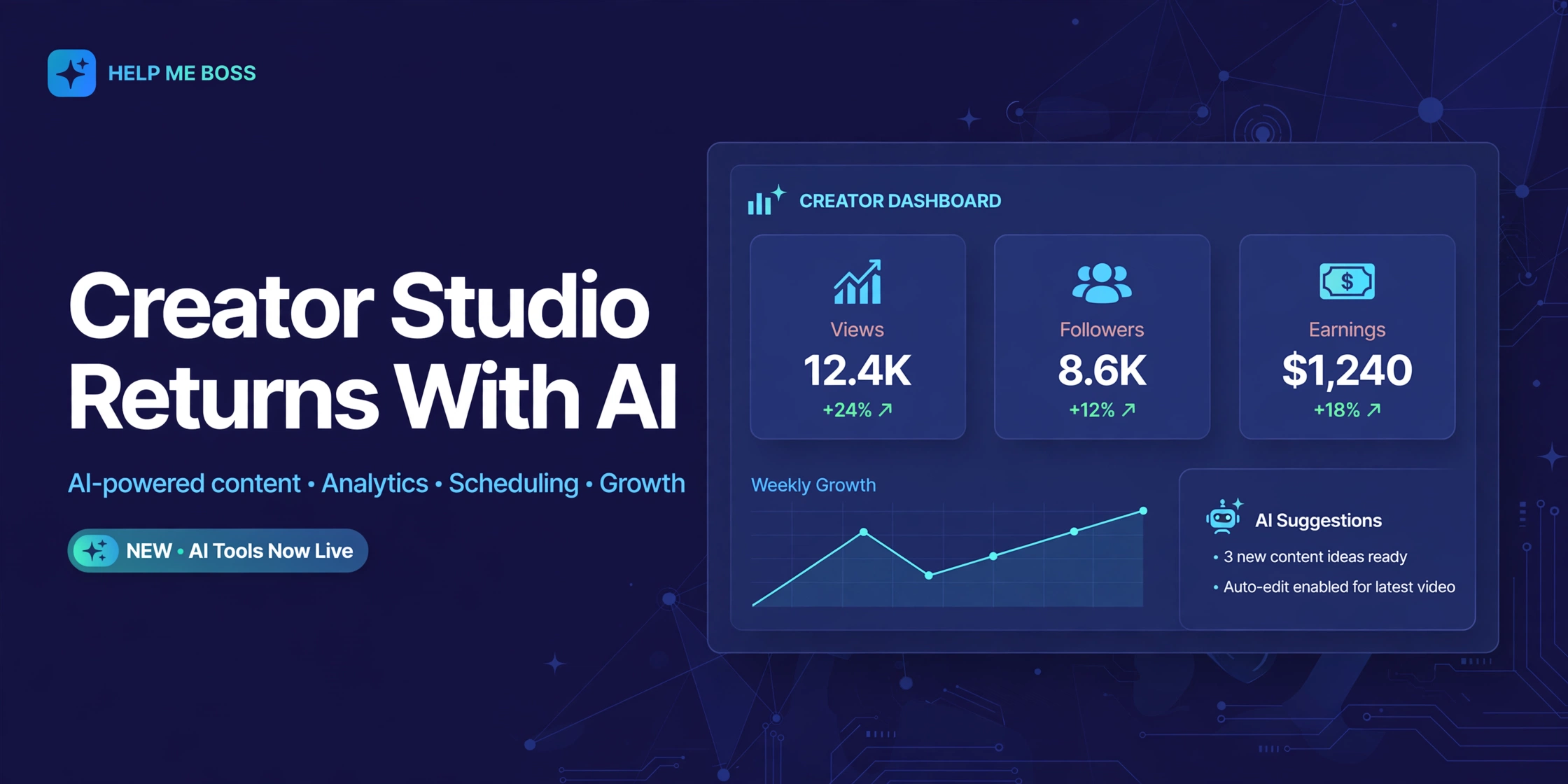
Meta is bringing Facebook Creator Studio back from the dead — and this time it’s an AI app, not a dashboard. The standalone Creator Studio app rolled out on iOS for creators in the United States and Canada in August 2026, built around an AI assistant that answers questions about your own page data, drafts comment replies in your voice, and hands you a daily to-do list each morning.
If you’re a Facebook creator trying to grow, this is worth understanding, because Meta is clearly betting that conversational AI — not another analytics dashboard — is how it wins creators back from TikTok and YouTube.
What the new Creator Studio actually is
The new Creator Studio is a standalone mobile app powered by Meta’s AI. Instead of charts you’re supposed to interpret yourself, you get an AI assistant you can talk to. Ask it “when should I post?”, “why did my last reel underperform?”, or “what are people saying in my comments?” — and it answers from your actual page data, not generic best practices.
The app also opens with a daily priorities feed: a quick briefing on your latest post’s performance, progress toward the goals you set, and comments that need a reply. It’s the morning check-in that previously required opening three different tools.
Meta says no separate follower minimum has been disclosed for using the app. If you’re a creator in the US or Canada on iOS, you can use it.
Why Meta killed it and brought it back
The original Creator Studio was shut down in January 2023, and Meta pushed everyone toward Meta Business Suite. That move made sense for advertisers but frustrated independent creators — Business Suite is built for performance marketing and ad campaigns, not for someone whose daily job is posting reels.
Creators ended up doing their analytics homework in third-party tools, including ChatGPT, to make sense of their own numbers. Meta noticed, and the new app is a direct response: keep creators inside Facebook’s ecosystem for planning, analysis, and community management instead of exporting data to an AI chatbot elsewhere.
Separately, Meta is splitting the old Professional Dashboard inside Facebook into two experiences — a Creator Dashboard and a Business Dashboard — so creators stop wading through ad-management UI to find their own stats.
The three features that matter
1. The AI creator assistant. This is the core of the app. It studies your content style, performance history, audience engagement, and stated goals, then gives personalized recommendations. Creators can ask follow-up questions, so it works like a conversation rather than a report. The more you use it, the more it learns your tone and content style.
2. AI comment management. The app surfaces the comments that actually need your attention and drafts replies in your writing style. You review, edit, and approve every reply before it goes out — nothing posts automatically. For creators getting dozens or hundreds of comments, this turns a daily chore into a five-minute task.
3. Trend-based brainstorming. The assistant monitors platform-wide trending topics and your followers’ interests, then suggests content ideas before you start creating. It’s designed to close the gap between “I should post today” and “I know what to post.”
What creators should do with it right now
If you’re eligible, download it and connect your page — the value compounds as the assistant learns your patterns. A few practical ways to use it:
- Ask it timing questions with your own data. Generic “best times to post” advice is everywhere and mostly useless. The assistant’s edge is that it reads your audience’s actual behavior. Ask specific questions: “Which posting windows drove my most saves last month?” beats “when should I post?”
- Use the daily priorities feed as a routine. Open it once each morning, reply to the flagged comments (the drafted replies give you a starting point), and check progress toward your monthly goal. Consistency in community management is one of the quietest growth levers on Facebook.
- Treat brainstorming as a starting point, not a script. Trend-aligned ideas are useful, but Facebook’s 2026 algorithm rewards original production — reels that look like everyone else’s get throttled. Use the AI’s suggestions as raw material and add your own angle.
One caution: the assistant’s recommendations are only as good as your data. If your page is new or your posting history is thin, expect generic answers for the first few weeks. That’s normal — keep posting and the advice sharpens.
The catch: iOS, US, and Canada only (for now)
The rollout is limited to iPhone users in the United States and Canada. The AI assistant itself had a wider early footprint — eligible creators in the US, Canada, and India got access in June 2026 — but the standalone app’s launch markets are narrower. Meta says more countries are coming, but no timeline has been announced. Android creators are also waiting.
If you’re outside the eligible regions, the practical move is to watch how US creators use it over the next few months. The features that prove sticky — likely the comment drafting and daily priorities — are the ones worth adopting immediately when it reaches you.
Old Creator Studio vs new: what’s actually different
The 2023-era Creator Studio was a web dashboard: post composer, content library, insights tabs, monetization settings. Useful, but passive — it showed you numbers and left the interpretation to you.
The 2026 version inverts that. The interface is conversational, the insights come as answers rather than charts, and the app pushes work to you (daily priorities) instead of waiting for you to pull reports. The practical difference for a working creator: the old tool answered “what happened,” the new one tries to answer “what should I do next.”
Meta Business Suite, meanwhile, hasn’t gone anywhere — it remains the place for ad campaigns, page roles, and business settings. Think of it this way: Business Suite manages the business, Creator Studio grows the audience. Creators who only ever used Business Suite because they had no alternative finally get a tool built for their actual job.
One more thing worth knowing: because the assistant learns from your data, early answers will feel generic. Give it a month of real posting history before judging it. The creators getting the most value right now are the ones with a year-plus of consistent content for the AI to study — which is another quiet argument for posting consistently starting today.
Official source: Meta Business Help
Frequently Asked Questions
Is the new Creator Studio free?
Yes. Meta hasn’t announced any subscription requirement for the app. (Meta does sell a separate Meta One subscription for AI features and creator tools across its apps, but Creator Studio itself is a free app.)
Does it replace Meta Business Suite?
No — and that’s the point. Business Suite stays for advertisers and page management; Creator Studio is the creator-focused companion. Many creators will end up using both.
Can the AI post replies automatically?
No. Every drafted reply requires your review and approval before publishing. Nothing goes out without you.
Will it tell me if my page is eligible for monetization?
The assistant gives performance and growth advice, but monetization eligibility is a separate check. If you’re having trouble there, read how to fix a Facebook page that’s not eligible for monetization first.
Is it worth switching from third-party analytics tools?
For day-to-day questions about your own page, probably — the assistant reads your native Facebook data, which third-party tools can’t fully access. For cross-platform analytics, you’ll still want your existing stack.