
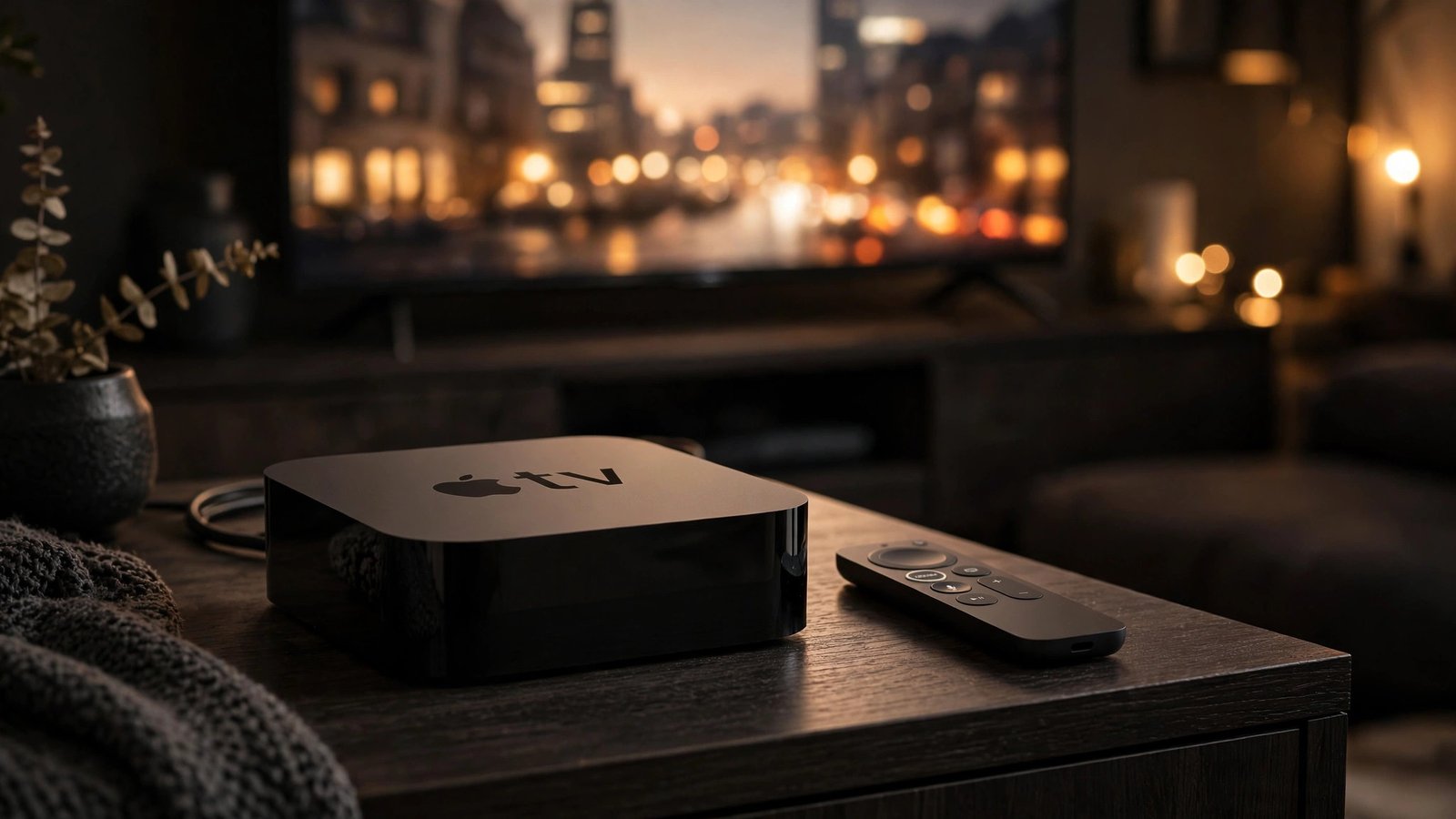
Apple announced the new Apple TV 4K on October 13, 2026, and it hit stores on Friday, November 13, 2026, at $299. That’s more than double the $129 starting price of the 2022 model. So is it worth it? For most people who already own a working Apple TV 4K, no — not at $299. For a first-time buyer inside Apple’s world, it’s a tougher call.
The new model brings a faster chip, Wi-Fi 7, a Find My remote, hands-free Siri, and a four-speaker HomePod surround mode that only works on this box. It also skips two features home theater fans wanted and drops the HDMI cable. All prices are in US dollars, current as of November 14, 2026, and deal prices move fast.
How We Got From $129 to $299
When the third-generation Apple TV 4K launched in 2022, it started at $129 for the 64GB model and $149 for the 128GB model with Ethernet. That was already premium next to a Roku or Fire TV Stick, but plenty of Apple households could justify it for the smooth interface and the tight fit with iPhone and photos.
Then, in June 2026, Apple quietly raised that same 2022 model to $199 for 64GB and $249 for 128GB — no new hardware, just a higher price. That softened the ground: when the new model arrived at $299, it looked like a $50 step up from $249, not a jump from $129.
Now the 2022 model is discontinued and gone from Apple’s store. Before it disappeared, old models sold for $74.99 to $124.50 on sale — less than half the new box’s price. The new model comes in one configuration: 128GB of storage, model A3593, for $299. No cheaper 64GB version, no higher-storage option.
Apple Card Monthly Installments let you pay $49.83 a month for six months at 0% APR, with credit approval — about $299 in total, so no extra interest, just smaller pieces. It doesn’t make the box cheaper. It just changes the timing.
What’s Actually New in the 2026 Model
The headline change is the chip: the A19, which Apple says delivers up to 50% faster CPU and up to 2x faster GPU performance than the A15 Bionic in the 2022 model. Those are Apple’s claims, not independent test results. A streaming box doesn’t need much CPU power to play a movie — the extra speed should show in faster app launches, smoother scrolling, quicker search, and games, where the doubled GPU claim matters most.
Connectivity gets a real upgrade too: Wi-Fi 7 (802.11be), Bluetooth 6, a Thread radio, and Gigabit Ethernet. Wi-Fi 7 should help on a crowded network if your router supports it. The Thread radio lets the Apple TV act as a smart home hub, talking directly to Thread devices like locks, sensors, and lights without a separate bridge.
The new box also has three far-field microphones built in for hands-free Siri — handy when your hands are full. It also raises a fair question: a microphone that’s always listening in your living room. If that bothers you, weigh it before you buy.
On video, the box has HDMI 2.1, but the fine print matters: Apple’s footnote says it supports 4K at 60 frames per second with HDR, plus ARC/eARC and Quick Media Switching. It does not support 4K at 120Hz, and there’s no variable refresh rate (VRR). For movies and TV, 60fps is plenty. For gaming, the missing 120Hz is one of the two big disappointments.
2022 vs 2026: The Full Comparison
Old box next to new, using only specs Apple has confirmed:
| Feature | Apple TV 4K (2022, 3rd gen) | Apple TV 4K (2026) |
|---|---|---|
| Launch price | $129 (64GB) / $149 (128GB) | $299 (128GB only) |
| Price before discontinuation | Raised to $199 / $249 in June 2026 | $299 |
| Storage options | 64GB or 128GB | 128GB only |
| Model number | 3rd generation | A3593 |
| Chip | A15 Bionic | A19 (Apple claims up to 50% faster CPU, up to 2x faster GPU) |
| Thread radio | Yes (128GB model) | Yes |
| Ethernet | Gigabit (128GB model only) | Gigabit Ethernet |
| HDMI | HDMI 2.1 | HDMI 2.1 (4K 60fps HDR, ARC/eARC, Quick Media Switching; no 4K 120Hz, no VRR) |
| Microphones | None built in | Three far-field microphones for hands-free Siri |
| Siri Remote | 3rd generation Siri Remote | 4th generation Siri Remote (model A3592) with Find My / Precision Finding |
| Siri AI | Not available | Siri AI (beta, in tvOS 27.2); also works on Apple TV 4K (2nd gen) and later |
| HomePod surround | Not available | Four-speaker HomePod surround (new box only) |
| In the box | Siri Remote, power cable | Siri Remote, power cable — no HDMI cable |
| Availability | Discontinued, gone from Apple’s store | In stores November 13, 2026 |
The core job — playing 4K HDR video — hasn’t changed, and on picture quality alone you won’t see a $299 difference.
Siri AI: The Feature That Isn’t Exclusive
Apple’s new Siri AI, now in beta as part of tvOS 27.2, is one of the most talked-about parts of this launch — and one of the most misunderstood. Here’s the key fact: it is not exclusive to the new box. Apple says it also works on the Apple TV 4K (2nd generation) and later, so if you own a 2022 or even a 2021 model, you can get the new Siri experience without buying new hardware. Siri AI is also rolling out across Apple’s other devices — see how Siri AI is expanding to five languages in iOS 27.2 for the wider rollout.
If the software runs on your current box, it isn’t a reason to spend $299. The new box’s microphones make hands-free Siri easier, but the features themselves are coming to older boxes too. In practice, Siri AI finds things faster — ask for “that show with the detective in Boston” instead of spelling out a title, ask follow-ups without starting over, search across apps in one place. It’s a real improvement for anyone who hates typing on a remote. It’s just not a $299 improvement if your current box gets it for free.
The New Siri Remote (and Why You Can Buy It Separately)
The new Siri Remote, the fourth generation, model A3592, is one of the best parts of this launch — and you don’t need the new box to get it. It has Find My support with Precision Finding, so when it slips between the couch cushions (and it will), your iPhone can guide you right to it. Anyone who has torn apart a living room looking for a small black remote knows why that matters.
The remote is sold separately for $59, and it works with older Apple TVs. If the remote is the part you actually want, you can spend $59 instead of $299 and get the headline feature without replacing a box that still works fine. For a lot of people, it’s the smartest purchase in this whole launch.
Four-Speaker HomePod Surround: Impressive, But Only on the New Box
Here’s the one feature truly exclusive to the new Apple TV 4K: four-speaker HomePod surround sound. It pairs two HomePod mini 2 or HomePod 2nd generation speakers in front with two more in the rear. It only works with the new box.
If you already own HomePods, adding two more is a natural next step. If you own none, the cost adds up fast: four speakers on top of a $299 box, and the speakers dwarf the box itself. There’s also a practical question — how many living rooms fit four speakers in the right spots? A front pair is easy. A rear pair needs space behind your couch, with power outlets nearby. If your room works for it, it should sound great. If it doesn’t, this feature won’t be why you buy the box.
What’s Missing: The Two Gaps That Have People Talking
This launch has two gaps that drew the most criticism from home theater fans. First, no lossless audio passthrough: the new box does not send lossless Dolby TrueHD or DTS:X bitstream audio to an AV receiver. If you stream lossless tracks from a local media server, the Apple TV won’t pass that untouched audio through the way some other players do. For most streaming — Netflix, Disney+, Apple TV+ — this doesn’t matter, because those services use compressed audio anyway. For enthusiasts who built a theater around lossless sound, it’s the most-cited complaint in early reactions.
Second, no 120Hz output: the HDMI 2.1 port tops out at 4K 60fps, with no 120Hz mode and no VRR. For movies and TV, that’s fine. For gaming, it’s a missed opportunity on a box Apple says has double the GPU power of the last one. Neither gap matters to the average buyer on a regular 4K TV. But you deserve to know what’s not here before you spend $299.
The Hidden Costs: What $299 Really Turns Into
The sticker price is $299, but the true cost can be higher. Start with the HDMI cable: the box includes the Siri Remote and a power cable, but no HDMI cable. If you own a spare, use the one from your old box. If this is your first streaming box, or your old cable is worn out, you’ll need to buy one separately. It’s a small cost, but an annoying one at this price.
Next, the remote: it comes in the box, so there’s no extra cost — unless you want a second one, or want to upgrade an older Apple TV with the Find My remote. That’s $59, sold separately. Then the HomePod surround setup: four HomePods, two in front and two in the rear. Own two already? You need two more. Own none? You need four — bought one at a time on top of the box.
Add it up: $299 is the floor, not the ceiling — $299 plus a cable for most buyers, $299 plus speakers for the full surround setup. Before you buy, check what you already own: a spare HDMI cable, a pair of HomePods, a remote that still works. Those answers change the math.
The Alternatives: What $299 Buys Elsewhere
The hardest question isn’t whether it’s good. It’s whether it’s $299 good when rivals cost so much less. Prices are as of November 14, 2026.
The Roku Ultra sits around $80 to $100. It streams in 4K HDR with Dolby Vision, has a clean interface, and works with just about every streaming service. For pure streaming it does the same job for about a third of the price.
The Google TV Streamer costs $149.99. It does 4K HDR and Dolby Vision and has a smart home hub built in. If your household runs on Android and Google services, it’s the natural pick — at half the Apple price. The Fire TV Cube runs about $150 and does 4K HDR and Dolby Vision. If you’re already an Alexa household, it fits right in, again for about half the Apple price.
All three do 4K HDR and Dolby Vision and stream the same apps. None has the A19 chip or Wi-Fi 7, and none matches the iPhone integration. But for watching TV in 4K, they’re all capable and much cheaper. The Apple TV’s case was never raw specs — it’s the experience: the interface, the ecosystem, the privacy pitch, the way it works with your photos, music, HomePods, and iPhone. If those matter to you, the premium has a logic to it. If they don’t, $299 is hard to defend when a $100 box plays the same shows.
On timing: Amazon listed the new box at $289.99 for release day (reported October 24), and CNN Underscored on November 14 lists $290 at Amazon and $299 at Apple and Best Buy. Treat $289.99 as a launch-day listing that may move, not a permanent discount — if $299 is too much, $290 is too much too. Watch for a bigger holiday drop instead.
Who Should Buy It — and Who Should Wait
Buy it now if you’re a first-time Apple TV buyer already deep in Apple’s world. With an iPhone, a HomePod or two, a HomeKit smart home, and a 4K TV, this is the best box Apple has ever made — fastest interface, best connectivity, Find My remote, hands-free Siri, and four-speaker surround later.
Buy it now if you play Apple Arcade on the TV and your current box feels slow — the A19’s extra graphics power is real on paper, though games still run at 60fps with no 120Hz output. Buy it now if you want the four-speaker HomePod surround setup and your room is ready for it. This is the only box that does it.
Wait if you already own a 2022 Apple TV 4K and it works fine. Your box already streams 4K HDR and Dolby Vision, and Siri AI is coming to your box too — Apple says it works on the Apple TV 4K (2nd generation) and later. Buy the new remote separately for $59 and get Find My without replacing the box. Wait for a sale, or until your current box actually feels slow.
Wait if you mostly watch Netflix, YouTube, and live TV and don’t use Apple services much — a Roku Ultra (~$80–$100) or Google TV Streamer ($149.99) does the same job for far less. Wait if lossless audio passthrough or 120Hz gaming is on your must-have list: this box has neither, and no update can add missing hardware.
If you’re on the fence, the cheapest smart move is the $59 remote: the most visible new feature, working with the box you already own, buying you time to decide on the full $299 upgrade later.
What Reddit Thinks: The Reaction So Far
The early reaction online has been loud — not about whether the box is good, because most people agree the hardware is solid, but about the price and the two missing features.
On r/hometheater, a thread titled “New Apple TV 4K – massive disappointment?” drew a wave of responses. The top-voted reply, quoted by tbreak.com, put the audio gap front and center: “No audio passthrough is a deal breaker, would have considered even at that price.” The writer isn’t saying the box is bad — they’re saying they would have paid $299 if the audio passthrough had been there. The missing feature, not the price alone, kept their wallet closed.
Another voice, Redditor 17chan, quoted by TechRadar, summed up the mood: “The good news is this saves me money. The bad news is it saves me money because I’m super disappointed and totally not buying this.” When a product you wanted doesn’t deliver the thing you wanted most, not buying it stops feeling like a sacrifice.
CNN Underscored, in its November 14 review, calls the new box the best streaming box the reviewer has used — but says the price is hard to ignore. AppleInsider managing editor Mike Wuerthele is sitting this one out, according to a report by moneywise.com. When even the people who cover Apple for a living decide to wait, it’s a useful signal — not about quality, but about timing and price.
Reddit threads amplify the strongest opinions — the happiest buyers are usually watching TV, not writing about it. Still, when the top-voted comment names a specific missing feature as a deal breaker, Apple should be listening.
The Smart Home Angle
One place the new box earns its keep is the smart home. The Thread radio, far-field microphones, and hands-free Siri turn the Apple TV into a living-room hub that talks to your lights and locks even when your phone is in another room. If you’re building a HomeKit setup, that hub role matters.
If you’re weighing a smart display, the Apple TV’s hub features are part of the decision — see our comparison of the Echo Show 16 vs Apple HomeView smart display for 2026.
Verdict: Great Box, Hard Price
The new Apple TV 4K is the best streaming box Apple has ever made, and the hardest to recommend without a caveat. The A19 chip is fast, Wi-Fi 7 and Bluetooth 6 are current, the Thread radio makes it a better smart home hub, the Find My remote solves a real everyday annoyance, and the four-speaker HomePod surround is a clever idea for the right room. Siri AI is a real improvement that comes to older boxes too.
But $299 is a lot when very good alternatives cost $80 to $150, and the June hike on the old model (from $129 to $199) made the new price look smaller than it is. Add the missing HDMI cable, lossless audio passthrough, and 120Hz output, and the premium is harder to justify for anyone with a working Apple TV.
Bottom line: first Apple TV, deep in Apple’s world? Go ahead — you’ll love it. Own a 2022 model? Spend $59 on the new remote, enjoy Siri AI when it lands on your box, and wait for a sale. Don’t care about Apple’s ecosystem? Take the $299, buy a Roku Ultra or a Google TV Streamer, and keep the difference.
For the full announcement, see the original report at MacRumors. Prices are as of November 14, 2026, and sale prices — including the $289.99 Amazon listing — can change without notice, so check the current price before you buy.
Frequently Asked Questions
How much does the new Apple TV 4K cost?
The new Apple TV 4K costs $299 in the US, for a single 128GB configuration, model A3593, on sale since Friday, November 13, 2026. Amazon listed it at $289.99 for release day, and CNN Underscored on November 14 lists $290 at Amazon and $299 at Apple and Best Buy — treat the Amazon figure as a launch-day listing that may move. Apple Card Monthly Installments offer $49.83 a month for six months at 0% APR with credit approval.
Is the new Apple TV 4K worth $299?
It depends on what you own. For a first-time buyer on iPhone, HomePods, and HomeKit, the new box is the best Apple has made and the price is easier to justify. If you already own the 2022 model and it works fine, it’s hard to justify — Siri AI also works on the Apple TV 4K (2nd generation) and later, and the Find My remote is $59 on its own. If you mostly stream Netflix and YouTube, a Roku Ultra (~$80–$100) or Google TV Streamer ($149.99) does the same job for much less.
What is the difference between the 2022 and 2026 Apple TV 4K?
The 2026 model has the A19 chip, which Apple says is up to 50% faster on CPU and up to 2x faster on GPU than the A15 Bionic in the 2022 model. It adds Wi-Fi 7, Bluetooth 6, three far-field microphones for hands-free Siri, a new Siri Remote with Find My, and four-speaker HomePod surround, which only works on the new box. The 2022 model launched at $129 for 64GB and $149 for 128GB, rose to $199 and $249 in June 2026, and is now discontinued. The 2026 model costs $299 for 128GB only, with no HDMI cable in the box.
Does the new Apple TV 4K support 120Hz or lossless audio passthrough?
No, on both counts. The HDMI 2.1 port supports 4K at 60fps with HDR, ARC/eARC, and Quick Media Switching, but not 4K at 120Hz, and it has no variable refresh rate. It also does not pass lossless Dolby TrueHD or DTS:X bitstream audio to an AV receiver. For regular streaming on a standard 4K TV, neither gap matters. For home theater enthusiasts and gamers, both have been widely cited as disappointments.
Does the new Siri Remote work with older Apple TVs?
Yes. The new Siri Remote (4th generation, model A3592) with Find My and Precision Finding is sold separately for $59 and works with older Apple TVs. If Find My is the feature you want most, the remote alone is a much cheaper upgrade than a new box.
Does Siri AI only work on the new Apple TV 4K?
No. Siri AI, in beta as part of tvOS 27.2, also works on the Apple TV 4K (2nd generation) and later, according to Apple. The new box adds hands-free Siri through its three far-field microphones, but the features themselves are not exclusive to the 2026 model.