
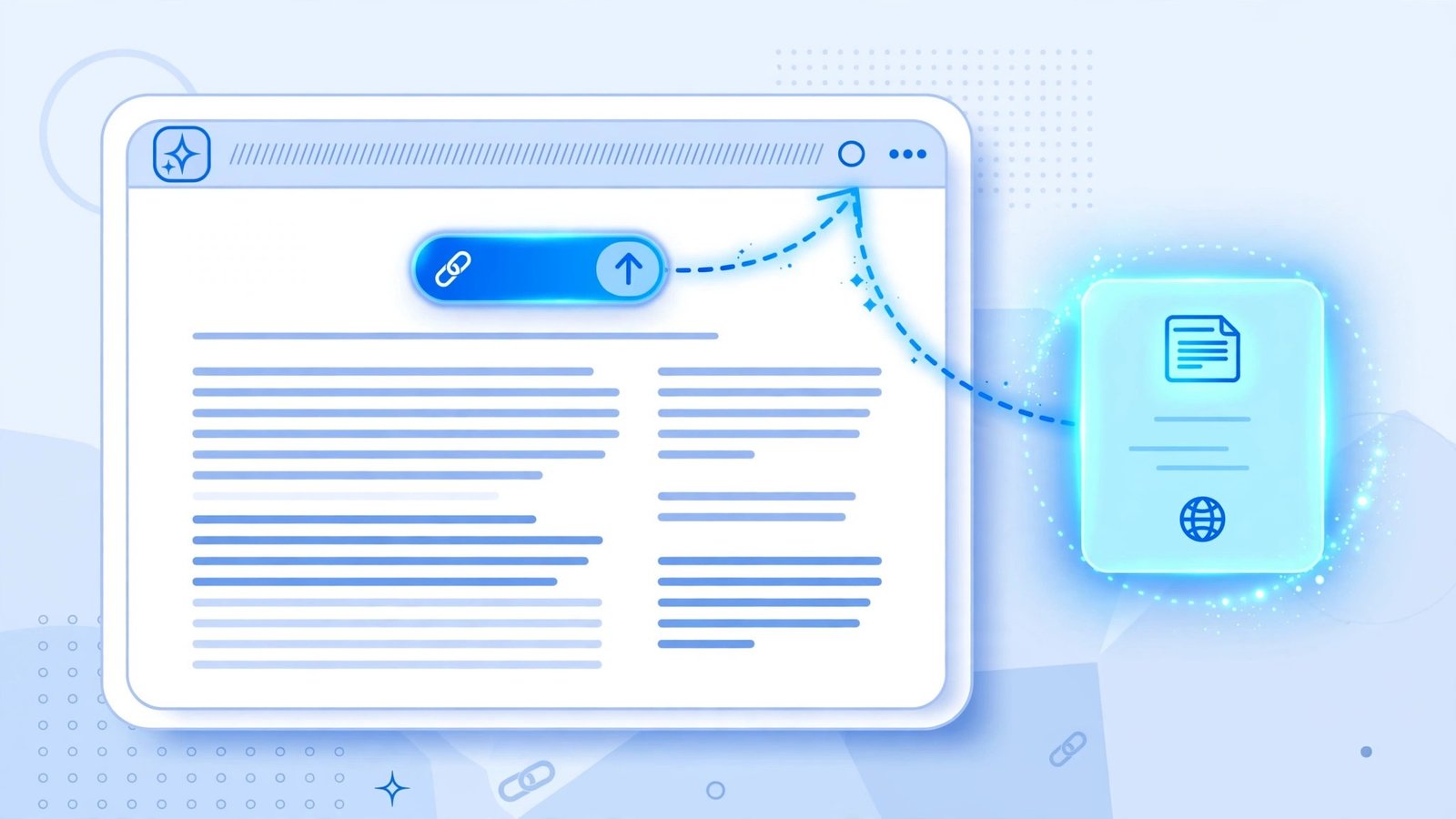
Google changed how its AI answers point readers back to the web on October 15, 2026, and if you run a small blog, this one is worth your attention. Inline links inside AI Mode and AI Overviews will now appear higher up in responses, more often. Google is also testing a section at the top of some answers that highlights the one or two official links a person needs to finish a task, expanding its news article carousel to more countries and languages, and redesigning the links at the end of an answer with image thumbnails so they invite a click.
That’s the short version. The longer version matters more, because this update does not hand traffic to every publisher equally. It rewards the pages that are easiest for an AI system to quote, attribute, and trust — and it quietly punishes pages that are vague, thin, or hard to pin down. I’ve spent the last few weeks watching how AI answers treat small sites, and the pattern is consistent: the pages that get linked are the ones that answer one question directly, show their work, and look like they were written by a real person who knows the subject.
This is also the opposite side of a coin we covered on this site on October 29. That article explained what you give up when you opt out of AI Overviews entirely. This one is for publishers who want to stay in — and be the link, not the summary that gets read and forgotten.
What Google actually announced on October 15
Let’s separate what is launching from what is still a test, because mixing those up is how bad SEO advice spreads.
Google’s announcement, written by Hema Budaraju, the company’s vice president of product management, covered AI Mode and AI Overviews together. AI Overviews launched in May 2024 as the summarized answer at the top of a search result. AI Mode followed in March 2025 as a fuller, separate conversational search experience with more links. Both are now getting the same link treatments, but not all of them are live for everyone yet.
The five changes, in plain language
1. Inline links move higher, more often. Inline links are the links attached to words or phrases inside the AI answer itself. Google says these will now appear higher up in responses, more frequently. That is a placement and frequency change, not a promise that every answer will carry a source link in its first paragraph. Still, for a publisher, the direction is clear: the first few paragraphs of an answer are now more valuable real estate than they were a month ago.
2. An official-pages section is being tested. For searches where a person needs an exact answer or has to complete a task on an official website — Google’s example is looking up an airline refund — Google is testing a section at the top of the response that highlights one or two official links, each with a short note on why it is useful. This is a test, not a launch. Google has not named test markets or a launch date, and it will not appear for every task query. If your site is the official source for something — a government form, a company’s own support page, a product’s own documentation — this is the slot to watch. If you are a third-party blog writing about someone else’s product, this section is probably not yours to win, and that’s fine.
3. The news carousel expands. The carousel of article cards that sits below an AI Overview — headlines with images, for newsy queries — is expanding to more countries and languages. It also prioritizes publications a reader has chosen as Preferred Sources, which I’ll come back to below.
4. The end-of-answer links get a redesign. The “dive deeper” links at the close of an AI response now carry image thumbnails and a more prominent, clickable design. This matters because end-of-answer links used to be easy to ignore. A thumbnail changes that — which means your featured image is now part of your click-through rate in AI answers, not just in classic search results.
5. Firsthand perspectives and clickable creator names. Quotes from Reddit, social media, and forums now appear with labels like “Expert Advice,” plus creator names, handles, and community names. In AI Mode video results, publisher and creator names are becoming clickable, leading to a Google-hosted Search profile for that publisher or creator before any visit to their own site. That last detail is worth pausing on: the click path may now run through a Google profile page first. You don’t control that page the way you control your own homepage, so your site’s name, logo, and recent work need to be recognizable at a glance.
Why Google is doing this now
The timing is not mysterious. News publishers have been loud about AI answers eating referral traffic. Consultancy Chartbeat’s data, cited widely in coverage of the announcement, showed news publishers’ Google referral traffic down roughly 40% between July 2025 and July 2026. Google’s own framing is friendlier — helping people “find links to click out and dive deeper,” in the words of senior vice president Nick Fox, who promoted the changes on X the same day — but the pressure behind it is real.
Google also says Preferred Sources usage has grown 7 times since the start of 2026, and that people are about twice as likely to click through to a source they have preferred. Those are Google’s figures, reported in its own materials, and you should read them as directional, not as a guarantee for your site. Still, they point to the same conclusion: readers who choose you are worth far more than readers who stumble on you.
The honest caveat: a higher link is not a traffic guarantee
Before the checklist, let’s be straight about what this update does not do.
First, Google has not published click data for AI answers in the way publishers want. Search Console’s generative AI performance reports, launched June 3, 2026, count impressions in AI Overviews and AI Mode, but click figures remain absent from those reports, according to BetaNews’ coverage. That means you can see that your pages appeared in AI answers, but you cannot yet cleanly measure how many of those appearances turned into visits. Any SEO guru who tells you their exact AI-answer click-through rate right now is guessing, or selling something.
Second, higher placement helps sources that are already eligible to be cited. If your page is thin, contradictory, or buried under pop-ups and auto-playing video, a higher link slot won’t save it. Google’s systems still have to pick your page over a competitor’s, and they pick the page that answers the question most directly and credibly.
Third, this update does not reverse the broader shift. AI answers still satisfy many queries without a click. The publishers who win in this environment are not the ones who complain loudest about that shift — they are the ones who make their pages the obvious next step for the reader who does want more.
The citation-readiness audit: 10 checks for your blog
Here is the original piece of this article: a checklist you can run on any post in about 20 minutes. Score each item yes or no. A post that scores 8 or higher is citation-ready. A post that scores 5 or below needs work before you worry about anything else.
1. Does the first 100 words name the thing and answer the question?
AI systems lift direct answers. Your opening should name the platform, rule, or product plainly and give the direct answer before the backstory. If your first paragraph is throat-clearing — “In the world of modern blogging, many creators wonder…” — rewrite it. State the answer, then explain it.
2. Is there one quotable sentence per section?
Think of each H2 section as a potential quote. A section that opens with a clear, specific sentence — “Inline links now appear higher in AI answers, more often, as of October 15, 2026” — is quotable. A section that opens with “There are many factors to consider” is not. Write the sentence you’d want quoted, then support it.
3. Are your facts attributed to a named source?
“Google says,” “according to the announcement,” “Chartbeat’s data shows” — attribution is what separates a citable page from a rumor blog. Link to the official announcement or documentation where one exists. For this topic, that means Google’s Preferred Sources guide for web publishers and the coverage of the October 15 announcement, such as BetaNews’ report on the higher inline links.
4. Do your headings work as standalone answers?
A reader — or an AI system — should be able to read your H2s alone and understand the article’s argument. “What changed” is weak. “Inline links move higher, more often” is strong. Rewrite any heading that only makes sense if you’ve already read the paragraph above it.
5. Is your page’s entity identity obvious?
This is the unglamorous one, and it’s the one small blogs skip most. Your site name should be consistent everywhere: title tag, logo alt text, About page, author byline, and structured data. If Google’s new clickable publisher profiles send readers to a Google-hosted profile of your site, that profile is built from what Google knows about you. A site with no About page, no consistent author name, and three different spellings of its own name across its pages is harder to trust — for a system and for a human.
6. Are you included in Search generative AI features in Search Console?
This one is specific and checkable, and it gates Preferred Sources badges in AI answers. According to Google’s own documentation, your site must be included in Search generative AI features in Search Console to display with a “preferred” badge in AI Mode and AI Overviews. Check your Search Console settings. If you have opted out of generative AI features, you have also opted out of this badge — which may be the right call for some publishers, but it should be a conscious call, not an accident. Read our earlier piece on what opting out of AI Overviews actually gives up before you decide.
7. Have you made it easy for readers to prefer you?
Preferred Sources only helps you with readers who have chosen you. Google offers publishers a button for their own pages: add a small script to your site and a button renders that lets a reader add you as a preferred source and land right back on your page. There is also a deeplink version for sites that can’t run the script, pointing to Google’s source preferences tool for your domain. Two rules to know: only domains and subdomains qualify (a subdirectory like example.com/blog cannot be added on its own), and readers can also add you from Google’s own source preferences tool whether or not you install the button. Put the button — or a plain link to the preferences tool — somewhere a loyal reader will actually see it: the end of your best articles, your About page, your newsletter. Don’t plaster it on every page like a pop-up. One honest ask beats five nagging ones.
8. Does your featured image help or hurt a click?
With thumbnails now attached to end-of-answer links, a blurry, generic stock photo is a missed click. Your featured image should signal the topic at thumbnail size: one clear subject, high contrast, no tiny text. If you can’t tell what the image is about at 120 pixels wide, replace it.
9. Are you blocking the very thing you want?
Check that you are not sending mixed signals: a robots rule, a noindex tag, or a snippet-blocking directive on a page you want cited. Google’s own guidance for publishers in this era is consistent — if you want the link, don’t block the snippet. This is also where the opt-out decision from our earlier article comes back: opting out of AI Overviews and wanting AI-answer links are opposite strategies. Pick one per page, deliberately.
10. Does the page offer something the AI answer doesn’t?
This is the real test, and it’s the one Google’s Helpful Content guidance keeps coming back to. If your article is just a restatement of Google’s announcement, the AI answer already contains everything you contain — why would anyone click? The pages that earn clicks add something: a worked example, a comparison table, a checklist, a decision rule, a mistake to avoid. This article’s checklist is its attempt at that. Your articles need their own version.
What to measure, and what not to chase
Since Search Console’s generative AI reports show impressions but not clicks, measure what you can actually see:
- Impressions in AI Overviews and AI Mode in Search Console, tracked week over week for your top 20 pages. A rising impression line with flat traffic tells you you’re being cited but not clicked — a content problem, not a visibility problem.
- Referral traffic from Google in your analytics, split by landing page, over the same period. Don’t expect a clean AI-attribution line; look for direction, not precision.
- Preferred Sources sign-ups, if you install the button: not a number Google hands you directly, but the readers who tell you they added you, and the repeat-visitor share on your analytics, are honest proxies.
- Your own spot-checks. Once a week, search five of your target queries in AI Mode and read the answer. Is your site linked? Where? With what wording? That manual check catches things dashboards hide — including the uncomfortable case where a competitor’s clearer sentence beat your longer article.
What not to chase: keyword-stuffing your opening paragraph to “trigger” a citation, publishing ten thin rewrites of the same announcement to “cover” a topic, or buying links to juice a page you want cited. All three were bad SEO before AI answers, and all three are worse now, because AI systems are trained to prefer the clearest, most credible version — and a stuffed, duplicated page is neither.
A small publisher’s realistic playbook for the next 30 days
If you have limited time — and most small publishers do — here is where I’d put it, in order:
- Fix your top 10 pages first. Run the 10-point audit above on the ten posts that already bring you the most search traffic. Those are the pages most likely to be cited already, so small fixes there pay off fastest.
- Rewrite your openings. The single highest-leverage edit is moving the direct answer into the first 100 words. Do it for those ten pages before you write anything new.
- Install the Preferred Sources button on your best content, and mention it once in your next newsletter — not as a beg, but as a fact: “If you want more of our work to show up in your Google results, you can add us as a preferred source here.”
- Check your Search Console generative AI inclusion setting and make the opt-in/opt-out decision deliberately, page by page if needed.
- Then write one new citation-ready article on a topic where you can genuinely add something — a worked example, a comparison, a checklist — rather than five rewrites of someone else’s news.
That order matters. New content on a shaky foundation just gives AI systems more pages to ignore.
The bottom line
Google’s October 15 update is good news for small publishers, but only in a narrow, specific way: it makes the link more visible for pages that were already worth linking to. It does not rescue thin content, it does not restore the old click volumes, and it does not replace the work of being clear, specific, and trustworthy.
The publishers who benefit will be the ones who treat AI answers as a new kind of reader — one that skims fast, quotes precisely, and rewards the page that answers first and shows its work. Write for that reader, and for the human who clicks through after them, and the higher link slot will do the rest.
Frequently Asked Questions
What changed in Google AI Overviews and AI Mode on October 15, 2026?
Google announced that inline links will appear higher in AI answers more often, that it is testing an official-pages section at the top of some task-related answers, that the news article carousel is expanding to more countries and languages, and that end-of-answer links get image thumbnails and a more prominent design. Clickable publisher and creator names in AI Mode video results were also part of the announcement.
Is the official-pages section live for all searches?
No. Google described it as a test for searches where a person needs an exact answer or must complete a task on an official website. It has not announced a launch date or test markets, and it will not appear for every task query.
How do I make my blog eligible for a Preferred Sources badge in AI answers?
According to Google’s documentation, your site must be included in Search generative AI features in Search Console, and only domains or subdomains qualify. Readers then need to select your site as a preferred source, either from Google’s source preferences tool or via the button you can add to your own pages.
Can I see clicks from AI Overviews in Search Console?
Not cleanly, as of this writing. Search Console’s generative AI performance reports, launched June 3, 2026, count impressions in AI Overviews and AI Mode, but click figures remain absent from those reports. Track impressions alongside your overall Google referral traffic instead of expecting an exact AI click count.
Should I opt out of AI Overviews if I want more traffic?
Opting out and seeking AI-answer links are opposite strategies. If you opt out, your content won’t appear in AI Overviews at all — which also means it won’t be linked from them. Read our earlier article on what opting out gives up and check our notes on Search Console’s October 2026 changes for publishers before deciding.
Does adding a Preferred Sources button improve my rankings for everyone?
No. Preferred Sources changes what an opted-in reader sees. A reader who selects your site is more likely to see your content, with a “preferred” badge, in Top Stories, AI Mode, and AI Overviews. It does not move your rankings for readers who have not selected you.