
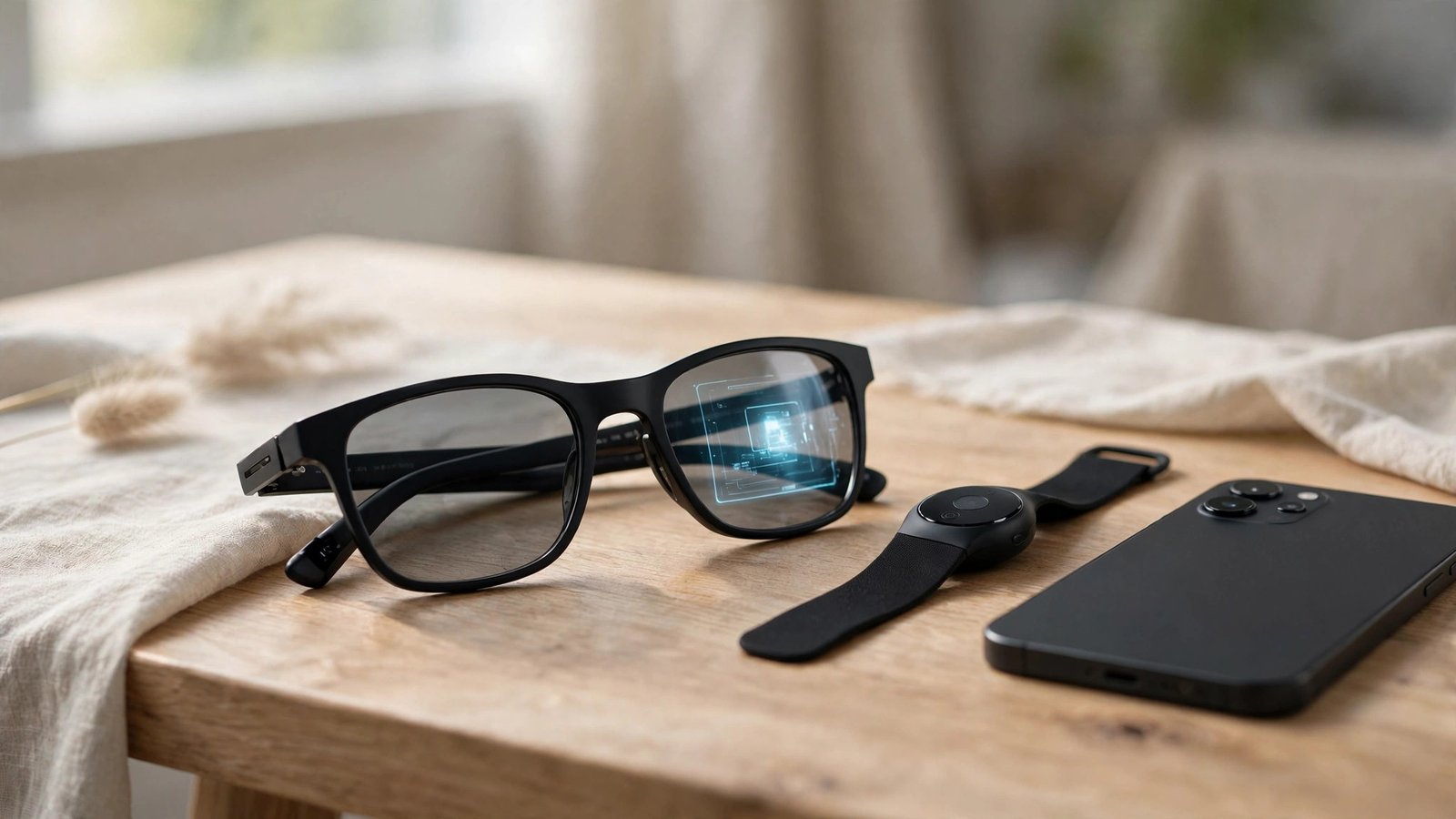
A year ago, Meta put a screen inside a pair of Ray-Bans and asked $799 for the privilege. The Meta Ray-Ban Display glasses launched on September 30, 2025, and they were the first smart glasses from a major company that could actually show you things instead of just talking at you. No phone in your hand. No watch to glance at. Just a tiny full-color display tucked into the right lens and a wristband that reads the electrical signals in your forearm.
I’ve spent the last few weeks digging through a year of reviews, hands-on reports, and Meta’s own announcements to answer the question that matters in late 2026: is this thing worth buying now, or is it still a $799 preview of a product that isn’t finished yet?
The short answer: it’s the most interesting smart glasses ever sold, and most people should still wait. Here’s why.
What the Meta Ray-Ban Display Actually Is
Strip away the marketing and you get something pretty simple. The Meta Ray-Ban Display glasses look like a slightly chunky pair of Wayfarers. They come in two colors, Black and Sand, in two frame sizes, with Transitions lenses that darken outdoors and clear up indoors. Prescription lenses are available for an extra $200, bringing the total to $999, for prescriptions between -4.00 and +4.00.
What makes them different from every other pair of Ray-Ban Meta glasses is the display. There’s a small full-color screen embedded in the right lens. It shows you text messages, walking directions, live captions, translations, Meta AI answers, photo previews, and music controls. It does not show you a movie. It does not overlay graphics across your whole field of vision. Think of it less like the sci-fi HUD from a movie and more like a very small, very private phone screen floating in the corner of your vision.
That distinction matters because it’s the source of most disappointed first impressions. People hear “display glasses” and picture augmented reality. What you actually get is glanceable information. A text pops up. You read it. You pinch your fingers to reply or dismiss it. You look back at the real world.
The display specs that matter
Here’s what Meta built into that right lens:
- Resolution: 600 x 600 pixels, monocular (right eye only)
- Brightness: Up to 5,000 nits, readable in direct sunlight
- Field of view: About 20 degrees
- Refresh rate: Up to 90Hz
- Light leakage: Under 2%, so people next to you can barely see what you’re reading
The 5,000-nit brightness number is the one that does the most work. Most phone screens top out around 1,000 to 2,000 nits. The display in these glasses can get far brighter because it has to compete with the sun shining directly into your eyes, and reviewers consistently say it’s readable outdoors.
The 20-degree field of view is the honest limitation. Your full vision covers roughly 200 degrees. The display occupies a small patch of it. That keeps it from being distracting, but it also means you’ll never watch a video on these and enjoy it.
Camera, audio, and storage
The glasses carry a 12MP ultra-wide camera with 3x digital zoom and video recording up to 3K at 30 frames per second. There’s a six-microphone array, including a contact mic near your lips for clearer voice capture, plus open-ear speakers that let you hear music and calls without blocking the world around you. Storage is 32GB, enough for roughly 1,000 photos or over 100 thirty-second videos.
The camera also gives you something no other Ray-Ban Meta glasses have: an in-lens viewfinder. You can frame a shot by looking at the display instead of guessing.
Battery, weight, and durability
- Glasses: Up to 6 hours of mixed use
- Charging case: Up to 30 total hours with roughly four extra charges
- Neural Band: Up to 18 hours
- Weight: About 69 grams for the glasses, 42 grams for the band
- Water resistance: IPX4 on the glasses, IPX7 on the band
- Connectivity: Wi-Fi 6, Bluetooth 5.3
Sixty-nine grams is noticeably heavier than a normal pair of Wayfarers, and heavier than the 51-gram Ray-Ban Meta Gen 3. Reviewers describe the Display glasses as comfortable for moderate sessions but tiring across a full day. The battery tells the same story. Six hours of mixed use is Meta’s number. Heavy users report sessions closer to 3.5 to 4 hours when they’re taking photos, running live captions, navigating, and using the display a lot.
The Neural Band: The Real Product
Here’s the thing most reviews agree on: the Neural Band might be more important than the glasses themselves.
The band is an EMG wristband. EMG stands for electromyography, which is a fancy way of saying it reads the electrical signals your muscles produce when you move your fingers. You pinch your thumb and index finger together and that’s a click. You swipe your thumb and that scrolls. You rotate your wrist and that adjusts volume, like turning a dial that isn’t there. The band comes in three wrist sizes, and it’s included in the $799 box.
Why does this matter? Because every smart glasses product before this one had an input problem. Voice commands are awkward in public. Tapping your temple looks strange and gets old fast. A phone as a controller defeats the purpose. The Neural Band lets you control a computer with tiny hand movements that nobody around you can even see. Reviewers who were skeptical going in consistently call the gestures the breakthrough part of the package.
Meta says the band works out of the box for nearly everyone, and that its gesture system was developed through research involving nearly 200,000 participants. All raw EMG data is processed on the device itself — only simple commands like “click” get sent to the glasses — which is a meaningful privacy design choice for a product that literally reads signals from your body.
It isn’t perfect. Early users report occasional accidental activations, like triggering Meta AI while typing. But if you’re wondering why Meta charges $799 for these, the Neural Band is a big part of the answer. There is nothing else like it on the consumer market.
The band also keeps getting better. At Connect 2026, Meta announced handwriting input — writing words in the air to reply to texts — along with dictation and an on-screen keyboard. Those updates started rolling out September 30, 2026.
What the Display Actually Shows
So what do you see when you put these on? The experience breaks into a few categories.
Messages and notifications. Texts from Messenger and WhatsApp show up on the display. You can read them and reply with dictation, handwriting, or the on-screen keyboard. Mirrored phone notifications also appear. Instagram starts with direct messages, and Threads community feeds let you follow curated feeds and repost.
Navigation. This is one of the strongest use cases. The glasses show turn-by-turn walking directions, and Connect 2026 added cycling directions and real-time public transit departures. Meta says walking directions are getting more natural too — instead of just naming a street, the glasses will direct you using landmarks, like telling you to turn at a yellow house.
Live captions and translation. The glasses can show real-time captions of conversations and translate speech. For people who are deaf or hard of hearing, or for anyone navigating a foreign language, this is the kind of feature that justifies the whole category.
Meta AI, now visible. On the older Ray-Ban Meta glasses, Meta AI answers you by voice. On the Display glasses, you can read the answer. Step-by-step instructions, lists, translations, and anything with numbers works much better in text than in speech. Meta also announced at Connect 2026 that its AI agent Muse is coming to its AI glasses, activated by saying the agent’s name. Voice AI is moving fast everywhere, including voice agents for small business.
Camera and media. The viewfinder, photo previews, and on-display photo editing mean you can shoot, check, and tweak a photo without touching your phone. The glasses also support video calls through a feature called Hologram, which builds a photorealistic digital version of your face from a short self-capture in the Meta AI app. Hologram is rolling out in Early Access on WhatsApp in the US in fall 2026.
Music and calls. You can see what you’re listening to, control playback with gestures, and take calls hands-free. Spotify works through voice control, though it doesn’t have a dedicated display app.
That’s the honest picture. The display handles a tight set of everyday tasks well. It does not replace your phone. It reduces the number of times you pull your phone out.
The App Ecosystem: The Weakest Link
This is where the review turns critical, because the app situation is the single biggest reason to hesitate.
The Meta Ray-Ban Display does not have an app store like your phone. You can’t install whatever you want. At launch, the supported apps were Meta’s own: Messenger, WhatsApp, Spotify, and Instagram with limited features. There was no Gmail, no Slack, no Google Maps, no FaceTime. A year later, the third-party ecosystem is still small — roughly two dozen third-party apps in beta, mostly small web apps built by independent developers. Meta announced third-party app discovery at Connect 2026, which should help, but the catalog is tiny compared to any phone or smartwatch.
Think about what that means in practice. Your phone has millions of apps. Your watch has tens of thousands. These glasses have a curated list you could count on your fingers and toes. The Verge gave the glasses a 5 out of 10, citing the lack of third-party app support, the heavy design, and the short battery life. A year of updates has improved things, but the fundamental gap hasn’t closed. (UploadVR’s rundown of the Connect 2026 updates) The Display glasses are still mostly a Meta-ecosystem device.
That’s not a dealbreaker if you live in Meta’s ecosystem. If your messaging runs through WhatsApp and Messenger, if you use Instagram, if you’re comfortable with Meta AI as your assistant, the glasses slot into your life neatly. If your world runs on Gmail, Slack, Apple services, or Google Maps, you’ll keep reaching for your phone.
Battery Reality: Plan Around the Case
Let’s be honest about the battery, because this is where first-time buyers get burned.
Meta’s official number is up to 6 hours of mixed use on the glasses, with the charging case extending that to about 30 hours total. Multiple reviewers report that intensive use — photography, live captioning, navigation, messaging, and display time combined — drains the glasses in 3.5 to 4 hours.
The Neural Band has its own battery, rated at about 18 hours. So on a long day, the glasses will die before the band does, and you’ll be carrying the case to top them up. The case fast-charges to roughly 50% in 20 minutes, which takes some of the sting out, but these aren’t really an all-day wearable yet. They’re a “wear them for the outing, charge them at lunch” wearable.
Privacy: The Camera on Your Face
No review of camera glasses is complete without talking about privacy, because the Meta Ray-Ban Display has a camera pointed at the world, and the world can see that.
Every pair with a camera has a small LED on the front that lights up when you’re taking a photo or video. Meta says the light can’t be turned off, and the camera is disabled if someone covers or tampers with the light. The display itself leaks less than 2% of its light outward, so bystanders can’t easily read what you’re looking at.
That sounds reassuring. The real-world record is messier. In October 2026, reports from the Netherlands described people — particularly women — being secretly filmed in public with Meta’s glasses, with footage circulating in online groups. UK venues including pubs, clubs, and theatres have restricted or banned the glasses. Privacy regulators have raised concerns that the indicator light is easy to miss, especially in daylight.
None of this is a reason to treat every glasses wearer as a threat. But it is a reason to be a responsible wearer. Don’t record people without their knowledge. Don’t wear camera glasses in locker rooms, bathrooms, or anywhere people have a reasonable expectation of privacy. If someone asks you to take them off, take them off.
Meta Ray-Ban Display vs Ray-Ban Meta Gen 3
This is the comparison most buyers actually need, because the Gen 3 is the alternative sitting right next to the Display glasses on the shelf.
| Feature | Meta Ray-Ban Display | Ray-Ban Meta Gen 3 |
|---|---|---|
| Starting price (US) | $799 (includes Neural Band) | $449 |
| Display | Yes — 600×600, right lens | None |
| Control | Neural Band, voice, touch | Touchpad, voice, action button |
| Camera | 12MP, up to 3K video | 12MP, up to 3K video |
| Battery (glasses) | Up to 6 hours | Up to 9 hours |
| Battery (with case) | Up to 30 hours | Up to 50 hours |
| Storage | 32GB | 32GB |
| Weight | ~69 g | ~51.5 g |
| Water resistance | IPX4 | IPX4 |
| Frame styles | Wayfarer (2 colors) | Wayfarer, Aviator, Zena (27 combos) |
| Microphones | 6-mic array | 6-mic array |
| Launched | Sept 30, 2025 | Sept 23, 2026 |
The math is simple. The Display glasses cost $350 more, weigh about 18 grams more, last 3 fewer hours per charge, and come in one frame style. What the extra money buys is exactly two things: the in-lens display and the Neural Band.
So who should buy which? If you want hands-free photos, music, calls, and an AI assistant — and you don’t specifically need a screen on your face — the Gen 3 is the better buy for most people, and it isn’t close. You save $350, you get more battery, and you get to pick frames you actually like.
If you want the display — if you specifically want to read messages, see directions, and read AI answers without touching your phone — then the Display glasses are the only option. There’s no cheaper way to get a screen in a pair of Ray-Bans. Just go in knowing you’re paying early-adopter prices for early-adopter software.
There’s also a third option worth mentioning: the Ray-Ban Meta Audio glasses at $349. They have no camera at all — just the AI assistant, open-ear audio, and microphones — with up to 12 hours of battery. If the camera is what bothers you about smart glasses, either because of privacy or because you don’t want to be the person wearing a camera, the Audio glasses are the least socially complicated way into Meta’s assistant.
Availability and Buying in 2026
The buying experience for the Display glasses has changed a lot in a year, mostly for the better.
At launch, you could only buy them in the US, in person, at select Best Buy, LensCrafters, Sunglass Hut, Ray-Ban, and Verizon stores — and you had to book a demo appointment first. Demand outstripped supply, and stores sold out.
Then in January 2026, Meta paused its planned international rollout, citing unprecedented demand and limited inventory.
At Connect 2026, on September 23, the gates opened. Online ordering began in the US, Canada, and the UK. The glasses went on sale in the UK at £749 and in Canada at CA$1,149. France, Italy, and Germany followed on October 13, 2026, at €899, with retail in Paris, Milan, Rome, Frankfurt, Hamburg, and Munich. (Road to VR’s coverage of the international launch) Prescription lenses became available through meta.com in the US and Canada, with select retail locations in the UK, France, and Italy supporting prescription add-ons.
The current US price is still $799, including the Neural Band. Prescription lenses add $200, for $999 total. Some retailers offer monthly payment plans.
One practical tip: if you’re buying in person, take the fitting seriously. The display only works well if the glasses sit correctly on your face, and the Neural Band only reads gestures reliably if it’s sized right.
Who Should Buy, and Who Should Wait
After a year of reviews and a full Connect cycle of updates, the verdict has sharpened. Here’s my honest breakdown.
Buy them if:
- You’re an early adopter who loves being first to new technology, and $799 doesn’t sting.
- You live in Meta’s ecosystem — WhatsApp, Messenger, Instagram — and you want glanceable information without pulling out your phone.
- You navigate on foot or by bike a lot and want turn-by-turn directions in your line of sight.
- You use live captions or translation regularly, or you’re buying for accessibility reasons.
- You’re a creator who wants a viewfinder on your face and hands-free capture.
- You want to experience the Neural Band, which is genuinely the most interesting input device in consumer tech right now.
Wait if:
- You want a polished, finished product. This is still a first-generation device with first-generation software.
- Battery life matters more to you than a display. The Gen 3 lasts 50% longer per charge.
- Your daily apps aren’t Meta’s apps. Gmail, Slack, and Google Maps users will feel the ecosystem gap immediately.
- You’re price-sensitive. $799 is a lot for a device that might feel outdated in 18 months.
- You’re uncomfortable being the person wearing a camera. Social acceptance is still catching up.
- You wear glasses all day and need something light. At 69 grams, these are chunky.
The “wait” case is stronger than it was a year ago, paradoxically, because the next version is now easier to imagine. Meta has shown it can ship a display, a Neural Band, and a growing software platform. The second generation will almost certainly be lighter, longer-lasting, and supported by a bigger app library.
The Bottom Line
The Meta Ray-Ban Display glasses are the most ambitious smart glasses you can buy in 2026, and the most compromised. The display is genuinely useful for glanceable tasks. The Neural Band is a breakthrough input device. The design looks like normal Ray-Bans. But the battery is short, the app library is tiny, the price is high, and the privacy questions are real. For another 2026 AI face-off, see our Grok Voice vs ChatGPT Voice vs Gemini Live comparison.
Frequently Asked Questions
How much do the Meta Ray-Ban Display glasses cost?
The Meta Ray-Ban Display glasses cost $799 in the US, and that price includes the Meta Neural Band, the charging case, and a USB-C cable. Prescription lenses add $200, bringing the total to $999. In the UK they start at £749, in Canada at CA$1,149, and in France, Germany, and Italy at €899.
How long does the battery last on the Meta Ray-Ban Display glasses?
The glasses last up to 6 hours of mixed use on a single charge, and the charging case extends total use to about 30 hours with roughly four extra charges. The Neural Band lasts up to 18 hours. Heavy use — photos, live captions, navigation, and display time — can drain the glasses in 3.5 to 4 hours, so plan around the case on long days.
Can you install any app on the Meta Ray-Ban Display glasses?
No. There is no open app store. The glasses run a curated set of apps centered on Meta’s services — Messenger, WhatsApp, Instagram, and Meta AI — plus a small and growing library of roughly two dozen third-party apps in beta. Meta added third-party app discovery at Connect 2026, but the catalog is far smaller than a phone or smartwatch.
Do the Meta Ray-Ban Display glasses work with iPhone and Android?
Yes. The glasses pair with both iPhone and Android phones over Bluetooth 5.3 and Wi-Fi 6. The Ray-Ban Meta Gen 3 lists Android 10+ and iOS 17+ compatibility, and the Display glasses use the same Meta AI app for setup and management.
Is there a recording light on the Meta Ray-Ban Display glasses?
Yes. Every pair with a camera has a small LED on the front that lights up when you’re taking a photo or video. Meta says the light can’t be turned off, and the camera is disabled if someone covers or tampers with it. Even so, critics note the light can be easy to miss in daylight, so wear camera glasses responsibly and follow local rules.
Should I buy the Meta Ray-Ban Display or the Ray-Ban Meta Gen 3?
Buy the Gen 3 if you want the best value: it’s $449, lasts up to 9 hours per charge, comes in three frame styles, and has the same 12MP camera with 3K video. Buy the Display glasses only if you specifically want the in-lens screen and the Neural Band gesture controls, and you’re comfortable with first-generation software and a smaller app library.